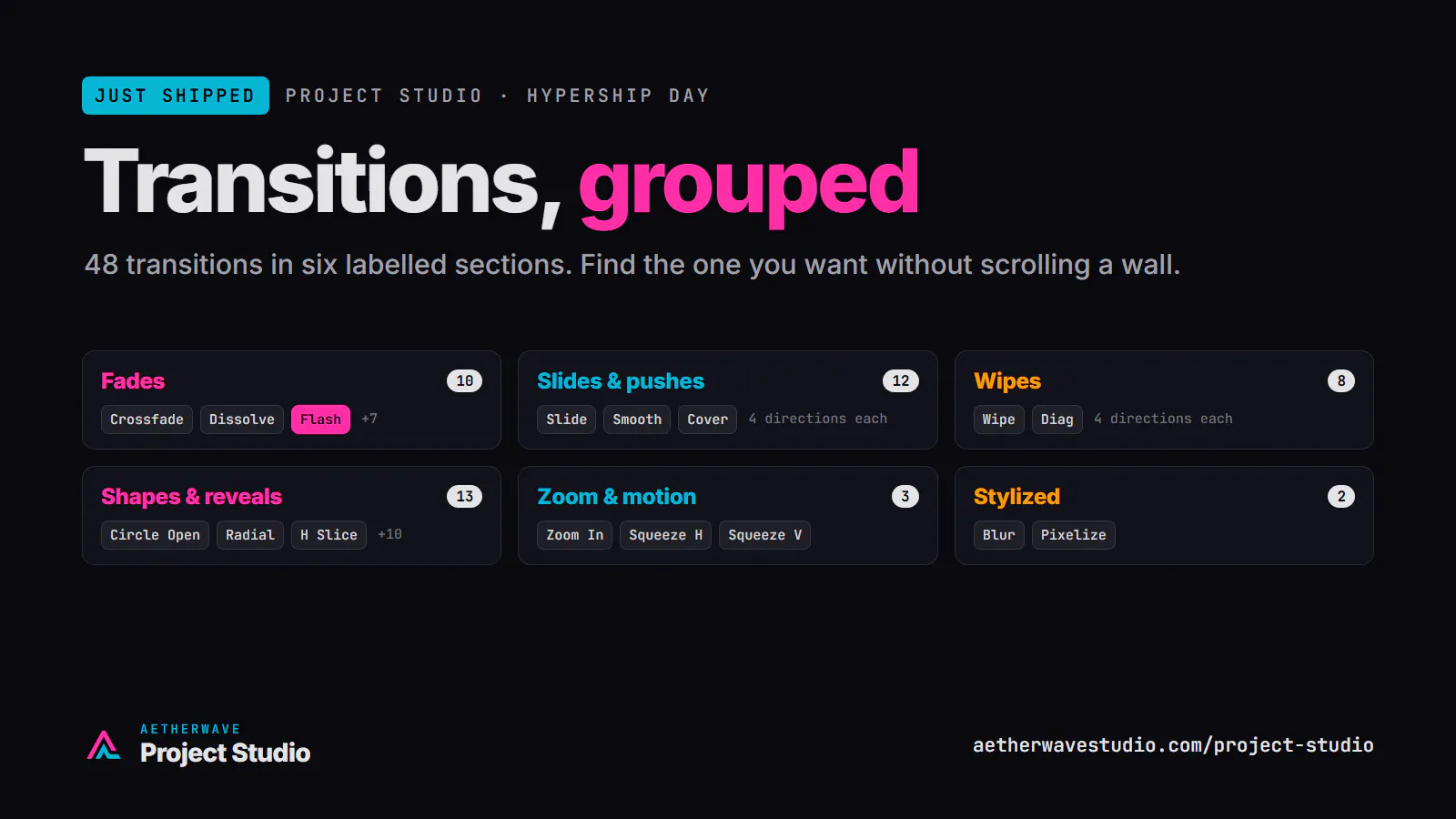
Project Studio has 40+ transitions, and until this morning they were one long wall of buttons. Now they're grouped into labelled sections, so you can find the one you want without scrolling past everything else. (The new Flash transition lives in there too.)
A small change, but it's the one you touch on every cut.
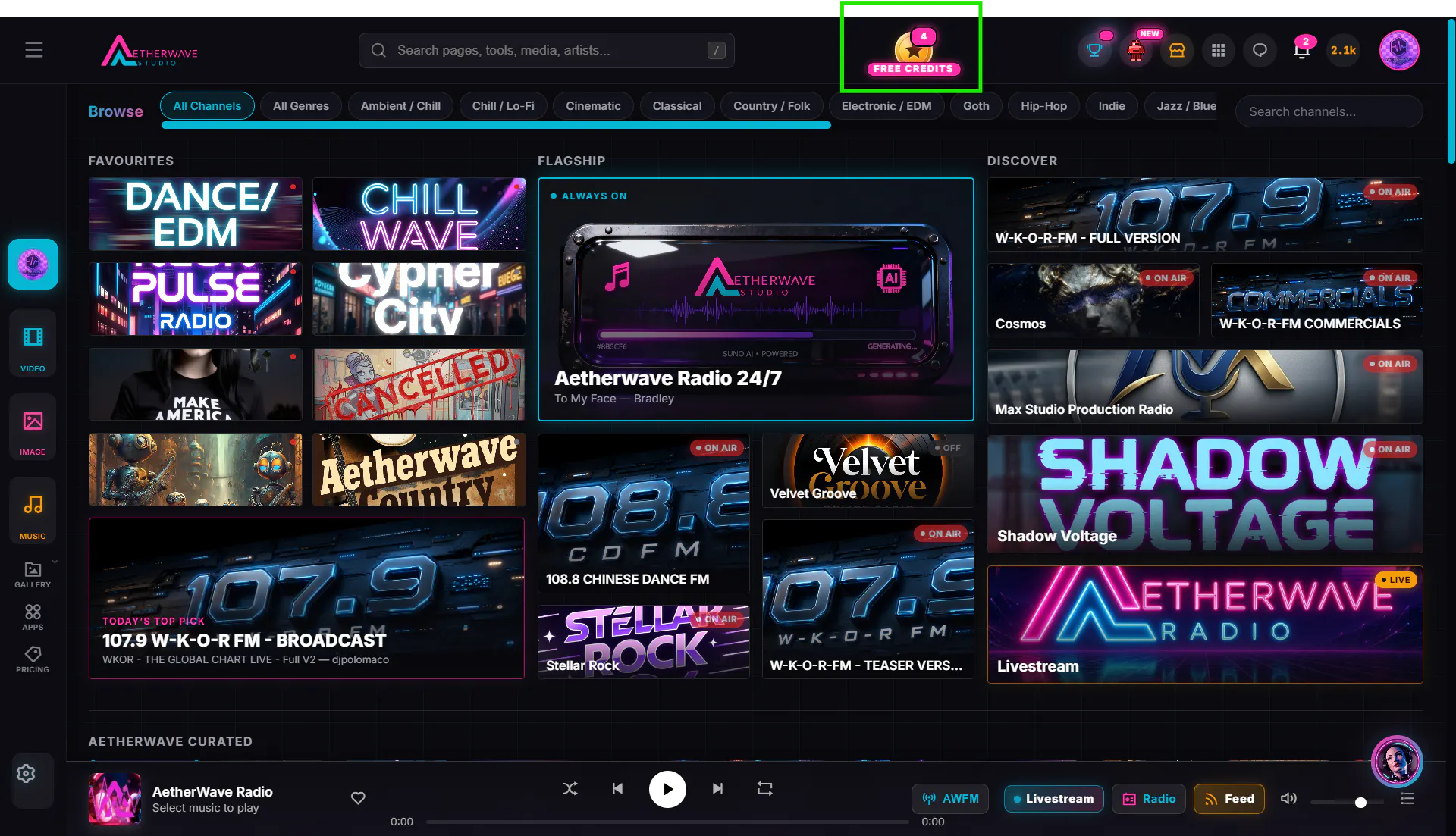
The gift box is gone and the coin is in. That little gold coin at the top of every page is your free credits: tap it to see the open quests, finish one, and the credits land in your balance. The badge on the corner is how many quests are waiting for you right now. Nothing to buy. Go find the coin.
A camera-flash burst of white straight into your next clip. Unlike fade-to-white, which ramps up and back down, Flash hits instantly and decays fast, so a cut lands like a photo going off.
It's in the transitions picker now, and the AI editor knows it too, so you can just ask for a flash between two shots.
Shipped live on launch day. Try it and tell us how it looks in your edit.
Hi Product Hunt, Andrew here, the maker. I built AetherWave alone, directing AI coding agents instead of writing the code myself, and Project Studio is the piece I am proudest of: a video editor that runs in your browser with AI right on the timeline. Extend a shot, animate a still, keyframe anything, and the render matches the preview.
It is Hypership Day, so we are shipping fixes live today. Tell me what breaks or what you wish it did and watch the changelog.
Project Studio is a full timeline video editor in your browser. Five lanes: video, overlay, music, voiceover, text. Keyframe volume, opacity, scale and position by moving a slider. The AI editor works on the real timeline: animate a still, extend a shot from its last frame, bridge two clips, add a voiceover or a score. Normalize audio, master limiter, effects rack. Everything you make on AetherWave is already in your library. Editing and rendering are free.