trending
•

5d ago

New in Bookmash: Publish a folder, share a link

I've just shipped a new feature for Bookmash.

You can now turn any bookmark folder into a clean, read-only page and share it with anyone. No Bookmash account needed to view it.

  • Share only the folder you choose.

  • All your other bookmarks stay private in your browser.

  • Unpublish the folder whenever you want.

I wanted to make it easier to share useful collections of links without exporting bookmarks or asking people to install anything.

•

1mo ago

Terminal & Retrowave themes are live 🐈‍⬛

They re here!

Bookmash now has four themes to choose from:

Terminal - green, dark, and made for the nerds
Retrowave - for everyone who still loves those 80s colors
Light - the classic
Dark - the other classic

Same bookmarks, same workflow, now with a little more personality.

•

2mo ago

I realized lifetime pricing was asking for too much trust upfront

When I launched Bookmash, I kept the pricing simple: one payment, lifetime access.

I liked the simplicity of it. No subscriptions, no plans to compare, no recurring charge.

But there was a problem.

For someone discovering Bookmash for the first time, paying for lifetime access also meant making the biggest possible commitment before really knowing if the product would become part of their workflow.

•

1mo ago

Two new Bookmash themes are coming 👾

Until now, Bookmash had the classics: Light and Dark.

Soon, we re adding Alternative Themes for those who want a little more personality:

Terminal - for the nerds
Retrowave - for everyone who still loves those 80s colors

Same bookmarks, same workflow, just a different vibe.

•

2mo ago

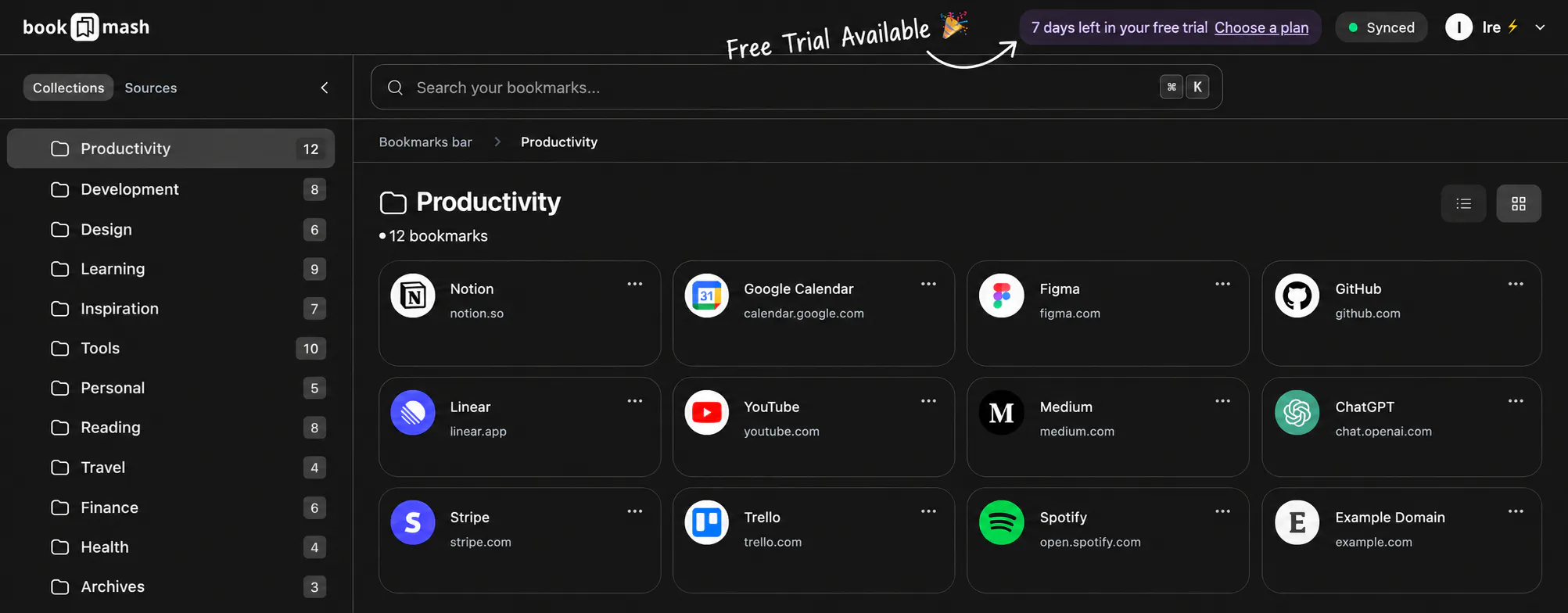
Bookmash now has a 7-day free trial 🎉

You can now try Bookmash with your own Chrome or Firefox bookmarks for 7 days, no credit card required.

No imports, no migration. Your bookmarks stay in your browser, and you can see how Bookmash works with what you've already saved.

Would love to hear what you think!

•

2mo ago

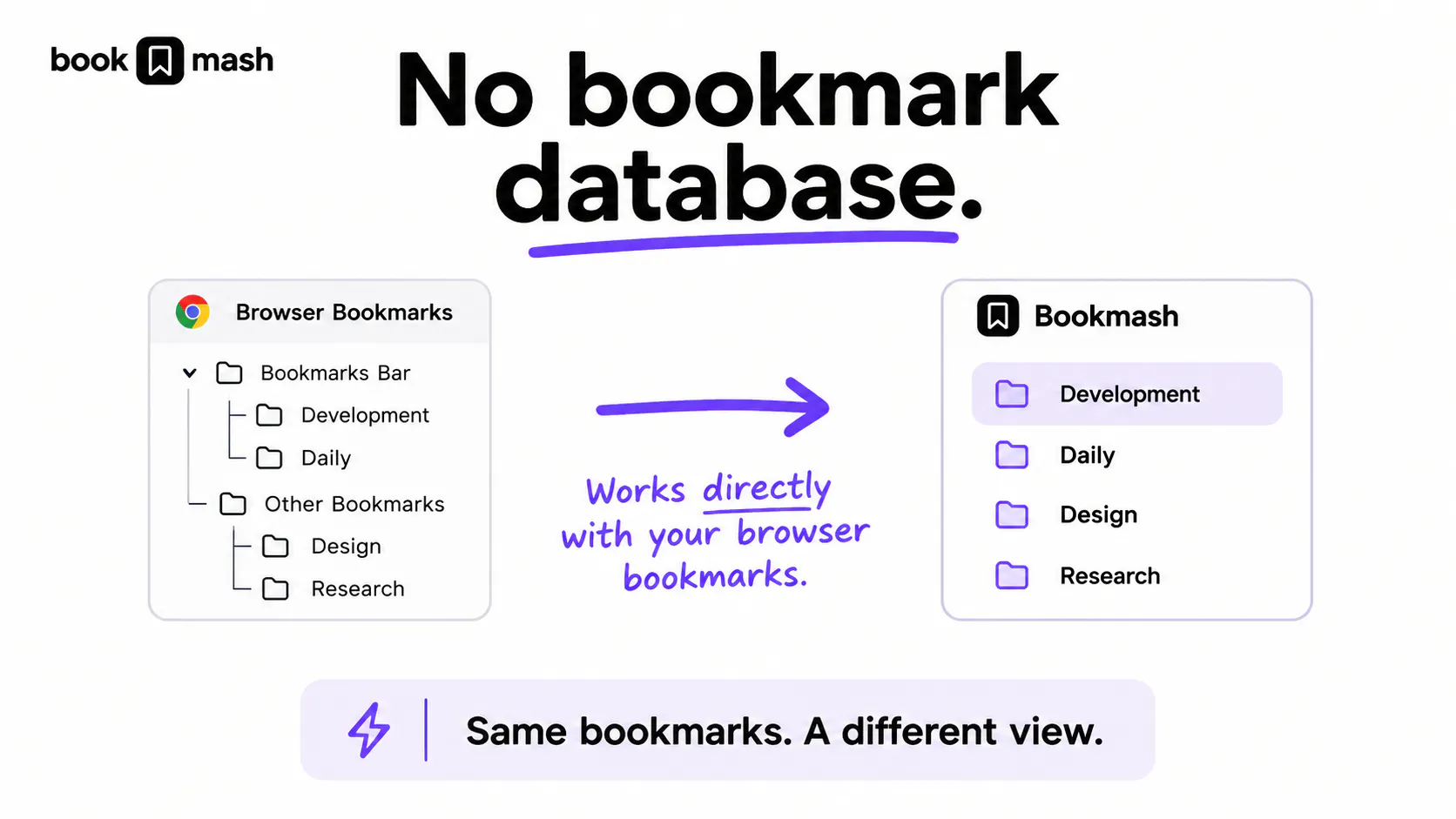
Why Bookmash doesn’t store your bookmarks

One architectural decision behind Bookmash has shaped a lot of how the product works: I don't store a separate copy of your bookmarks.

•

2mo ago

Bookmash now has a live demo — anyone can try it

One of the challenges with Bookmash is that the idea is simple once you use it, but not always easy to understand from a landing page.

Bookmash works directly with your existing Chrome and Firefox bookmarks. No importing them into another library, no moving everything somewhere else.

But explaining that is still not the same as experiencing the product.

So I built a live demo.

•

2mo ago

I was explaining features before explaining trust

Your product s privacy model shouldn t be hidden in the FAQ.

I realized I wasn't explaining one of Bookmash's most important decisions.

•

3mo ago

Finding a bookmark shouldn't depend on remembering where you saved it

One of the problems I wanted to solve with Bookmash was surprisingly simple:

I often remembered what I had bookmarked, but not where I had saved it.

Once you have hundreds of bookmarks across nested folders, knowing that something exists isn't always enough. You still have to remember your own organization system.

So in Bookmash, search works across your entire bookmark collection, regardless of which folder a bookmark lives in.

•

3mo ago

Bookmash - Search, organize, and use your browser bookmarks.

Search, organize, and work with your browser bookmarks without leaving your browser ecosystem. Find any bookmark instantly, organize folders naturally with Collections, and keep everything synced between Bookmash and Chrome or Firefox in real time.