

We just launched MCP Connectors by Databox - give your AI Analyst the why behind every number

https://www.producthunt.com/products/databox?launch=mcp-connectors-by-databox
Last week I asked here where you go to find out why a number moved. The answers were almost all the same: the CRM, Slack, the support desk, Linear, a doc somewhere. Anywhere except the dashboard.
That's what we launched today.
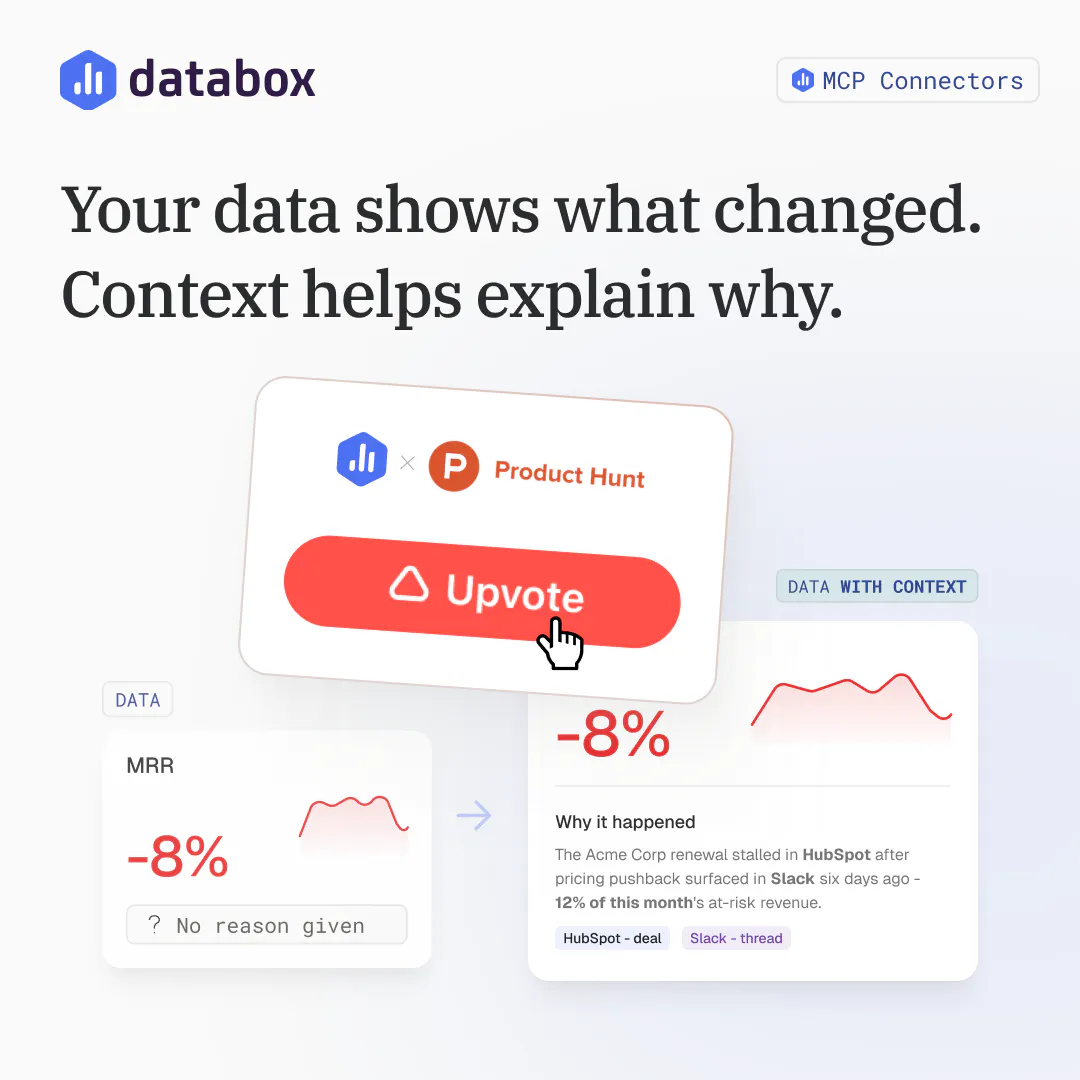
With MCP Connectors, you connect the tools your team already uses, and Genie, our AI Analyst, uses them to answer your questions. Ask why signups dropped 18%, and it checks Linear, finds the signup form that shipped Tuesday and breaks on Safari, and ties it to the drop. You get the number and the reason in one answer.
What you can do:
Connect HubSpot, Slack, Notion, Linear, Klaviyo, and more in one click
Add any MCP server by pasting its URL
Choose exactly which tools the AI Analyst can see and use
Approve suggested next steps, like filing a fix or flagging an at-risk account, before anything runs
A big thank you to everyone who commented on last week's thread. A lot of the tools you mentioned are the ones we connected first.
Which tool would you connect first? Let us know in the comments.
Replies
Do you think connecting all your tools in one place actually makes all workflows easier or just adds more complexity
@shivam_kushwaha16 Good question. If it meant another place to check, it would add complexity. Here Genie, our AI Analyst, pulls in the deal, ticket, or conversation only when it explains a number, so you open fewer tools, not more. You can also start with one connector and choose what the AI Analyst can access, tool by tool.
@zigapotocnik yeah I like this approach starting with one connector and adding more only when you actually need them keeps things simple
This makes analytics much more useful. Instead of just showing what changed, it helps explain why it happened by connecting the numbers with the tools teams already use. Connecting the number to the actual conversation, ticket, or change behind it makes the insight much more actionable. One question, How do you see teams using this most, troubleshooting issues or proactively spotting opportunities?
@aruna_polosofttech Great question, Aruna. We expect most teams will start with troubleshooting. A number drops, someone asks why, and the answer comes back with the deal, ticket, or conversation behind it. That's the quickest win.
The proactive side comes next, once teams add Routines. Genie, our AI Analyst, checks what matters on a schedule and flags changes, good or bad, with the context attached. Because it can also act on what it finds, a spotted opportunity can turn into a created task or an updated deal right away.