

✨ FinderGit 0.40.0 — dashboards that arrive

✨ FinderGit 0.40.0 is out — and the dashboards finally feel alive.
1. Cards that arrive 🎬
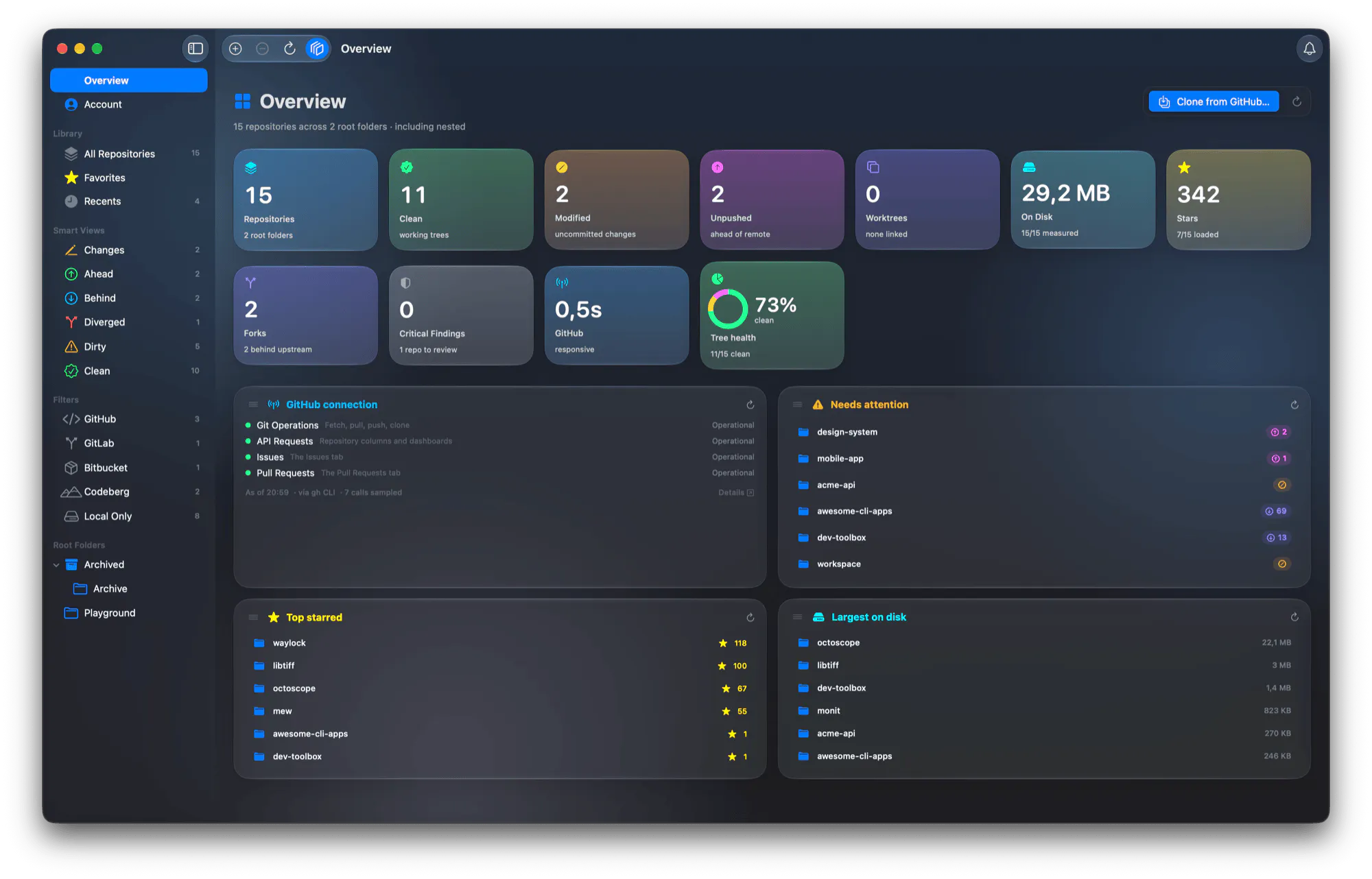
Open the Overview or the Account: each card lands just after the one before, its figures roll up from zero and the health ring fills. Hit refresh and every card presses in turn while the numbers roll again, so you literally watch them being measured. Reduce Motion on? Nothing moves.
2. Made of glass 🪟 (macOS 26 and later)
Rounder, no outline, soft light in the colours of the icon behind them. On macOS 15 they keep their gradient.
3. Pull to refresh 👇 (macOS 27)
Pull the Overview or the Account down, as in Mail. The spinner turns for a moment, lets the page go, and the work carries on.
4. A What's New that gets out of the way 🗞️
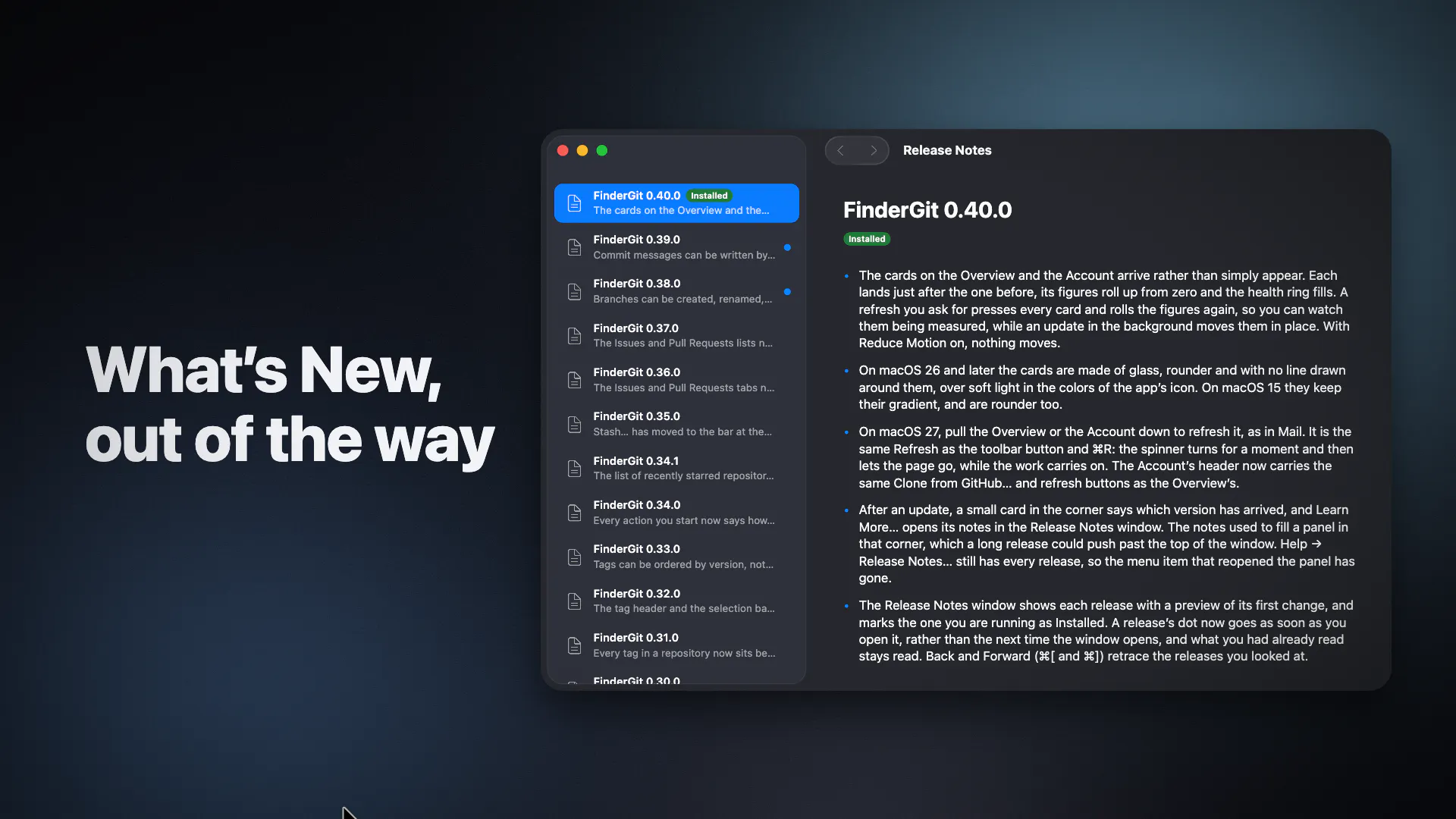
After an update: a small card in the corner, "Version 0.40.0 is here." Learn More… opens the notes in their own window — every release, a preview of each, the one you run marked Installed, and the unread dot goes the moment you open it. ⌘[ and ⌘] take you back and forth.
Free · universal binary · macOS 15+ · signed and notarized
👉 Try it / see what's new: https://findergit.app
Which number on your Overview would you most like to watch count up? 👀
Replies
Be the first to reply
Have a question or a thought to share? Add a comment above to start the conversation.