

🔍 FinderGit 0.41.0 — zoom the whole window

🔍 FinderGit 0.41.0 is out — and ⌘+ finally does what you'd expect.
1. Zoom the whole window 🪟
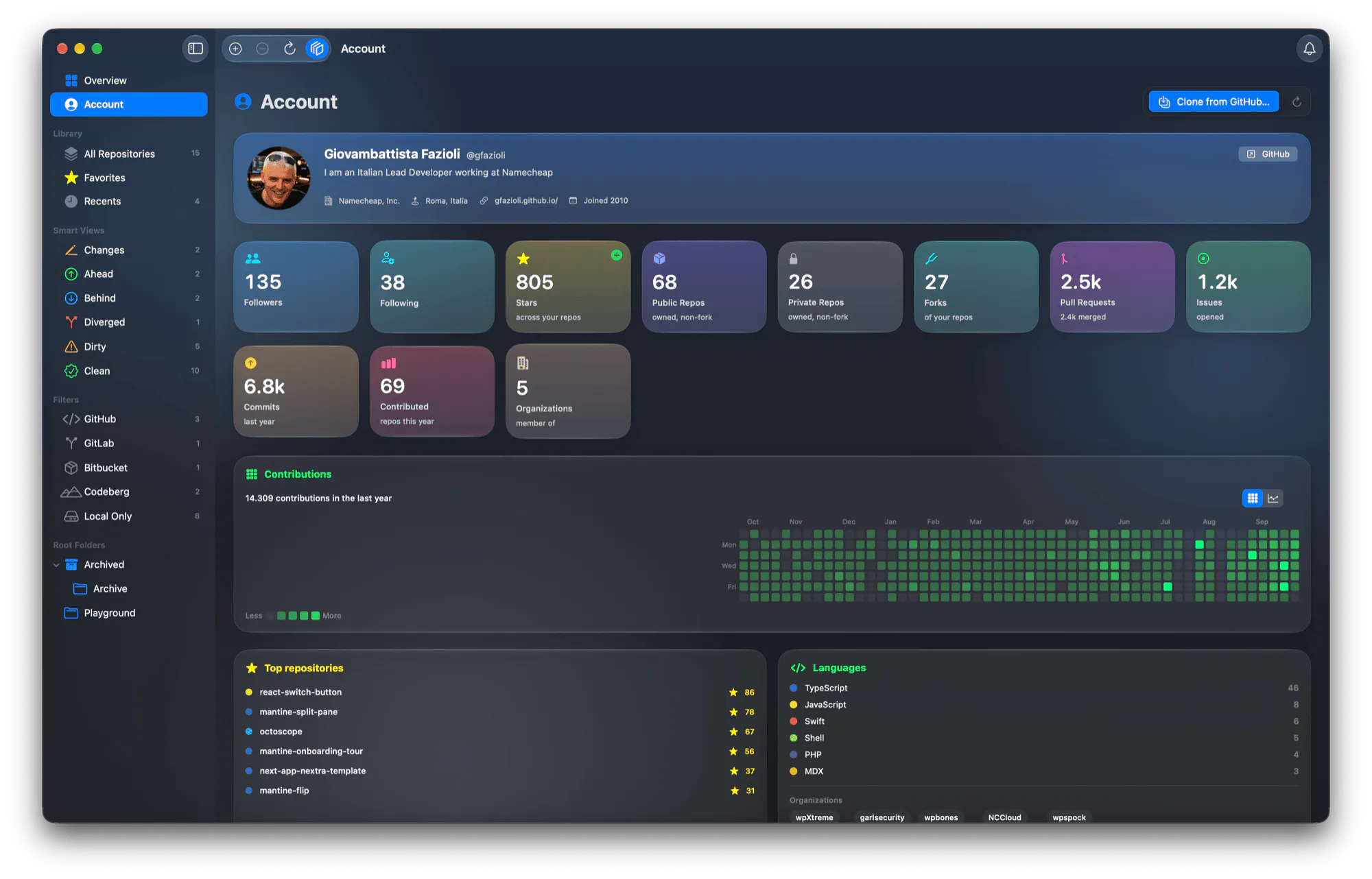
⌘+ and ⌘− now scale the file browser, every repository list (All, Favorites, Recents, smart views, filters) and the Overview and Account dashboards. Text, rows, cards and charts grow together; the sidebar and toolbar stay put.
2. Familiar steps 📏
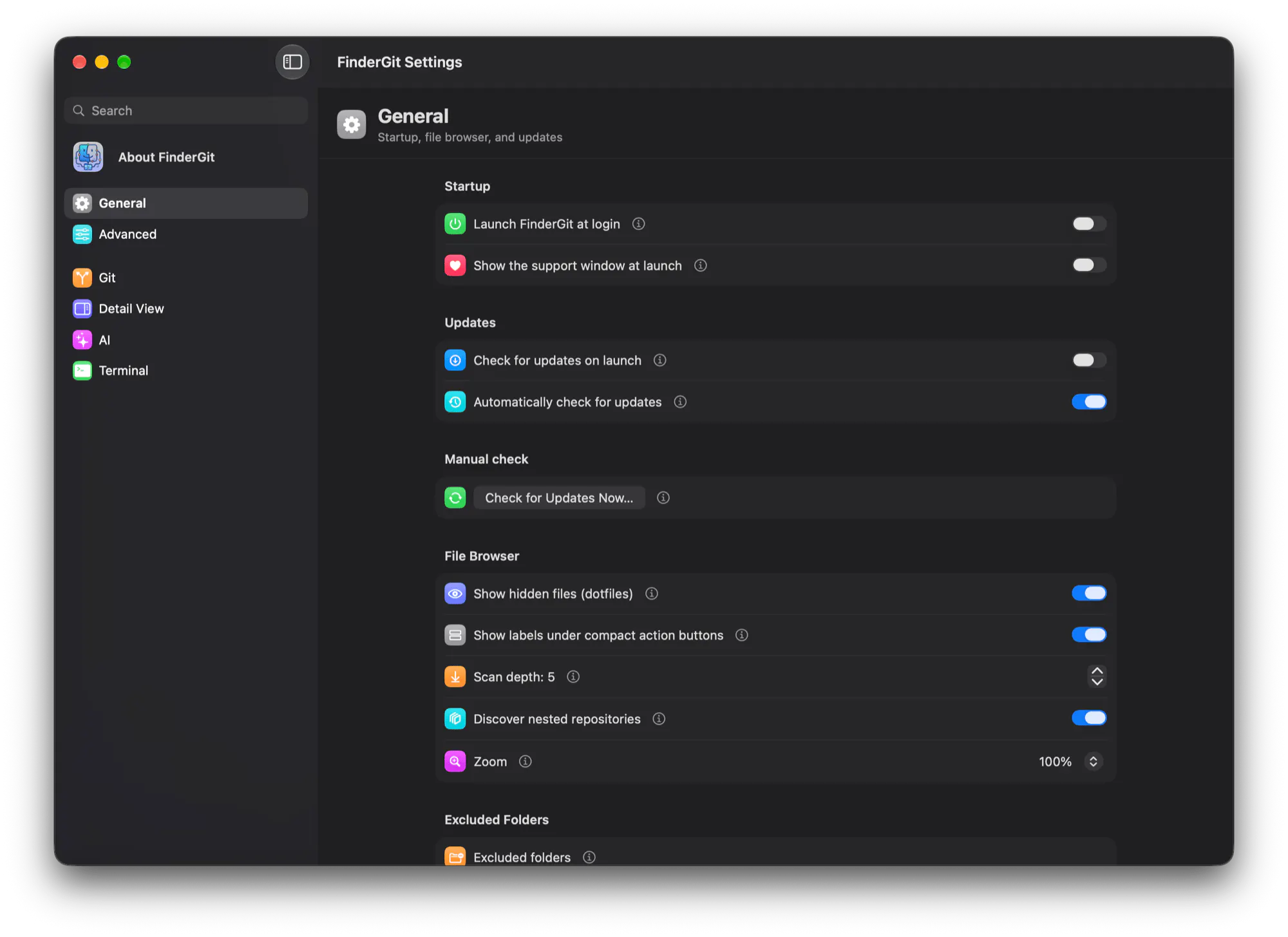
75% to 300%, the same as Safari. Settings → General has them as a Zoom menu instead of the old font-size slider.
3. And back down again ↩️
Zoom Out and Actual Size used to leave the rows already on screen as they were. Now every step redraws what you see, both ways, no folder reopening needed.
4. Icons that survive selection ✅
Overview, Account and Behind used to vanish into the blue of the selected row. Their icon turns white now, as in the Finder.
Free · universal binary · macOS 15+ · signed and notarized
👉 Try it / see what's new: https://findergit.app
What do you zoom in on most, the file tree or the dashboards? 👀
Replies
Be the first to reply
Have a question or a thought to share? Add a comment above to start the conversation.