


Quickly Turn Your Videos into GIF/APNG Animations on Mac — No Design Skills Needed

As an indie developer, I often need animations for apps or UI, but I’m not a designer — creating GIFs or APNGs manually is tedious and time-consuming.
That’s why I built TransMov, a macOS app that makes it easy for developers to process videos into animations:
AI-powered background removal (local, privacy-first)
Convert videos to GIF, APNG, or WebP
Frame-by-frame preview, interactive cropping, and advanced export options
Here’s a quick demo showing a video being converted into a GIF with background removal:

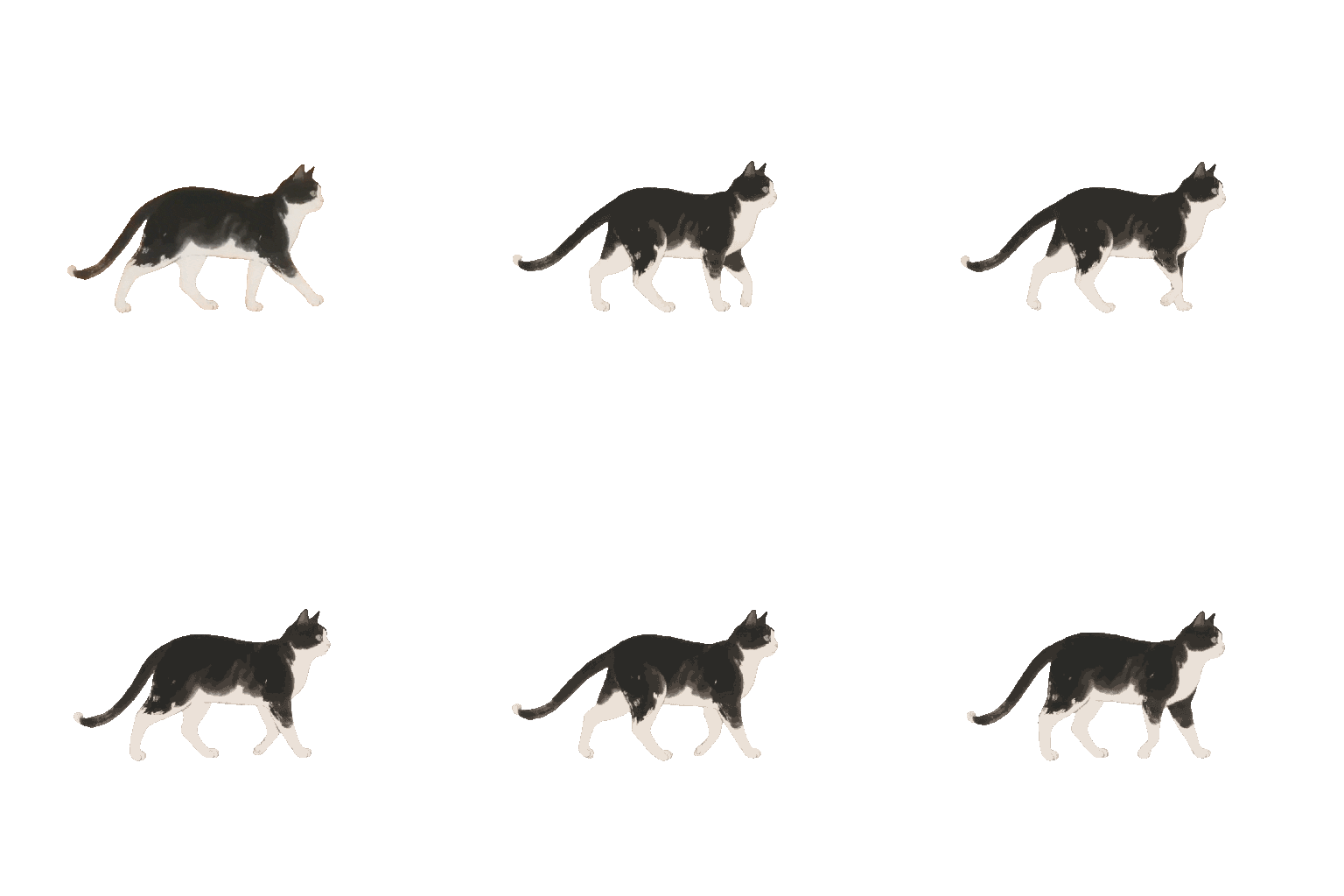
With this workflow, developers can take any existing video and turn it into high-quality animations for apps or social media, without needing design skills or expensive software.
I’m curious — how do you usually create animations for your projects? Do you use GIF/APNG/Lottie, or do you rely on other tools to process video assets? Any tips for fellow devs making animations without a design background?
Would love to hear your thoughts!
Check out TransMov on App Store
Replies