
Claude Code ultraplan
Claude Code command that plans your codebase in the cloud
511 followers
Claude Code command that plans your codebase in the cloud
511 followers
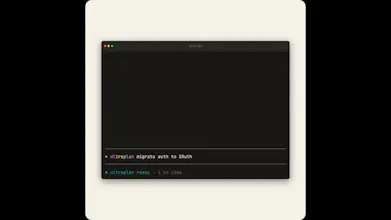
/ultraplan offloads implementation planning from your terminal to a cloud session, where you can annotate, revise, and approve the plan before execution. For engineers using Claude Code.


Free Options
Launch Team

Framer AI AgentsDesign and publish professional sites with AI
Promoted
Claude Code’s new /ultraplan feels like a real shift in how devs plan before they build.
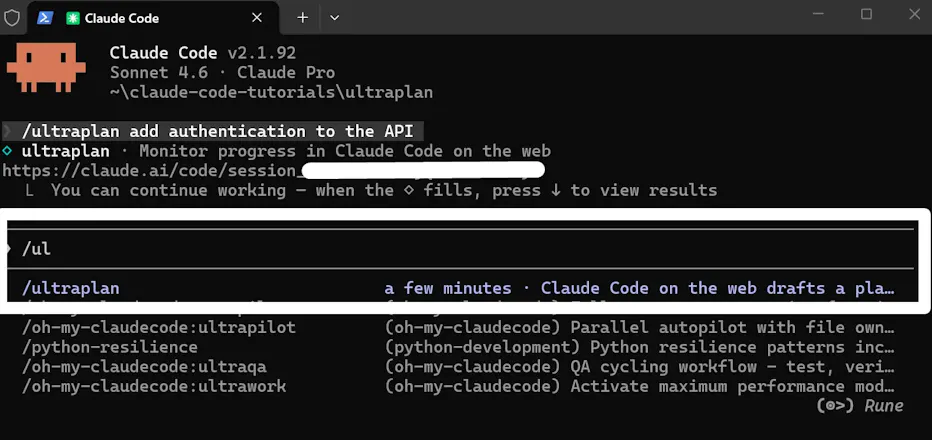
What it is: A slash command that moves planning from the terminal into a collaborative browser experience on Anthropic’s cloud.
Problem → Solution: Planning in CLI is rigid and linear. You get a wall of text, approve/reject, and repeat.
/ultraplan turns that into an interactive doc—comment on specific sections, iterate, and refine before writing a single line of code.
What’s different: It cleanly separates planning (cloud) from execution (local or cloud)—which just makes sense.
Key features:
Inline comments + emoji reactions on plans
Remote plan generation (your terminal stays free)
Iterate drafts until perfect
Execute in cloud (PR-ready) or send back to local env
Benefits:
Better collaboration and clarity
Less risky approvals for big changes
Faster iteration without blocking your workflow
Who it’s for: Engineers & teams using Claude Code, especially for refactors, migrations, and complex builds where planning quality matters. This is one of those small UX changes that could have a big impact on dev workflows.
P.S. I hunt the latest and greatest launches in tech, SaaS and AI, follow to be notified → @rohanrecommends
planning in the cloud while keeping execution local is the right call. curious if teams can share the plan for async review before execution - that changes the migration use case.
Been using Claude Code daily building 9 AI products
solo in 4 months. The planning phase is genuinely
the bottleneck — /ultraplan moving it to browser
is the right call.
The terminal loop (plan → approve → forget context)
kills flow. Visual annotation of specific sections
would be a game changer.
We are use to terminal. So is there a migration path for existing users?