
Smira – Voice Expense Tracker
Log expenses in plain English. Just type "coffee 4.50"
5 followers
Log expenses in plain English. Just type "coffee 4.50"
5 followers
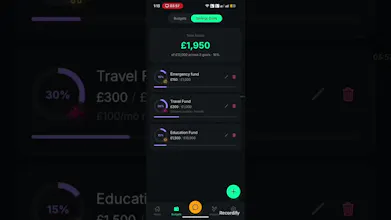
Most expense trackers fail because logging feels like work. Smira fixes that. Just type or speak naturally — "Starbucks 6.50", "groceries 84", "paid rent 1200" — and Smira categorizes and tracks it automatically. No setup. No envelopes. No manual categories. Voice + text input AI auto-categorization Spending pattern insights Multi-currency support Multi account setup account wise excellent reports download in csv or pdf format chat with money Financial awareness without the budgeting overhead.


The voice input is genuinely handy when my hands are full, and it picked up "Starbucks 6.50" correctly on the first try without me picking a category. Wish the chat with money feature understood follow up questions a bit better though.
@gzde116632 follow-ups in chat currently lose context after the first question. Reworking it to hold the thread now. What were you trying to ask it when it dropped the ball?