You can already chat your ideas into tasks in Zyvia. Now you can type "design me a Twitter backend" and watch the full system architecture appear services, databases, caching layers, and all the arrows between them.
No whiteboarding. No template wrestling. Just describe what you're building and get a diagram you can actually show your team.
Key Features Natural language to system architecture (type "microblogging backend", get microservices diagram) Auto-detects fan-out vs fan-in patterns for timeline feeds Visualizes database sharding, caching layers, and real-time delivery One-click export to PNG/SVG or embed in your Zyvia docs Links directly to your tasks see the diagram, then break it into tickets
First Comment (Founder Story) I've spent 3 years drawing architecture diagrams in Figma, then redoing them when the PM didn't understand, then redoing them again when we pivoted.
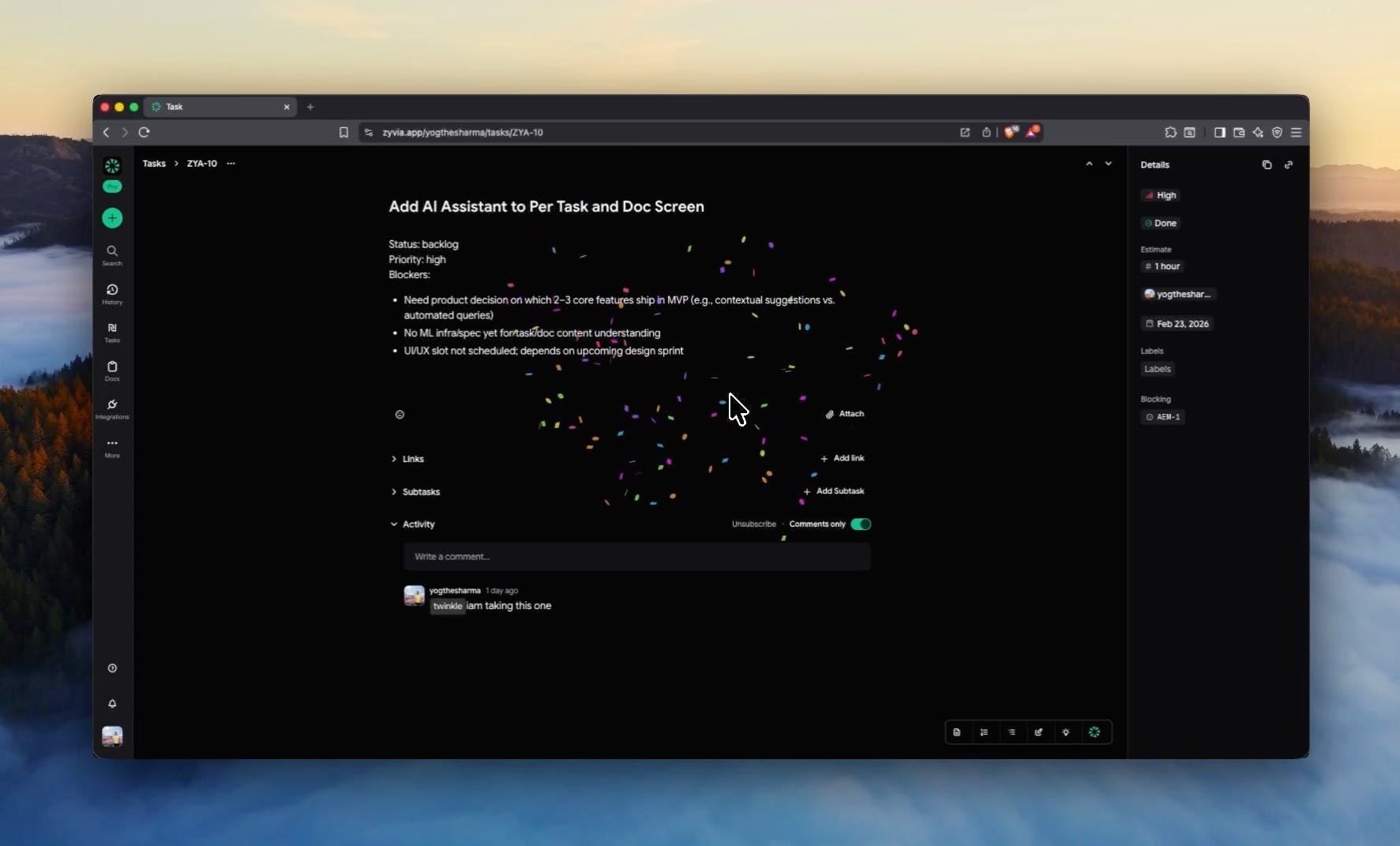
You finally finish that thing you've been avoiding for 3 days You click "complete" Your app gives you... a grey checkmark. Maybe a toast notification if you're lucky
Open ChatGPT. Describe what I wanted to build that day. Wait for it to break down the feature into tasks. Copy each one. Open Linear. Paste. Format. Add labels. Repeat.
It worked. Sort of.
But something felt broken about using the smartest planning tool available, then manually transcribing its output into another system like it's 2015.
Zyvia is built around the idea that people shouldn t have to manage work through forms, dashboards, or constant tool switching.
Instead, you describe what you want to do, and Zyvia turns that intent into real tasks and updates while keeping related documents and context connected.
I d love to hear:
How do you currently manage tasks and context in your team?
Where do you feel the most friction or context switching today?
Would an intent-first approach change how you plan or execute work?
Zyvia is designed around intent, making it easy to turn ideas into action. You simply describe what you want to do, and Zyvia translates that intent into real tasks inside your workspace. Tasks and documents stay closely connected, so context is always available. This launch focuses on an AI-first experience that helps teams stay focused and get work done faster with less overhead.