Forums

Invoke 0.10.18 — Automation & Terminal Drag-to-Split

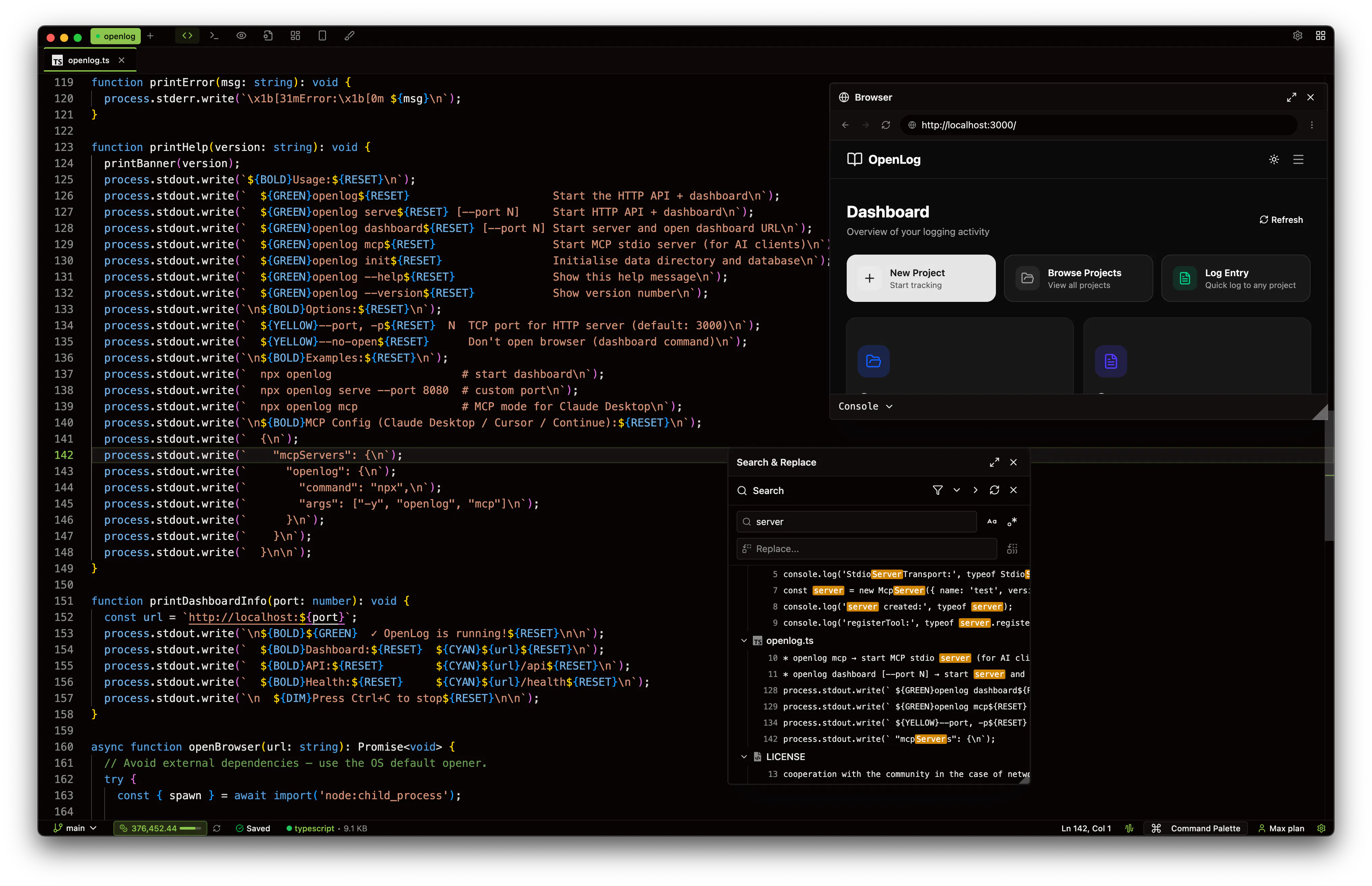
Invoke 0.10.18 is now available.

Automation You can now create scheduled tasks powered by AI agent steps. Set custom schedules, run manually and create automation directly from the agent using the /automation command.

v0.10.17 is Live — Boards, Terminal Split, and Dark Mode Improvements

Hey everyone! Just shipped v0.10.17 here's what's new:

- Boards New /boards slash command with node types, collapsible groups, and node notes

- Terminal Drag-to-Split Drag to split and unsplit terminal tabs

- Dark Mode & Themes Refined surface system and improved colors

M Bharat Bhora

10d ago

Invoke v0.10.16 — Orchestrator Mode, Built-in API Client & AI Terminal Commands

Hey everyone

We just shipped the biggest Invoke update yet v0.10.16. Here's what's new and why we built it.

Orchestrator Mode

Invoke is now available on Linux

Hey everyone

One of the most requested things since we launched Invoke? Linux support.

We just updated Invoke's pricing — lower entry price, more credits on higher plans

We reworked our pricing to make it simpler and give more value on every plan.

What changed:

Plan

Before

Now

Starter

$25/mo 65K credits

$20/mo 50K credits

Pro

$50/mo 130K credits

$50/mo 135K credits

Max $100

$100/mo 260K credits

$100/mo 280K credits

Max $200

$200/mo 520K credits

$200/mo 580K credits

Pro and above all get more credits at the same price. Starter drops to $20 to make it easier to try.

Canvas — design your app with words, build it with one click.

Describe what you want. Invoke's AI generates the design and shows you a live preview desktop, tablet, and mobile.

Not quite right? Just tell it what to change. Tweak the layout, adjust colors, rearrange elements. Keep iterating until it looks exactly how you want.

When the design feels right, hit Build. Canvas writes real, production code directly into your codebase. Not a mockup. Not a prototype. Actual code.

Sandbox — your project's safe zone.

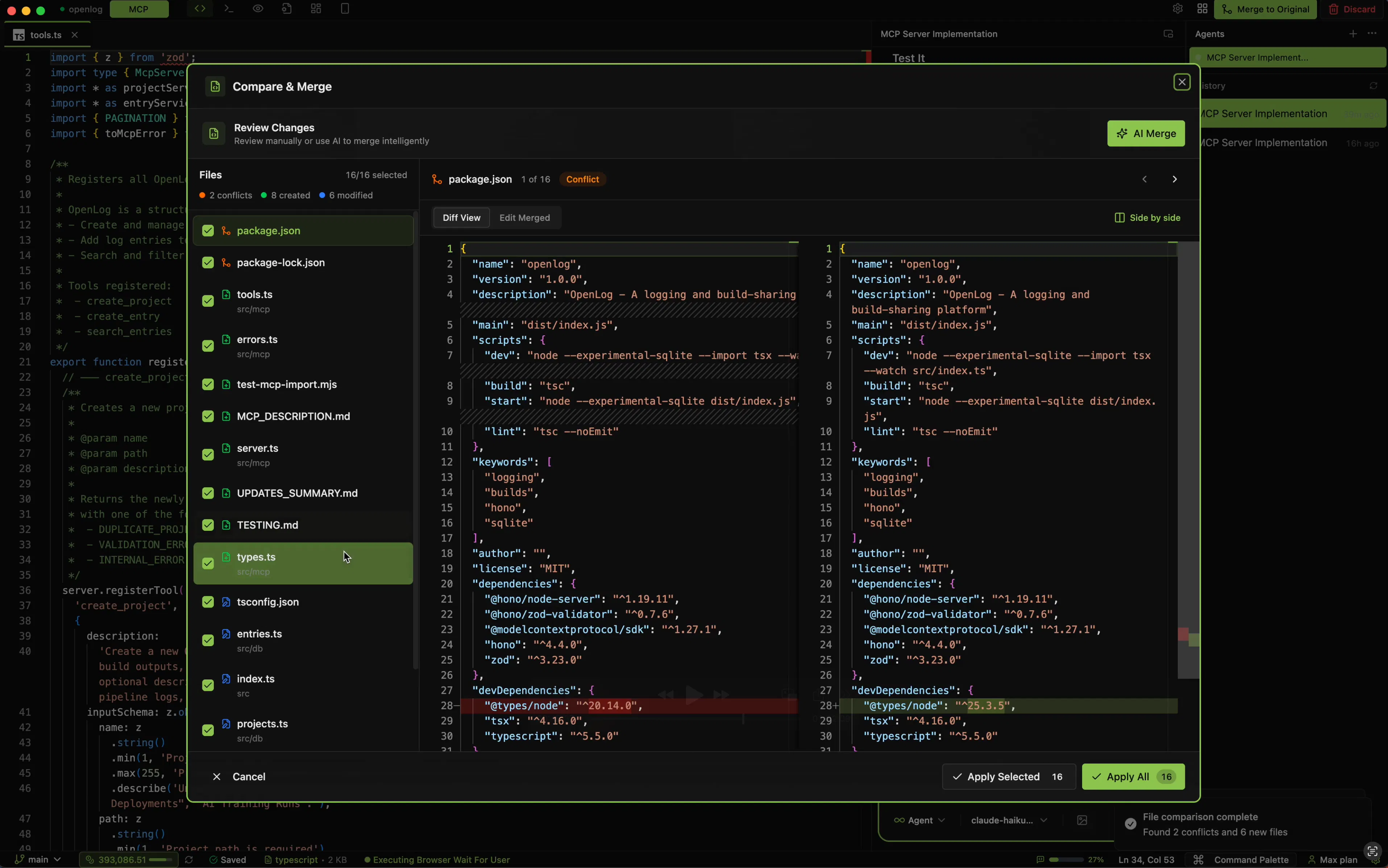
One click and Invoke creates an isolated fork of your entire project. Experiment freely try new features, refactor, break things.Your original codebase stays completely untouched.

Boards — visual feature planning, built into Invoke.

Lay out your features as cards on a canvas. Add descriptions, reference files from your project with @ mentions, and draw connections to map out dependencies and flow.

When your plan is ready, hit Build. The entire board every feature, every connection, every file reference gets sent to AI as a structured prompt. It reads the plan, respects the dependency order, and implements it.

No more explaining your whole architecture in a long chat message. Just show it.

Use it for:

M Bharat Bhora

18d ago

Invoke - Agentic coding IDE with visual planning boards and canvas

Invoke Studio is a desktop AI coding IDE with visual planning, design canvas, and intelligent agents. Map features on Boards, draw dependencies, and let AI build them in order. Design pages in Canvas — drag, resize, edit visually — then export as production code. Experiment safely in Sandbox with AI-powered merging. Run parallel agents, create custom subagents and agents. Works with Claude, OpenAI, Google, xAI, and Ollama. Free with your own API keys.
M Bharat Bhora

10mo ago

Sidekick by Yugin Tech - Your AI coding sidekick that never leaves your side

Sidekick is an AI coding assistant that runs locally. Write and fix code without cloud uploads. Features file access, terminal integration, and multiple AI providers for secure development.