
Nostalgia as a service ✨
gm legends and welcome back to another fine edition of the Leaderboard. In today's issue: an app that brings your phone back to 2001, a tool to create automations as easy as speaking, and a secret weapon to win all of those online arguments.
P.S. Want your launch to be featured in this newsletter? Drop us a line with your pitch at editorial@producthunt.co 🫶
Your smartphone, 2001 edition

Brick 1100 turns your touchscreen into an old-school brick phone. No apps. No swipe. Just pixel fonts, loud buttons, and that beautiful, stupid simplicity.
🔥 Our take: This isn’t about being useful. It’s about shutting your brain off and pretending Snake is the only thing that matters. Everything feels clunky in the best way. You’ll probably last ten minutes, and that’s the fun of it.
AI, meet your workflow editor

n8nChat lets you build automations by describing them in plain language. It takes what you write and generates full workflows inside the n8n editor, with real logic and connected nodes.
🔥 Our take: There’s something strange about watching a chatbot build a system faster than you could sketch it out. It doesn’t always nail the details, but it skips the part where you stare at a blank canvas and forget what you were trying to solve. That alone makes it useful.
Your agents stopped answering and started doing
Your agents call tools, write to databases and move money, so a wrong answer is now a wrong action, which is a considerably worse meeting. Arcjet runs policy before every LLM call, tool call, query and API request: prompt injection, sensitive data, bots, rate limits, spend quotas, and your own rules in Rego on top. It reads the OpenTelemetry you already emit, so switching it on is one environment variable, no code changes and nothing to deploy. Each check also reads the earlier steps in the same workflow, so an agent's tenth action gets judged against the first nine and not on its own. JavaScript, Python and Go SDKs all at 1.0, agent framework guards included, free tier to start on.
Argue with data, not vibes
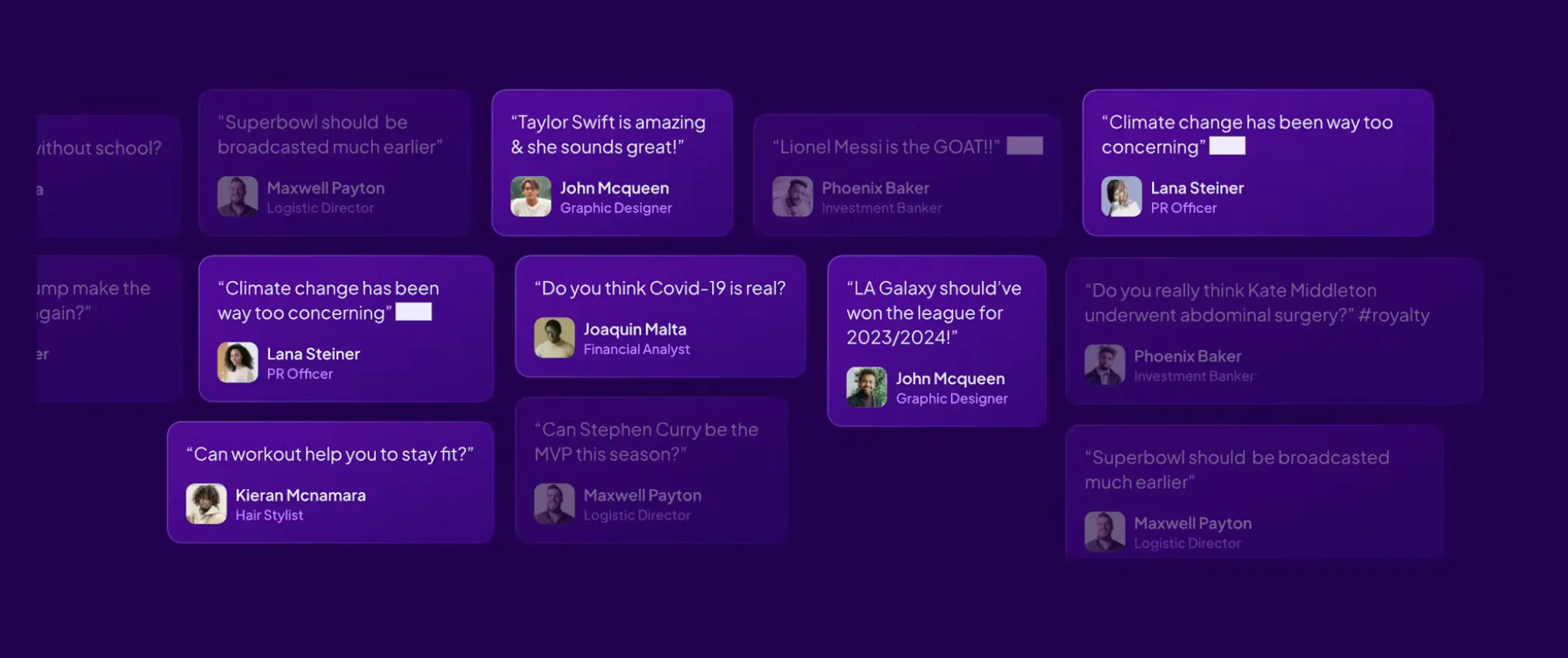
Qibble is a social polling app where anyone can post a question and get votes from the crowd. You can settle debates, gauge opinions, and finally see if your hot take actually holds up.
🔥 Our take: Everyone’s got that one argument that keeps coming back, online or over Thanksgiving dinner. Qibble gives you a way to end it, or at least back it up with numbers. Of course, if you lose the vote, that’s on you.
Do you plan your prompts or just vibe it?

Gabe Perez kicked this off with a familiar dilemma: when you’re building with AI tools like Cursor, do you sit down and plan the whole thing or just open the editor and start typing?
He used to vibe-code everything. Now he writes a proper problem statement, turns it into steps with ChatGPT, and feeds those into Cursor to stay on track. Others in the thread argue that skipping structure leads to garbage UX, technical debt, or worse—like exposing user data.
If you’re building with AI tools, how structured is your process? Are you drawing it out, or just hoping the AI gets what you mean?
Daily Top Products


