
Docs, Designs & Reminders
gm legends, happy Tuesday.
Here’s today’s lineup: Doco lets you whip up docs with @‑powered snippets without leaving Word; Magic Patterns turns prompts into production‑ready UI components on a live canvas; and Sndmyself fires off scheduled nudges straight to your inbox when you need them.
P.S. Launching soon? We’d love to hear about it → editorial@producthunt.co 🫶
Docs Without the Juggle

Doco lives inside Word. Type @ to pull snippets from any file or folder. Spin up reusable workflows for common document tasks. Swap between OpenAI, Anthropic or your own model without ever leaving your doc. Everything stays formatted and source‑verified.
🔥 Our Take: Copy‑pasting between Word and ChatGPT mangles layouts and kills train of thought. This keeps me locked in Word but also hands over my files to a black box. It could shave hours off proposals and reports, I’d still test it on throwaway drafts before trusting it with real contracts.
Patterns in a Snap
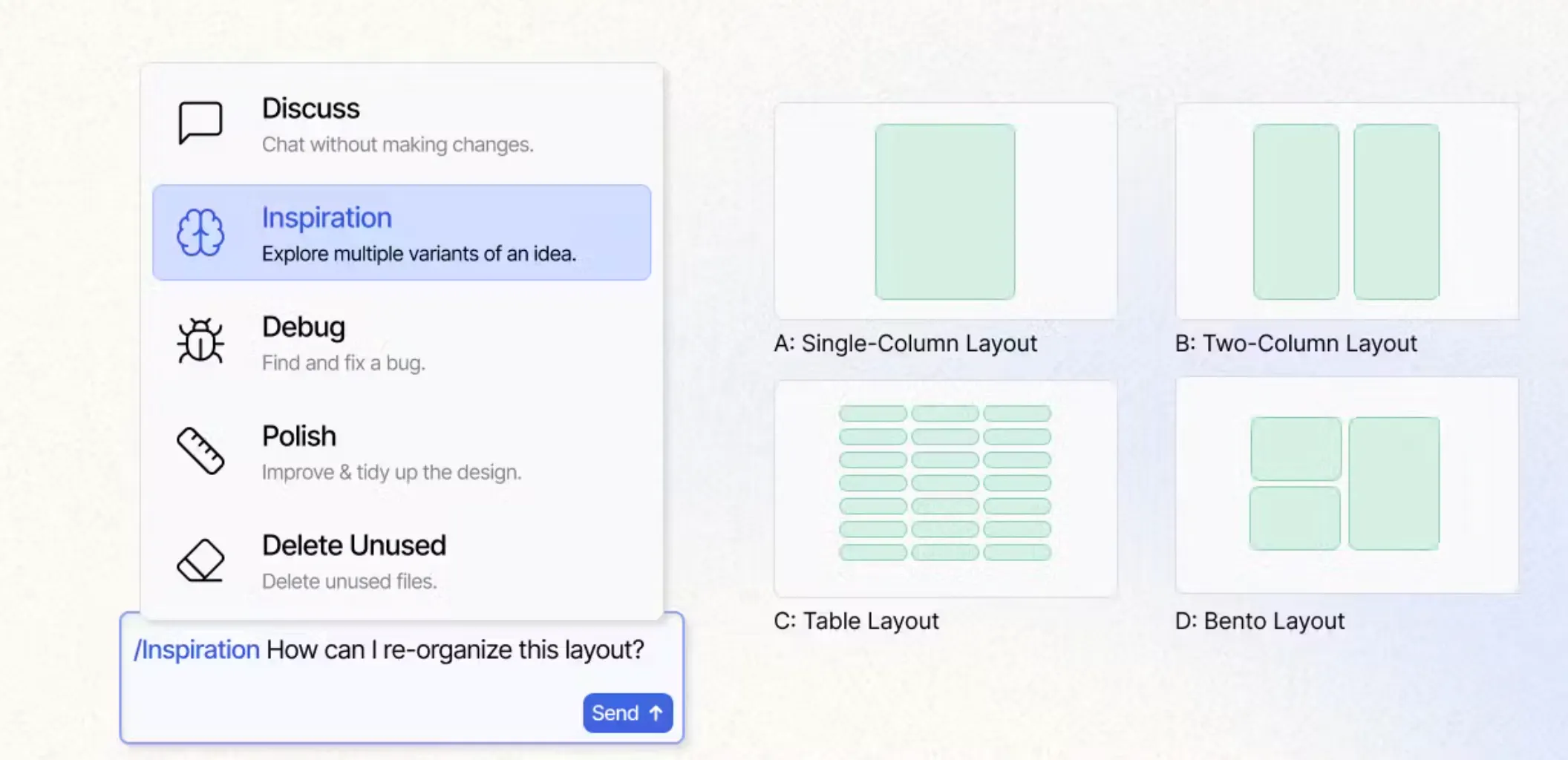
Magic Patterns is an AI assistant for product teams. Type a prompt or click to generate production‑ready UI components. Flip between versions in a click, hook into your design system, collaborate on an infinite canvas, and export clean code or assets
🔥 Our Take: Pixel‑pushing in a graphics app kind of feels archaic next to this. A few clicks here and there and you’ve got production‑ready components that slot right into your site. Fair warning: it’s stupidly easy to burn 30 minutes chasing the drop shadow instead of building features.
Your agents stopped answering and started doing
Your agents call tools, write to databases and move money, so a wrong answer is now a wrong action, which is a considerably worse meeting. Arcjet runs policy before every LLM call, tool call, query and API request: prompt injection, sensitive data, bots, rate limits, spend quotas, and your own rules in Rego on top. It reads the OpenTelemetry you already emit, so switching it on is one environment variable, no code changes and nothing to deploy. Each check also reads the earlier steps in the same workflow, so an agent's tenth action gets judged against the first nine and not on its own. JavaScript, Python and Go SDKs all at 1.0, agent framework guards included, free tier to start on.
Which Way, Developer?
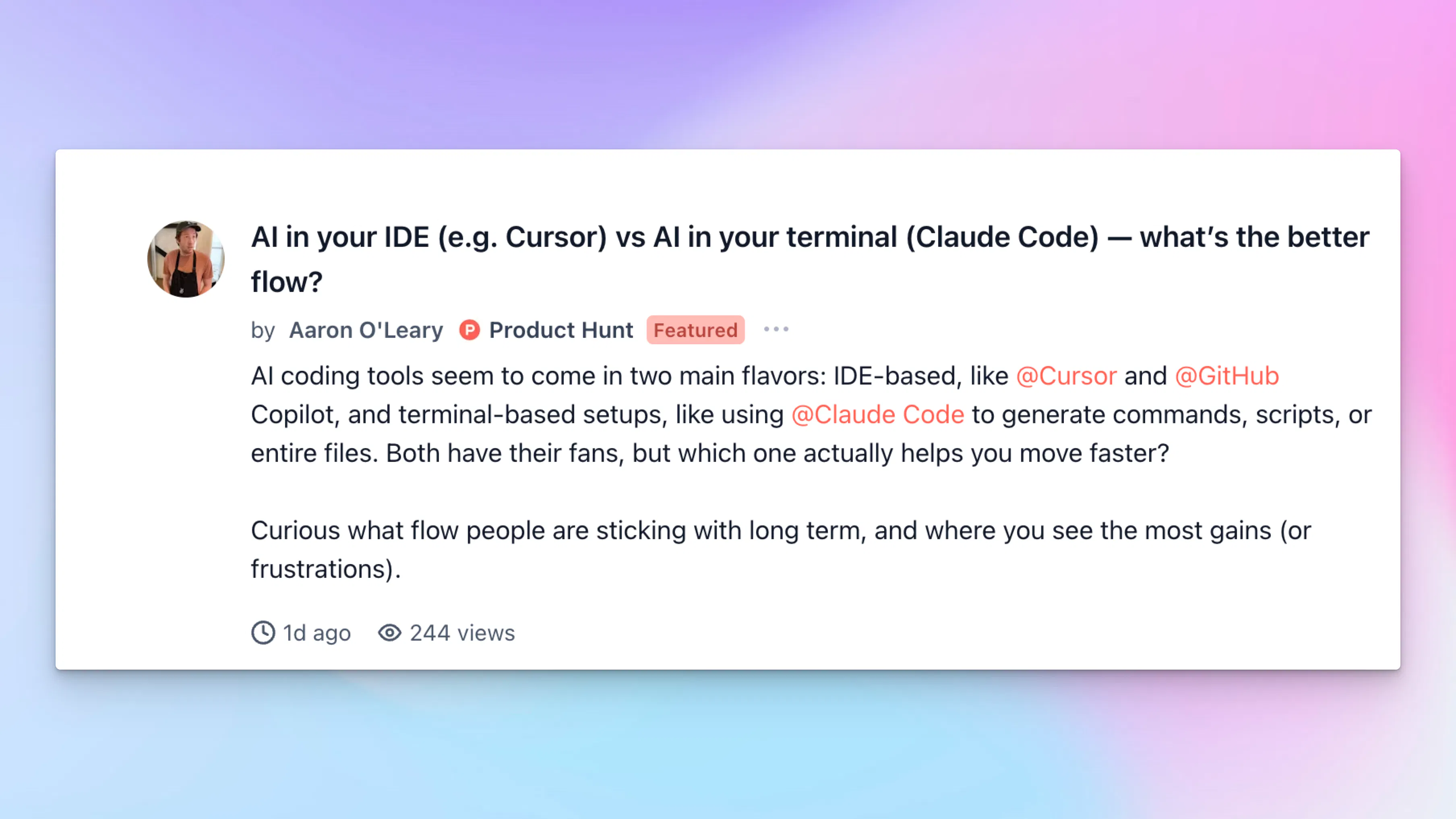
Aaron wants to know: “AI in your IDE or AI in your terminal—which flow actually keeps you in the zone?”
In other words, do you lean on inline completions as you type or spin up shell prompts and scripts for the heavy lifting?
As someone who’s bounced between instant suggestions in Cursor and bash‑driven workflows in Claude Code, you discover that inline help nails the quick fixes while the terminal flexes for big refactors.
Nudges as a Service
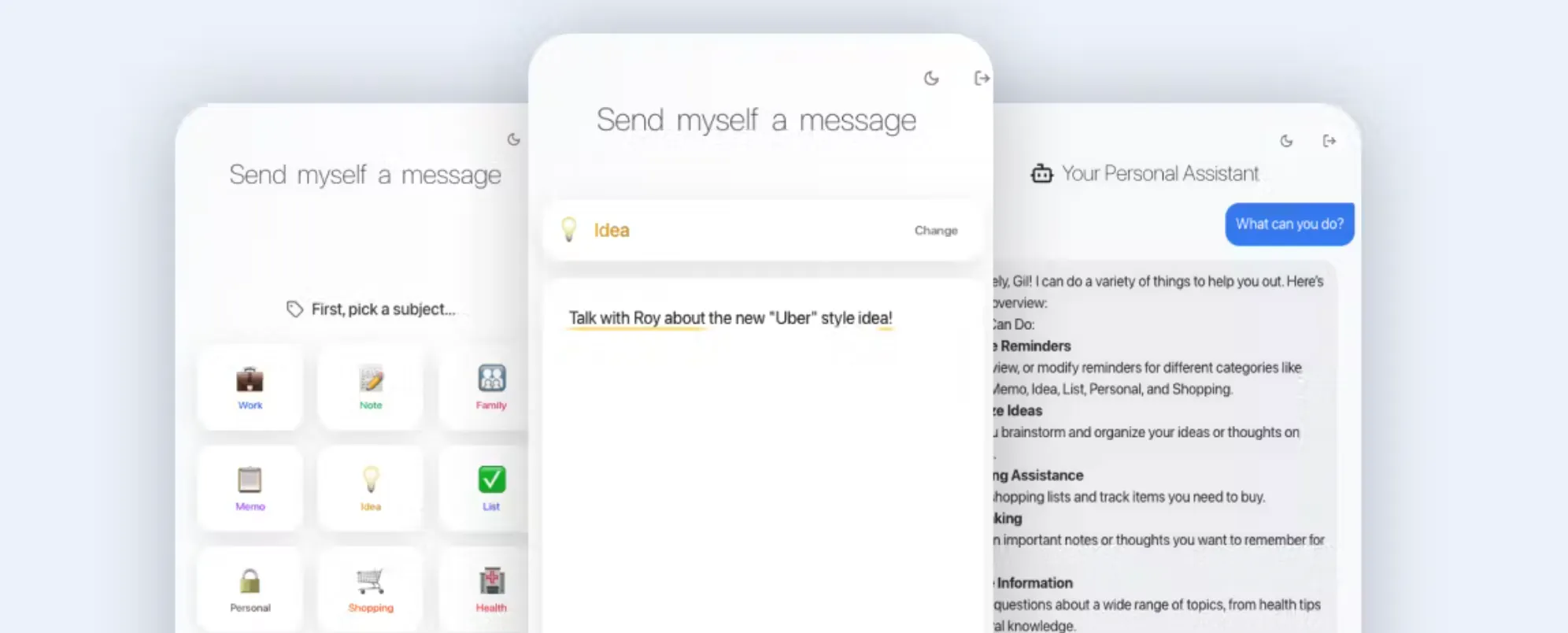
Sndmyself is a simple tool that allows you to schedule and send yourself messages for pretty much anything. You can schedule notes, ideas, reminders, to-dos, and receive a quick nudge right as you need it.
🔥Our Take: I’m a devout notes and reminders app user, but this thing slaps. Trialled it over a busy few days, and the peace of mind knowing I don’t need to dip in and out between different apps just to see what’s happening next was kind of game changing for me. A cool reminder that even the most basic of apps can change your life.
Daily Top Products


