
See what’s really running
gm legends, happy Tuesday.
Mirror shows you the macOS apps hiding from Activity Monitor, CLI Manager pulls all your AI CLI agents into one sane dashboard, and Peek lets you hover your menu bar to check live web previews instead of juggling another row of tabs.
See what your Mac hides
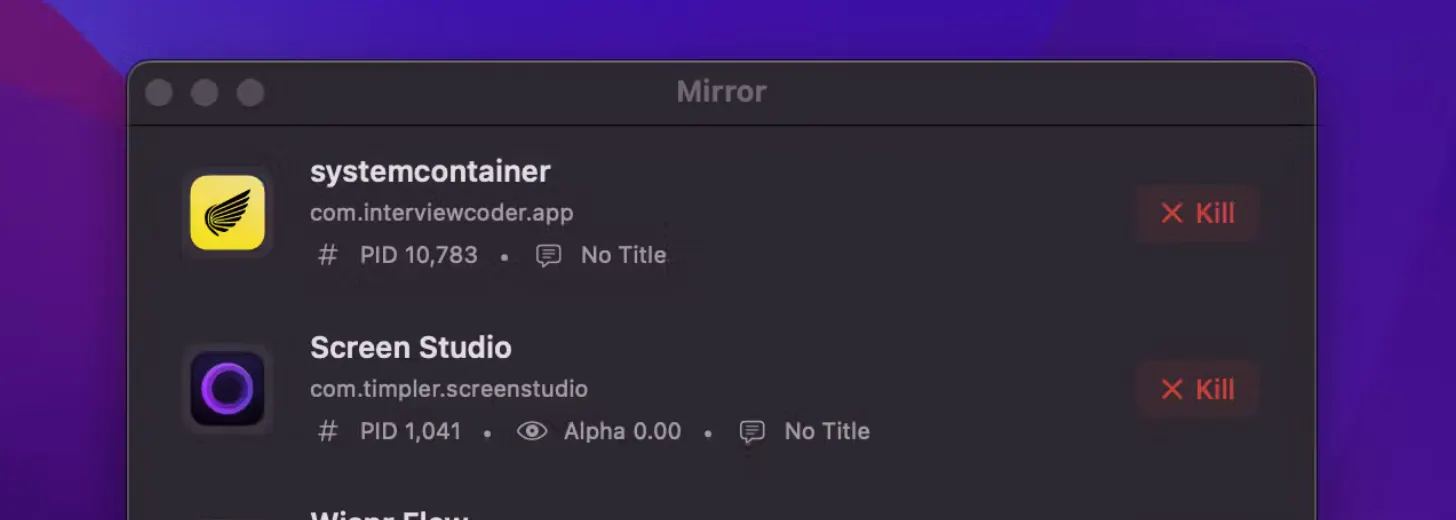
Mirror is a macOS utility that finds background apps that deliberately stay out of Activity Monitor, including stealth tools like Interview Coder, Cluely, Hiding AI and similar. It shows you what is actually running, highlights software designed to be invisible, and lets you decide what stays. Everything runs locally and it’s open source, so you can check how it works yourself.
🔥 Our Take: Stealth tools on a personal laptop are a weird line. Some are useful, some are creepy, but all of them are harder to trust when you can’t even see they exist. Putting them back in plain view is the baseline: you choose what to remove, keep, or just watch, instead of hoping your Mac is telling you the whole story.
Sharing is caring
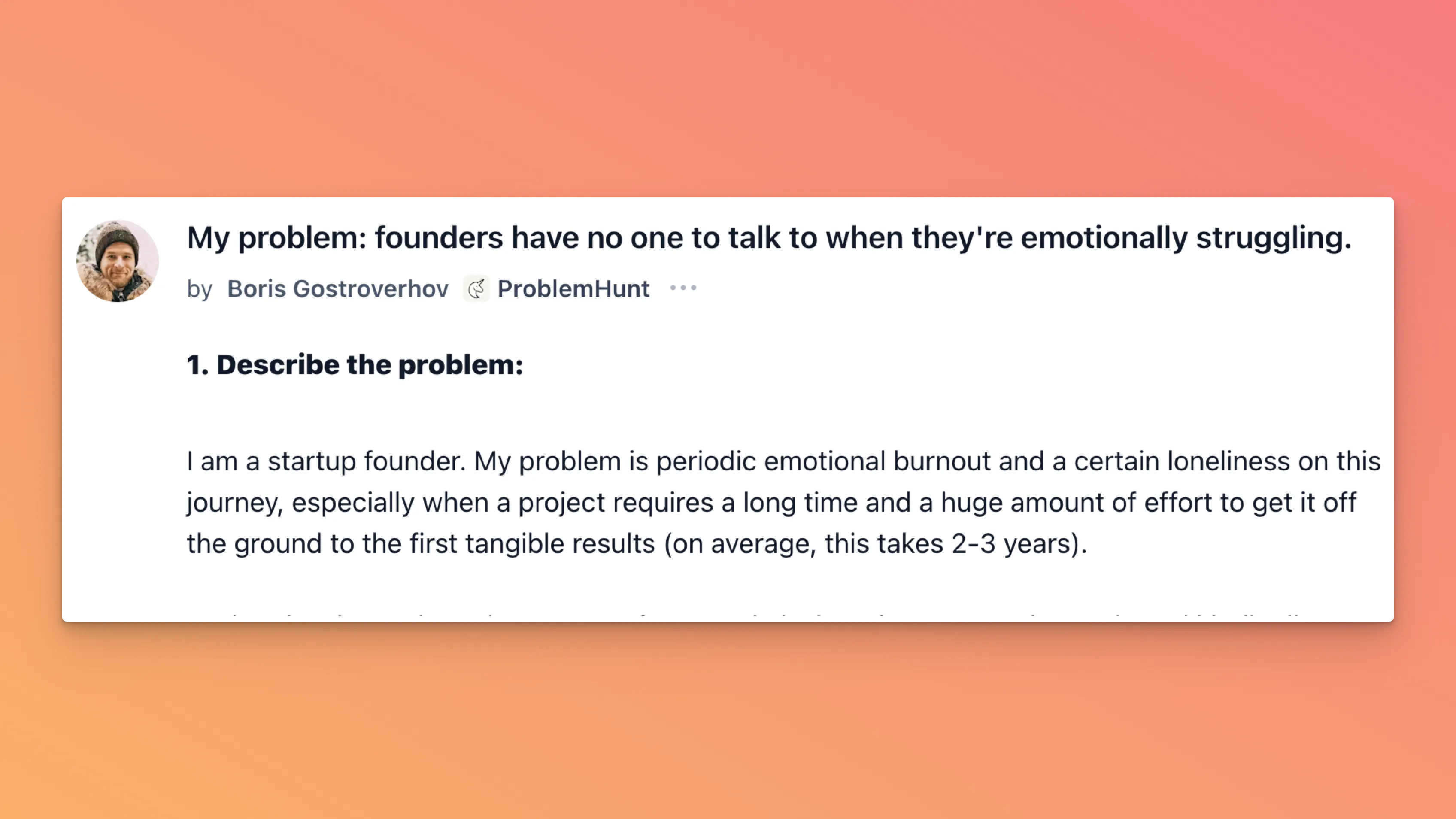
Boris Gostroverhov, founder of ProblemHunt, last month shared his story of spinning a decade of startup failures into success. Across a decade of trial and error, he launched 18 different products. What he didn’t share was the loneliness and emotional burnout that would bubble up every few months.
He notes that “founders have no one to talk to when they’re emotionally struggling.” AI therapists lack human empathy, videos are one-way, and mastermind groups can turn competitive. He’s looking for solutions to a problem that touches many founders yet few talk about. Want to crack it?
Your agents stopped answering and started doing
Your agents call tools, write to databases and move money, so a wrong answer is now a wrong action, which is a considerably worse meeting. Arcjet runs policy before every LLM call, tool call, query and API request: prompt injection, sensitive data, bots, rate limits, spend quotas, and your own rules in Rego on top. It reads the OpenTelemetry you already emit, so switching it on is one environment variable, no code changes and nothing to deploy. Each check also reads the earlier steps in the same workflow, so an agent's tenth action gets judged against the first nine and not on its own. JavaScript, Python and Go SDKs all at 1.0, agent framework guards included, free tier to start on.
Tabs you check from the top

Peek lets you pin live website previews to your Mac menu bar so you can check stocks, dashboards, or feeds with a hover instead of a new tab. It remembers scroll position and window size for each site, so you always see the exact part you care about, not the whole messy page. Free for 3 sites, with a launch deal if you want to go unlimited.
🔥 Our Take: Everyone has a few sites they open 20 times a day without really thinking about it. This just admits that and moves them into a strip you can glance at like a status bar. The scroll memory is the clever bit, because it turns “let me open the page and hunt” into “yep, numbers look fine” in about two seconds.
One place for all your CLIs
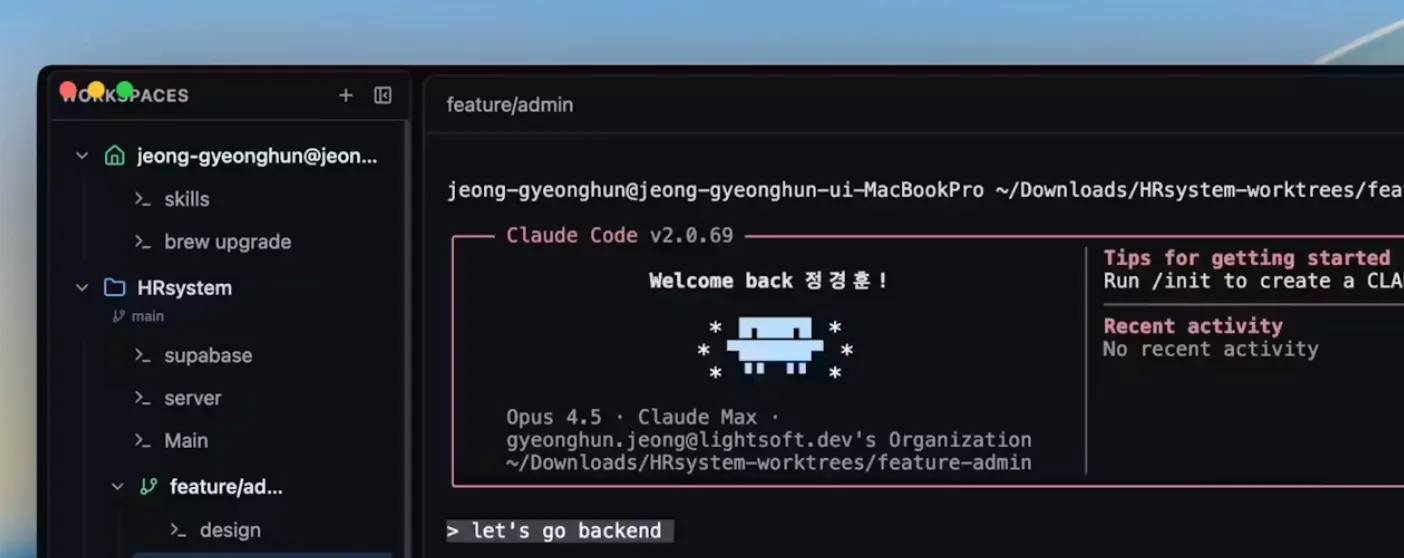
CLI Manager is a central hub for your AI command line tools. You can organize Claude Code, Codex CLI, Gemini CLI and friends from a single dashboard, rename agents so they actually make sense, jump between editors instantly, and keep projects and agents in one workflow instead of scattered across terminals.
🔥 Our Take: Hopping between ten different AI CLIs is a fast way to forget where anything lives. Having a neutral layer on top means you can try new models, switch favorites, or drop a tool entirely without rebuilding your habits every time the AI landscape shifts again. Less overhead, same shell.
Daily Top Products


Monday through Friday
Our ultra-fast Daily: Three takes on new products. Yesterday’s top ten launches. That’s it.