
The Leaderboard
by Product Hunt
Thursday, Apr 16
Thursday, Apr 16
Say it with a click
gm legends, happy Thursday.
ClayHog shows how AI is talking about your brand when you are not in the room, Stagewise lets you click on your app and fix the code behind it, and Chrome Skills turns the prompts you keep retyping into buttons you can actually use.
AI is talking behind your back
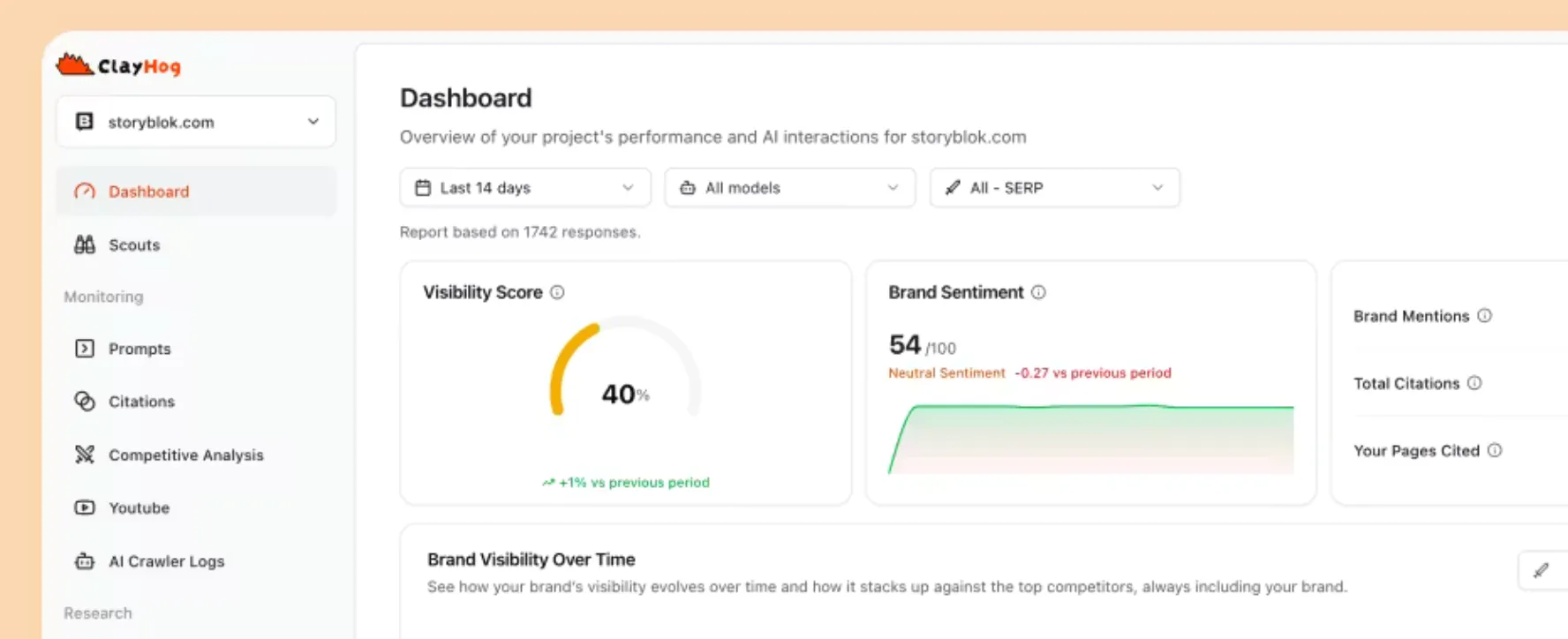
ClayHog tracks how brands show up across ChatGPT, Gemini, Perplexity, Claude, and AI Overviews. It shows where you are mentioned, how you are framed, which competitors get pulled in instead, and what sources are actually driving those answers.
🔥 Our Take: People are already asking AI what to buy, who to trust, what tools to use. Those answers are forming somewhere, and they are not always what you would say yourself. This just makes that visible.
One more sleep

Makers — it’s only one more sleep until Vercel Day.
If you’re building on Vercel, get your launch lined up now. Scheduled for midnight PT on April 17th, tag it Vercel Day, and land on a leaderboard that is going to get a lot more eyes than usual.
There is real upside too: five startups will get $30k in Vercel credits, and one or more will get invited to pitch Vercel Ventures.
Built on Vercel? Show up.
Click it. Change it. Done.

Stagewise is a coding agent that lives in the browser and actually sees what you are building. It reads the DOM and console, lets you click on elements in your app, and then edits the code behind it directly instead of guessing from a prompt. It runs locally, works with existing codebases, and keeps you in control of the setup.
🔥 Our Take: There is a big difference between describing a UI change and pointing at the exact thing that is wrong. This leans hard into the second one. You click the button, say make it bigger, and it goes and fixes the actual code instead of giving you a suggestion you still have to wire up yourself.
Turn prompts into buttons

Chrome Skills lets you save your favorite AI prompts and reuse them across the web. Instead of retyping the same thing over and over, you turn it into a shortcut and run it on any page with a click.
🔥 Our Take: Everyone has that one prompt they keep copying around like a little ritual. This just admits that’s how people actually use AI and turns it into something closer to muscle memory.
Daily Top Products


Monday through Friday
Our ultra-fast Daily: Three takes on new products. Yesterday’s top ten launches. That’s it.