

Chronock for Mac: Dedicated window and keyboard navigation

Hi everyone, Takahiro here. Chronock brings Google Calendar and Outlook together with scheduling links and automatic event copying.
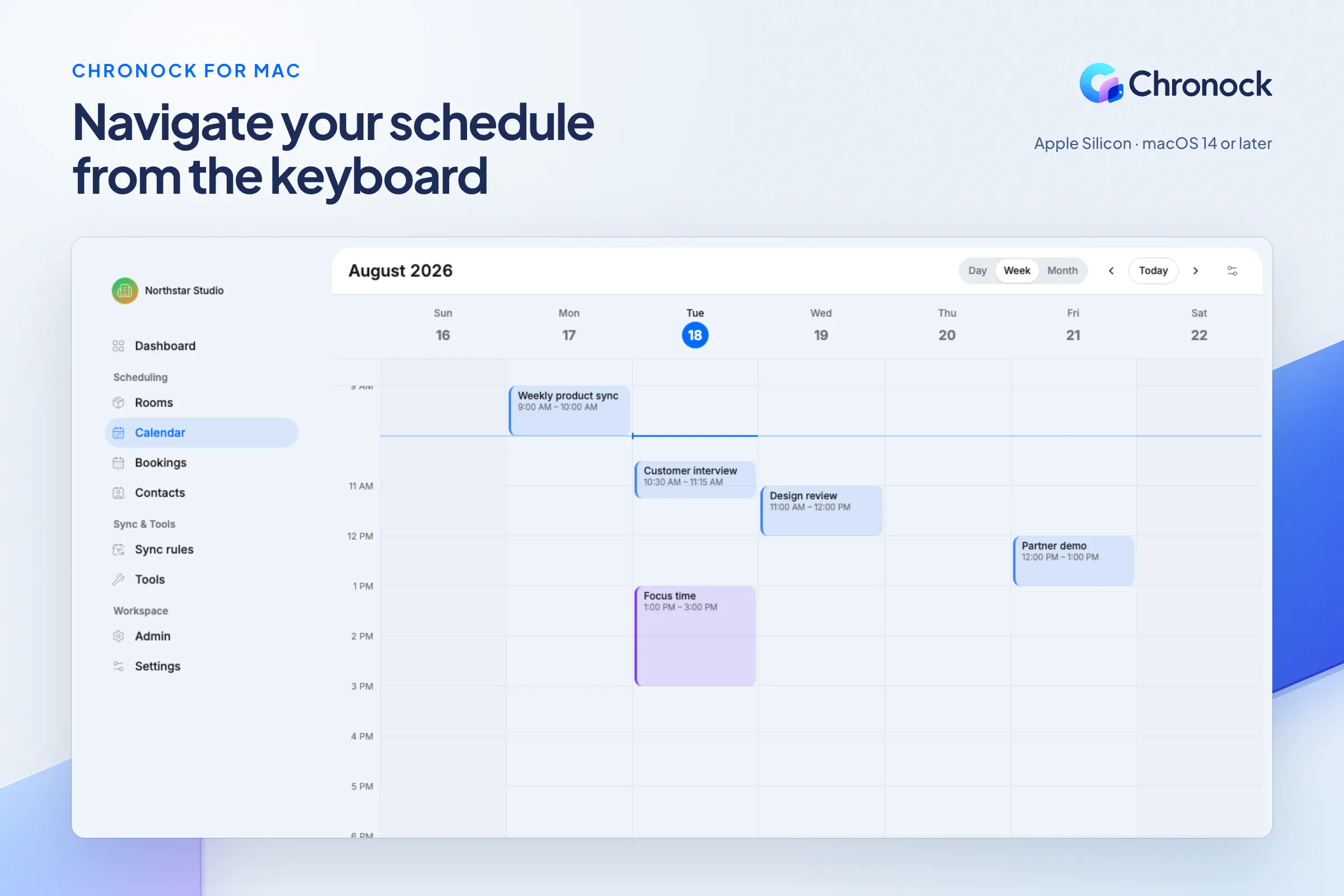
Following our August launch, it is now available as a dedicated Mac app for Apple Silicon Macs running macOS 14 or later.
Your calendar now has its own window, one app switch away. With Chronock in front, press ⌘K to find actions and navigate screens (it does not search event contents), 't' for today, 'w' for week view, or 'c' to create an event.
Offline access is for viewing previously fetched calendar data only. You need an internet connection to create or edit events.
Release details: https://www.chronock.ai/blog/chronock-desktop-release
Keyboard shortcuts: https://www.chronock.ai/blog/chronock-desktop-keyboard-shortcuts
If you try it on your Mac, I’d love to hear how it fits into your day.
Replies
Be the first to reply
Have a question or a thought to share? Add a comment above to start the conversation.