

The one landing page section people mention when they sign up: “see it before it ships”

We launch a feature here on Thursday, and the landing page section for it is the one new users keep bringing up on calls and in replies, more than the hero, more than pricing.
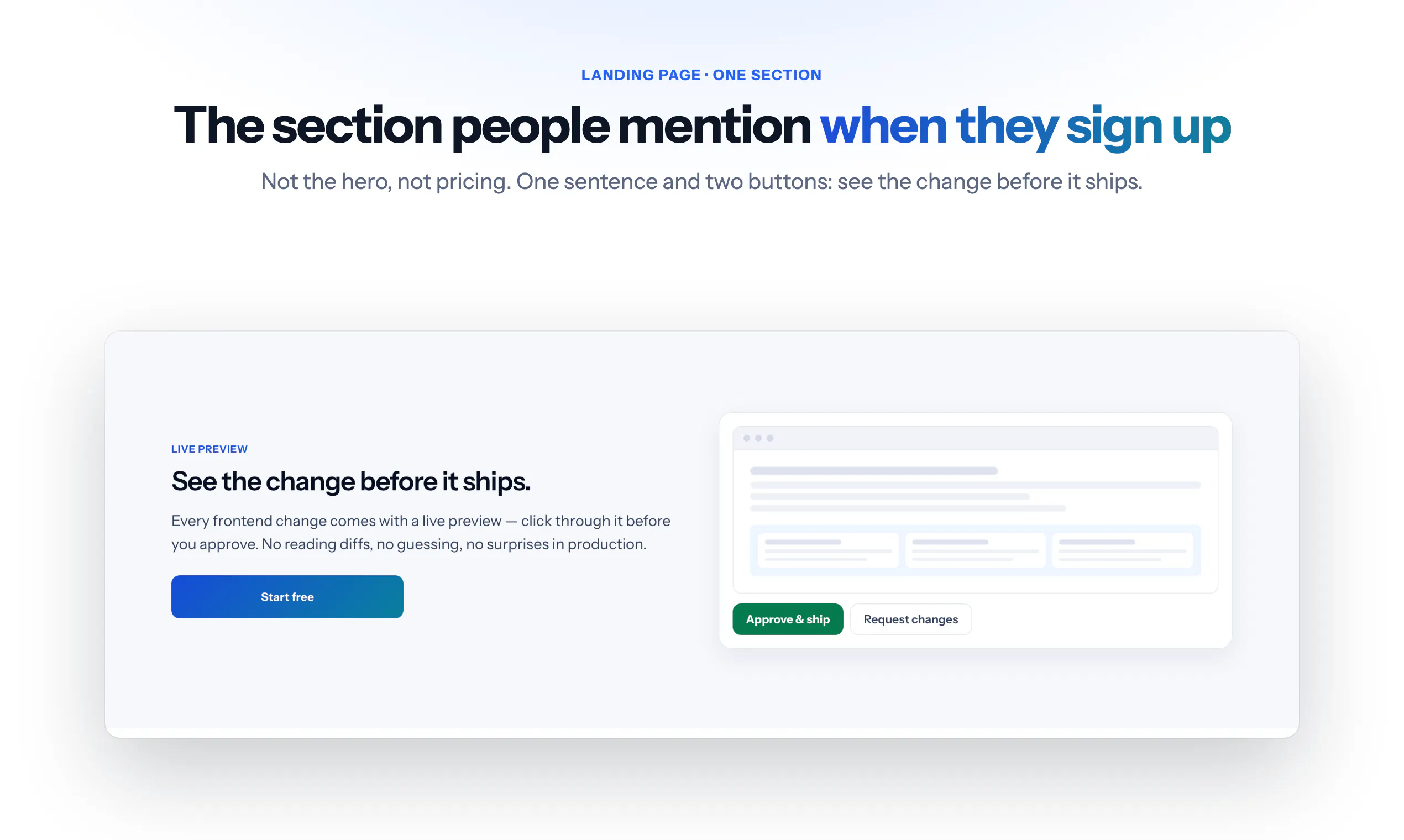
It is a simple block. One sentence: see the change before it ships. One picture of a working copy of your site with the change on it, and two buttons: approve, or send it back.
I think it works because it answers the question people actually have about any tool that writes code for them: what if it gets it wrong? The answer is not “trust us”, it is “look at it first”. The other sections explain what it does. This one removes the fear.
Curious what the equivalent section is on your landing page: the one that answers the fear rather than describing the feature. And for those who have run the test, did it convert better than the feature description?
Replies
I am still building my product, so don't have any stats yet. But it seems like I followed the same logic by showing people the fears that the app aims to address. Fingers crossed it will work for me!
@danil_razzhivin No stats is fine, you can still test the sentence before launch. Show the page to five people who have the problem and ask them what worries them about using it. If the worry they name is the one your section answers, it is doing its job. If they name a different one, that is the sentence to add. We did exactly this with the “what if it gets it wrong” line, and the first draft answered a fear nobody had. Good luck with the build.
@mikita_aliaksandrovich thanks a lot!
@danil_razzhivin Sure!
Mine is a shared budget app, so the fear is easy to name: "you want my bank statement?" The answer is one sentence, and I put it on the import screen itself, above where you pick the file, rather than only on the landing page: the file is read on your device and never sent anywhere, and nothing is saved until you confirm. That's where the fear actually shows up, at the moment someone is about to hand over the PDF. I haven't A/B tested it, so I can't answer your second question. But it's the same move as yours: instead of "trust us", something the person can check for themselves.
@filipemartinslm Putting it on the import screen is the better version of what we did. The landing page answers the fear in the abstract, the import screen answers it at the moment the person is holding the file. “Read on your device, never sent anywhere, nothing saved until you confirm” is also something they can check, not just a promise, which is what makes it work.
One thing worth trying, since there is no A/B test yet: the line on the landing page too, in the same words. People decide whether to download before they reach the import screen, and the ones who close the tab never get to read the good sentence.