

Room Service 2.0: less noise, more signal for your Mac 🔥

Hey Product Hunt,
Room Service 2.0 is now available.
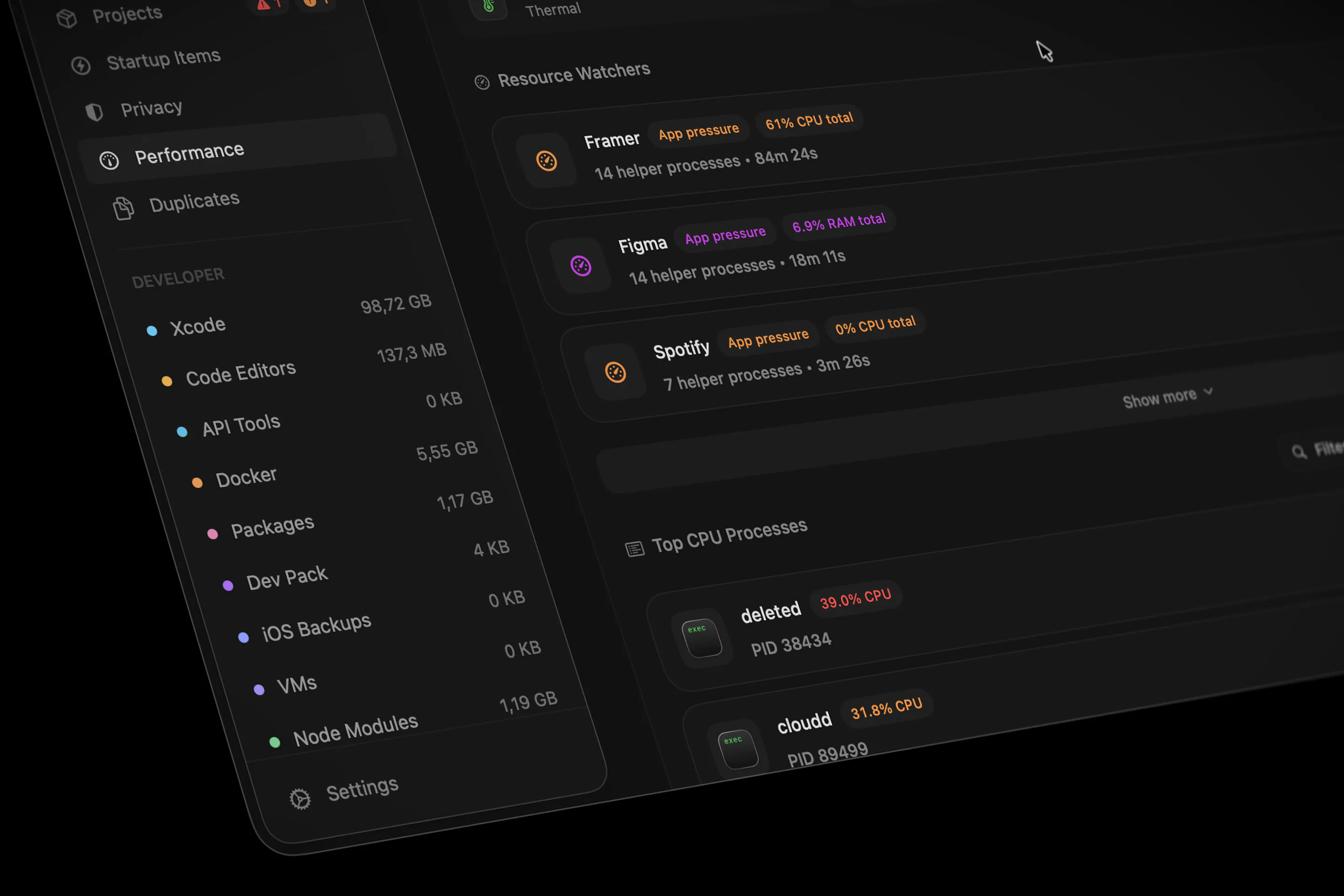
This is the biggest update so far: a full UI/UX refresh across the Mac app, with cleaner workspaces, tighter navigation, calmer surfaces, and better responsiveness across busy screens.
Room Service started around cleanup, but the product has grown into a broader workspace for understanding what is happening on a developer Mac: storage, projects, running services, build activity, performance, privacy signals, and cleanup opportunities.
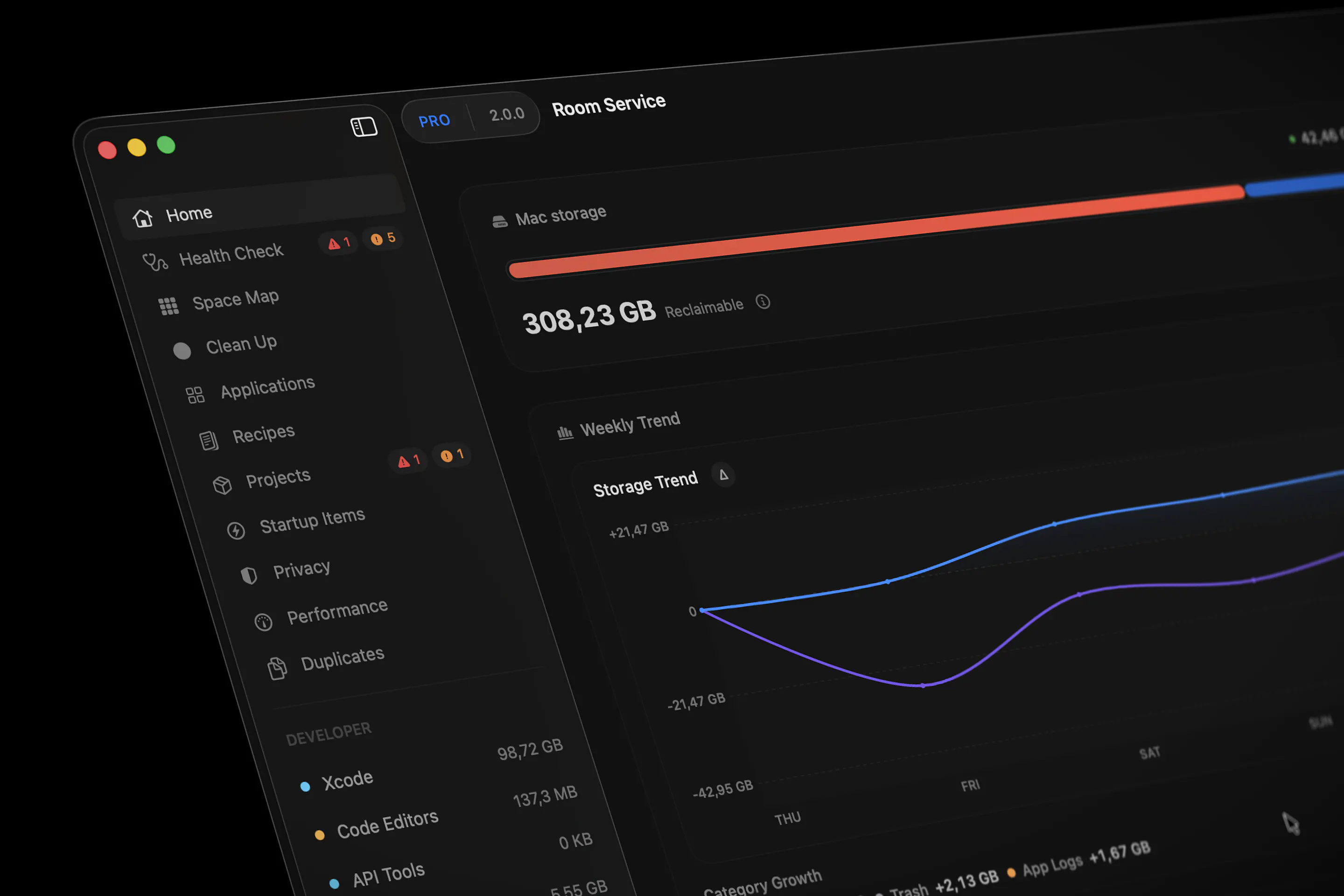
2.0 is about making all of that feel more coherent.
Some highlights:
• A redesigned desktop experience across the app
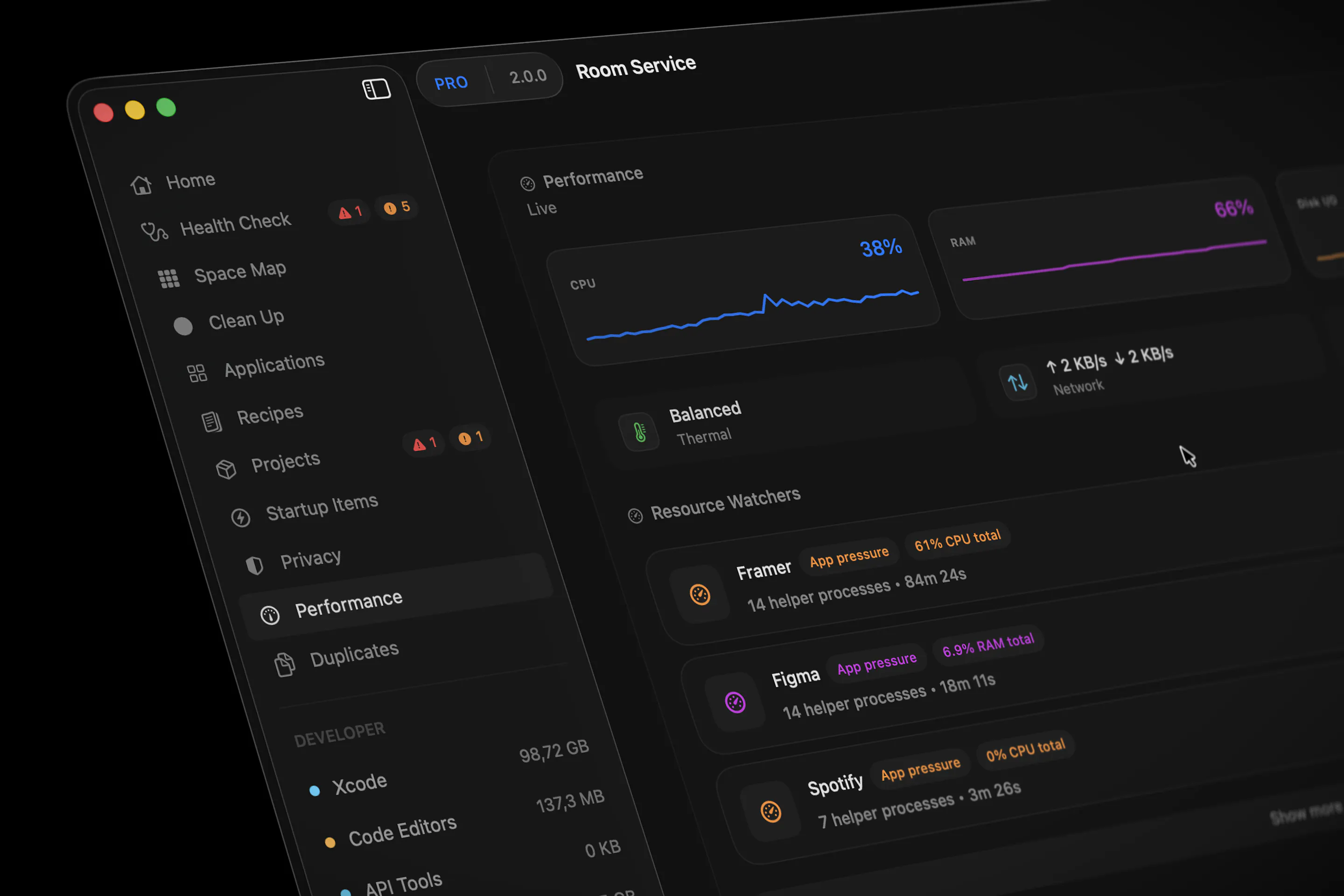
• Cleaner Home, Cleanup, Performance, Privacy, Space Map, Settings, and menu-bar surfaces
• Faster behavior on dense screens with large cleanup or app result sets
• Better launch behavior by avoiding unnecessary Projects scans
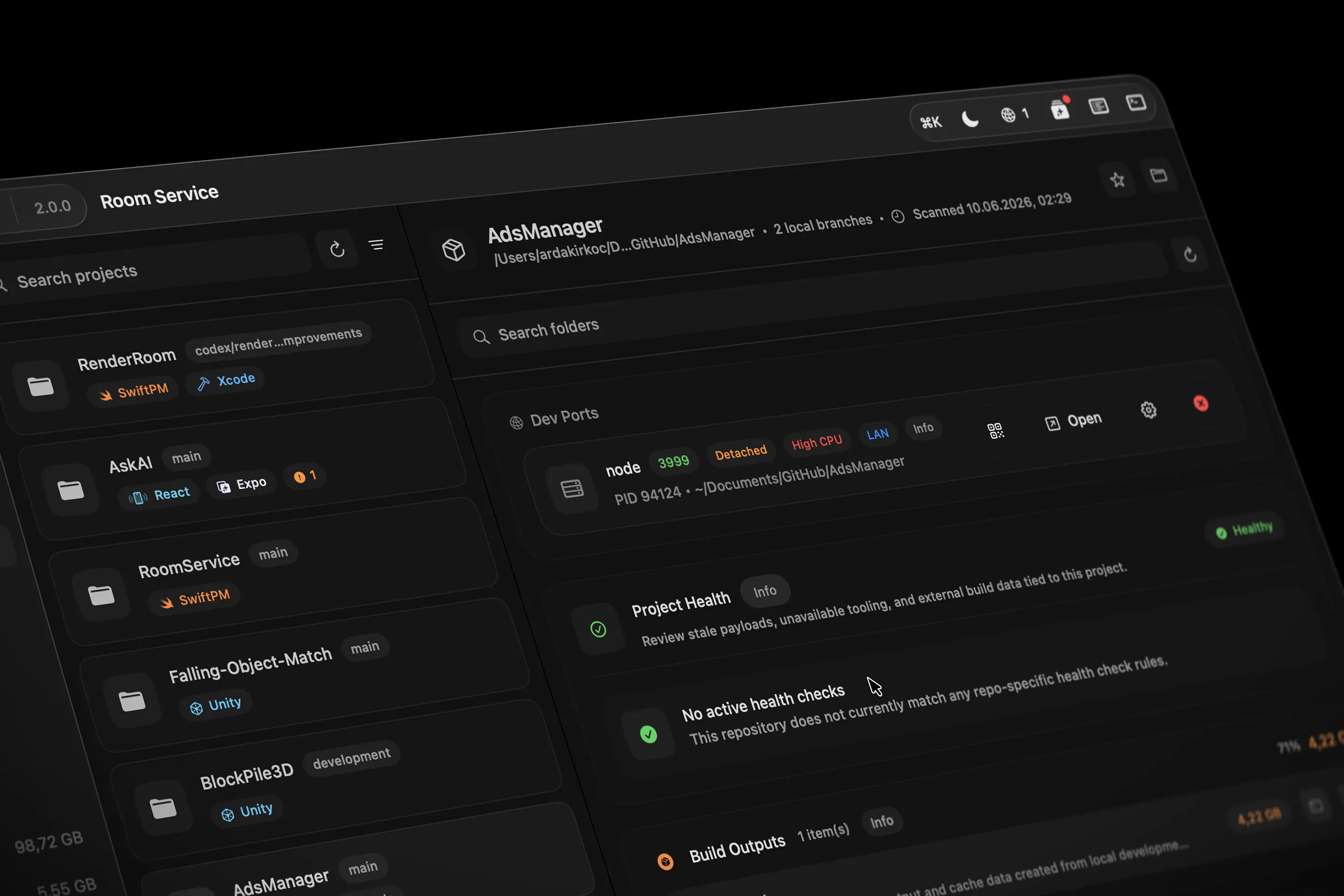
• A new Project Activity timeline for Dev Ports, Build Watchers, Ops Feed events, and Project Health cleanup evidence
• Improved Project Health feedback, so cleanup actions show what changed, what failed, and what still needs review
• Better Resource Watchers grouping for apps with multiple helper processes like Framer or Unity
The goal was not just to make the app look newer.
The goal was to reduce visual noise, keep important signals easier to read, and make Room Service feel more like one connected workspace instead of separate utilities stitched together.
Would love feedback from macOS developers, especially if your machine usually has Xcode, simulators, local servers, build tools, design apps, AI apps, and a lot of background processes running at the same time.
Full changelog:
Replies
Be the first to reply
Have a question or a thought to share? Add a comment above to start the conversation.