

Export invoices + packing lists without retyping buyer details — Trade Paper AI
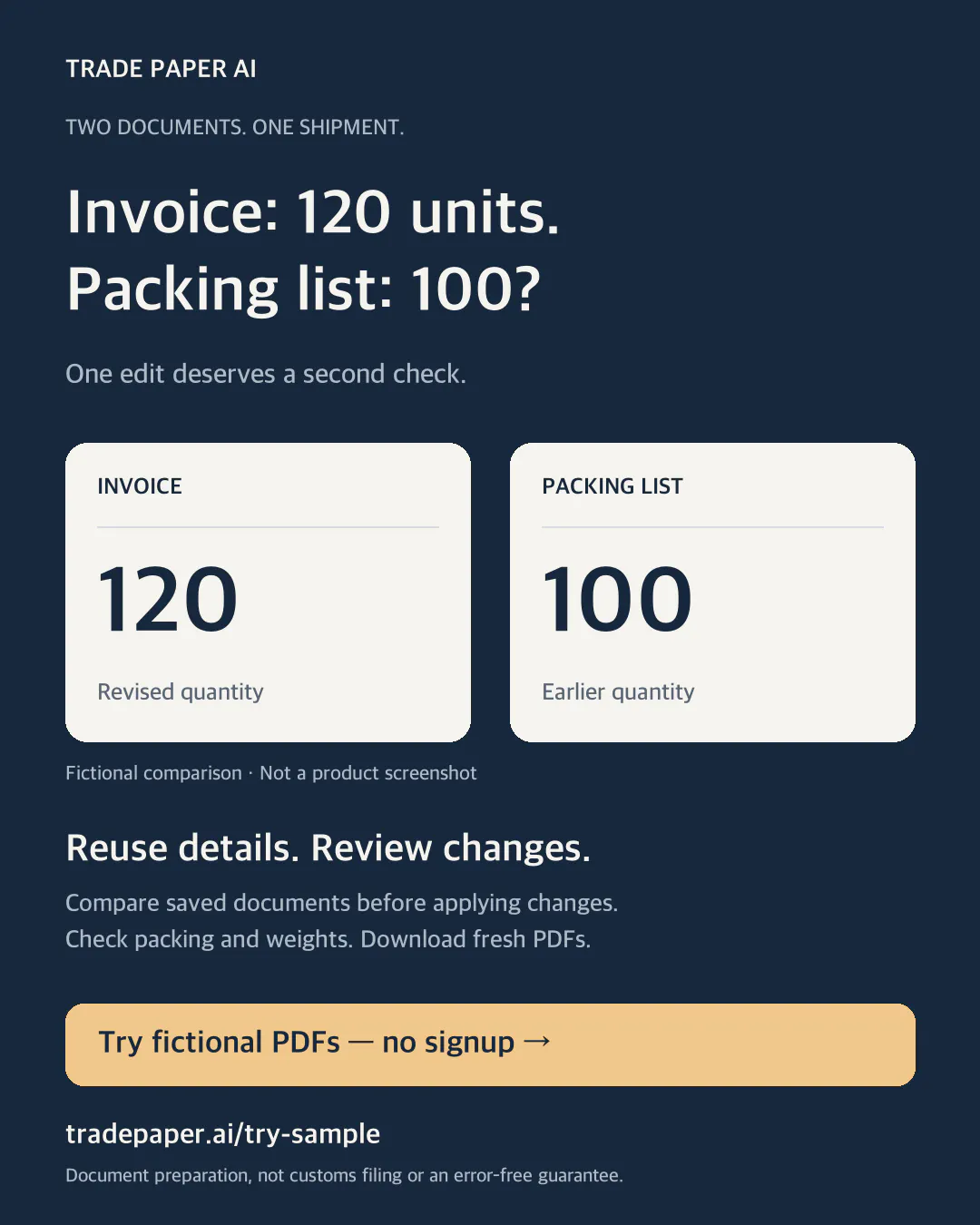
Invoice: 120 units. Packing list: 100. Which version are you about to send?
This is a fictional example of a document mismatch, not a customer incident. Before sending a revised shipment, compare the invoice reference and buyer, item names and units, quantities, actual cartons and weights, and the two final PDF attachments.
Preparing export invoices and packing lists in separate Word or Excel files? Trade Paper AI lets small export teams save company, buyer and item details, reuse them for a Commercial Invoice, and prepare a separate Packing List PDF. I'm Seonghwan, its founder.
Starter costs KRW 29,000/month for unlimited documents and first-use guidance. It renews monthly until cancelled. Review the final amount and cancellation/refund terms before paying.
Plan and subscription: https://www.tradepaper.ai/starter?lang=en
See both PDFs before buying: https://www.tradepaper.ai/try-sample?lang=en
The no-signup practice uses fictional shipment details. A free account includes five saved documents per month; each Invoice and Packing List counts separately.
Saved packing profiles help calculate cartons and net/gross weights. Check them against the actual packing. If the Invoice changes, compare it with the saved Packing List and apply changes after review. Download fresh PDFs afterwards: previous downloads do not update automatically.
This is standalone document preparation, not customs filing, certification, freight booking or ERP/order integration. Please don't post real customer or shipment records here.
October 25 update: paid Starter subscriptions are available. This replaces the earlier checkout-off notice and reflects the current packing-profile and comparison features.
The card below is a fictional comparison, not a product screenshot. It illustrates why checking both documents matters.
Replies
Founder update — October 27: you can now start an editable Invoice draft from an XLSX/CSV file, a PDF or a clear printed document photo. The workspace guides you through bringing a file, reviewing it against the original, and saving. From the saved Invoice, continue to your Packing List.
Start here (free account/sign-in required): https://www.tradepaper.ai/import-document?lang=en&utm_source=producthunt&utm_medium=community&utm_campaign=file_workflow_20261027
No file handy? Use the fictional sample inside the importer to explore the review flow. Saving it uses one document from your allowance. Limits: 8 MB, five PDF pages, 100 items. Review extracted names, quantities and prices; check actual cartons and weights for the Packing List. Complex layouts can need correction. Original files are not retained.
For a no-signup look at the two PDF outputs: https://www.tradepaper.ai/try-sample?lang=en