

From a Portrait to an Interactive TalkingHead: Building the Character, Knowledge, and Voice Workflow
Disclosure: I work on Mugen3D at SumeruAI. We have been exploring what it takes to turn a single portrait into a character that people can speak with through text or voice. The interesting part is not only making a face move. A useful prototype has to bring visual identity, persona, reference knowledge, voice, and the application experience together.
From portrait to conversation
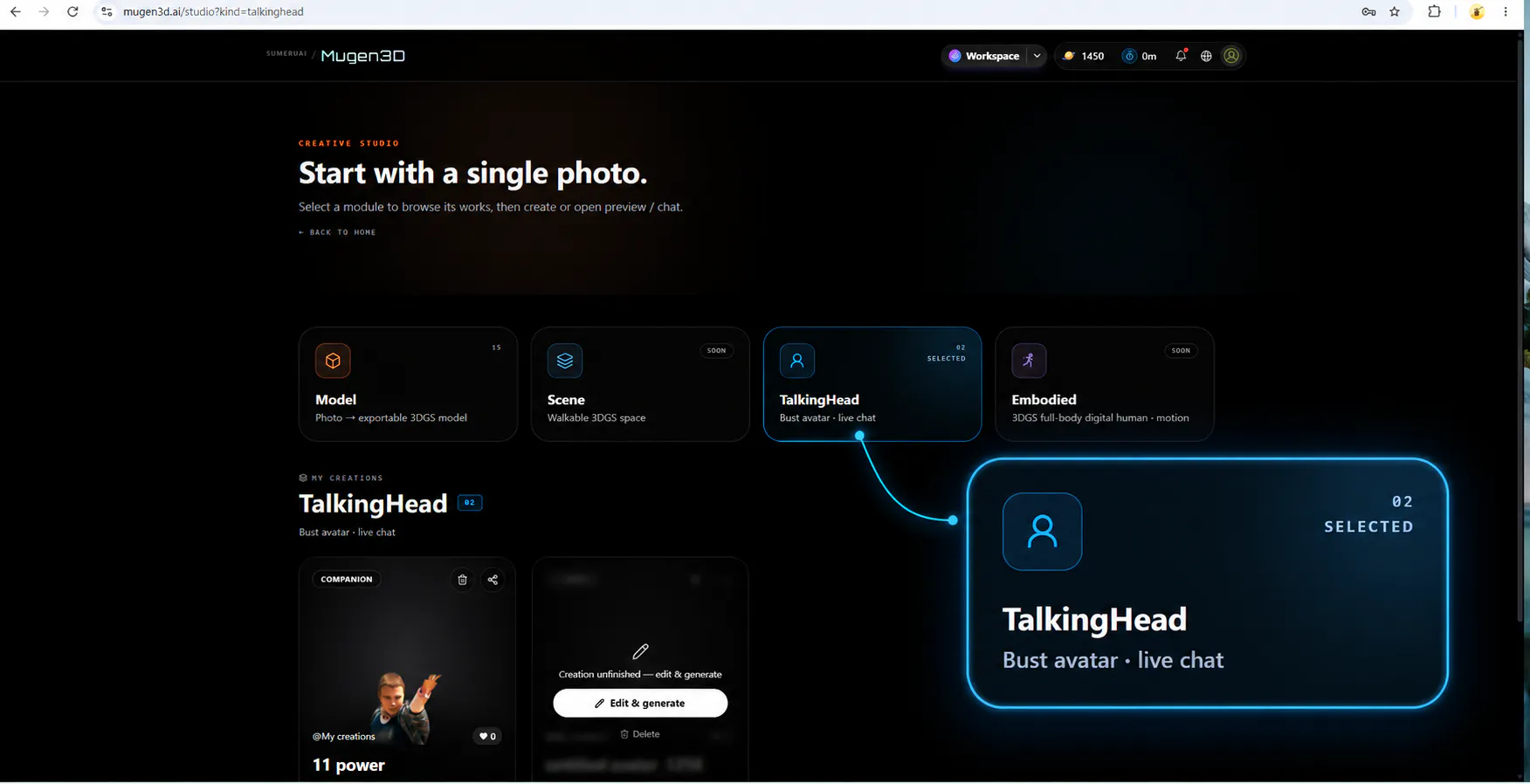
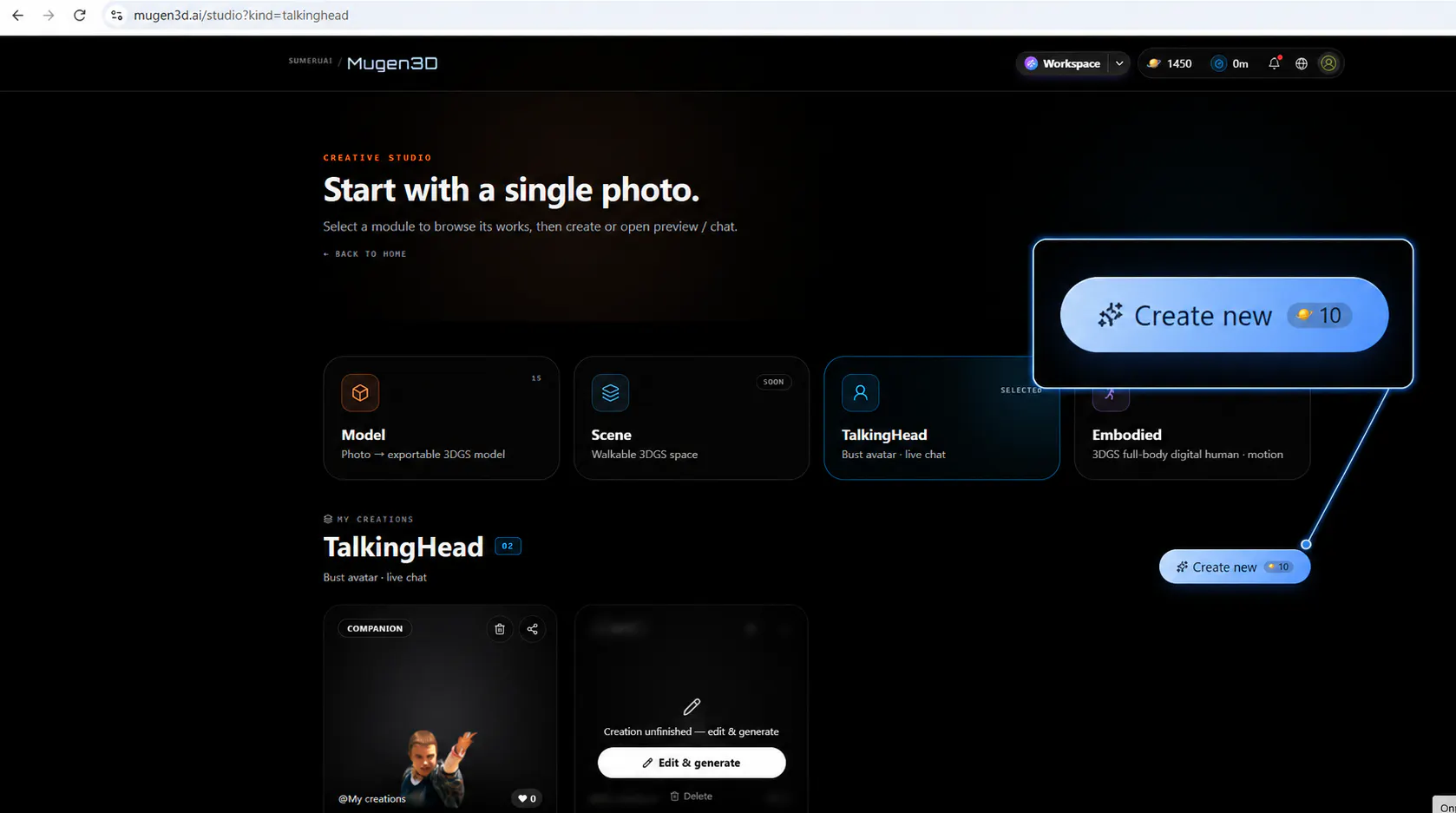
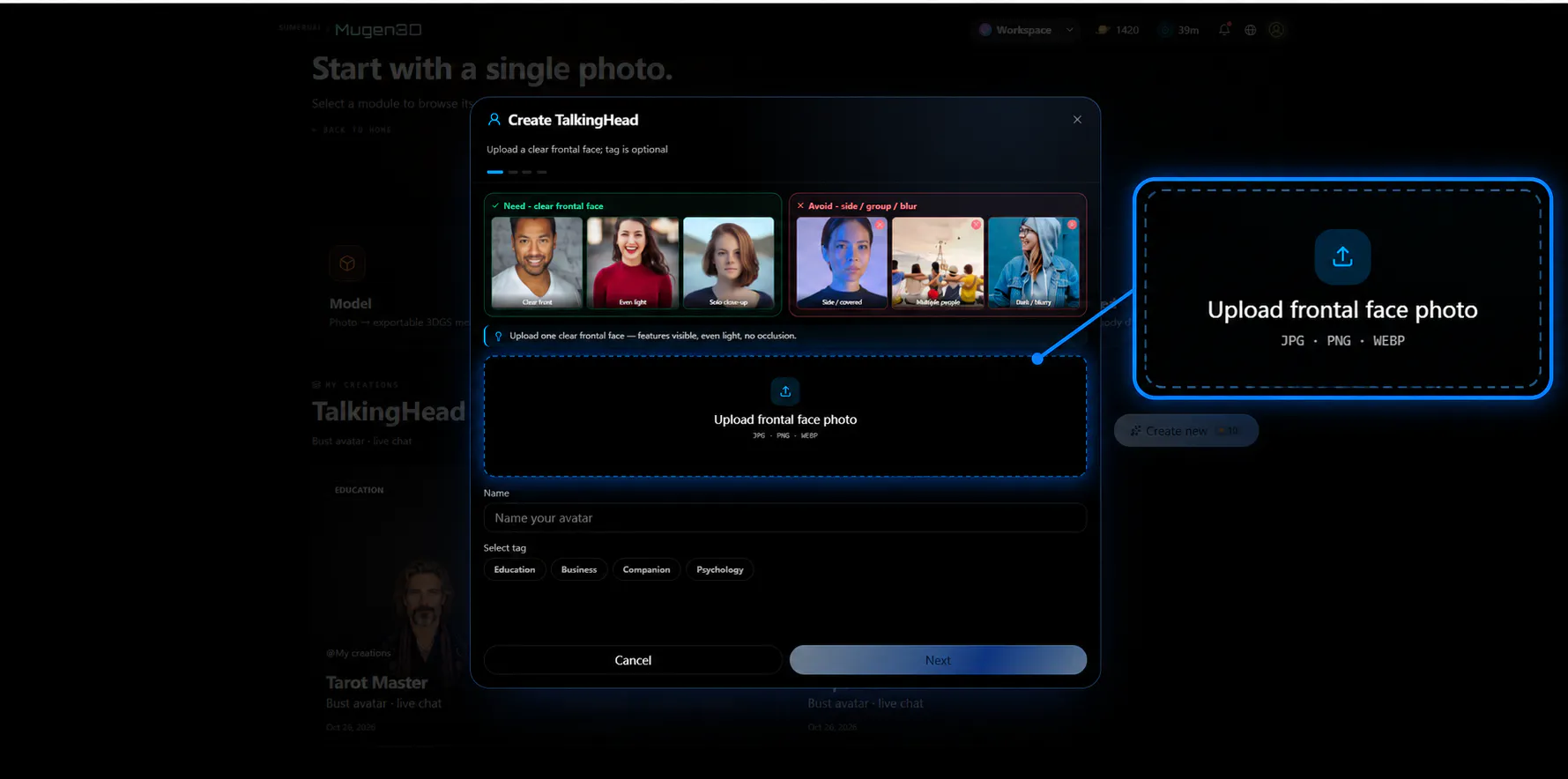
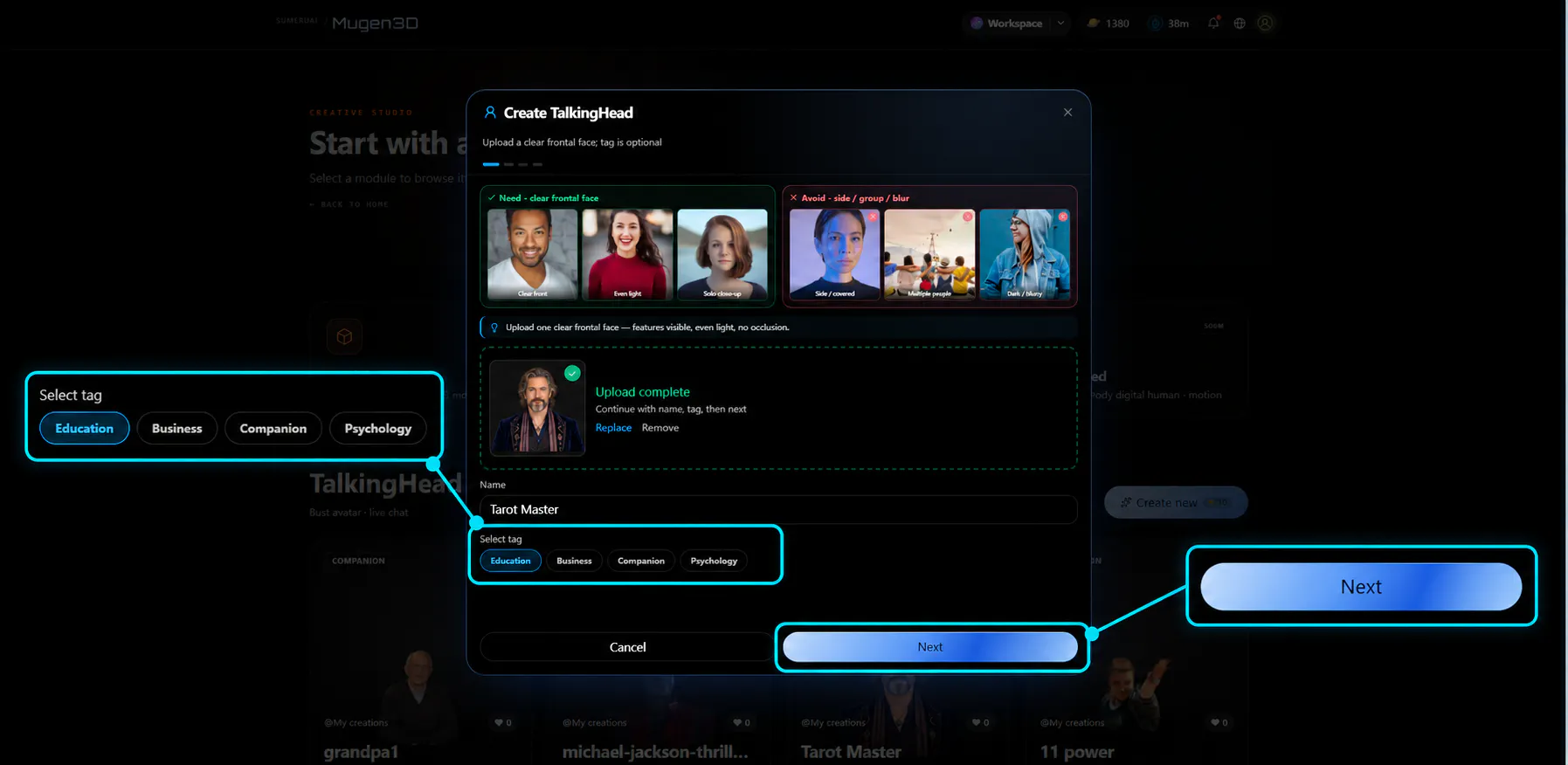
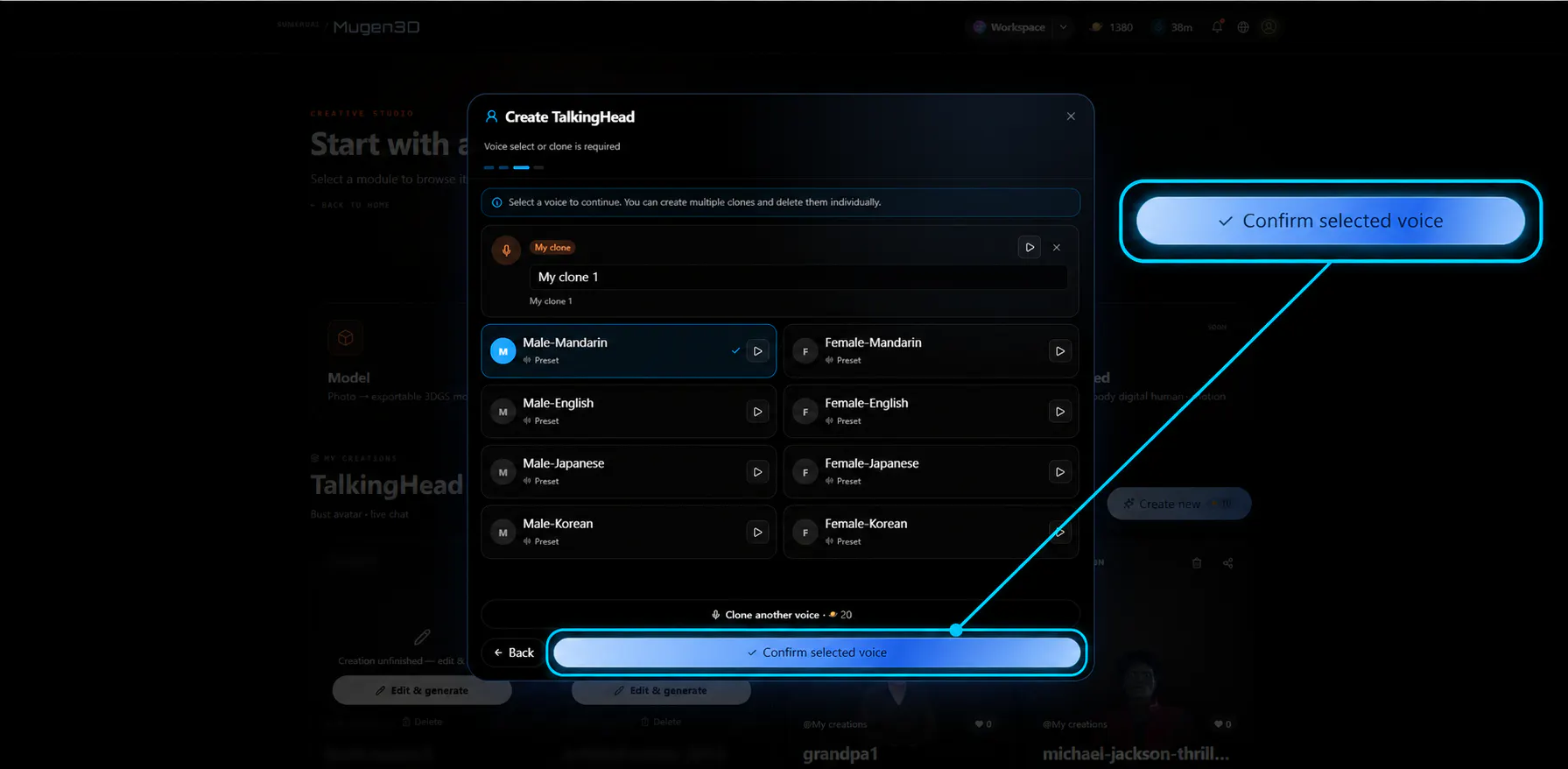
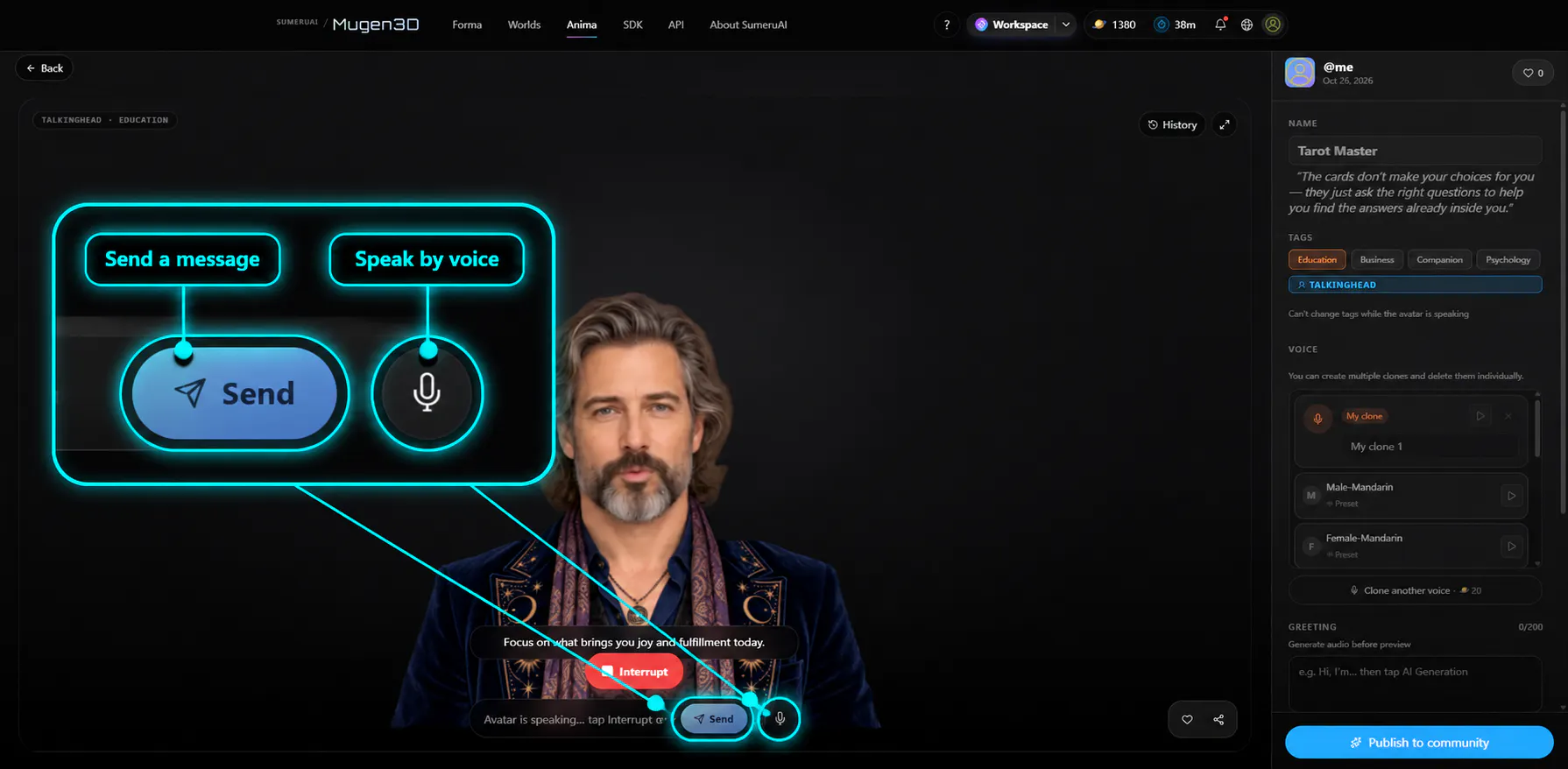
In TalkingHead Studio, the creator flow starts with a portrait and builds an interaction around it. First, the image establishes how the character looks. Next, a persona describes the character’s role, background, tone, and conversational goal. A separate knowledge document provides material for specific topics. The creator then chooses a voice and can try a text or microphone conversation.
These pieces solve different problems. The persona guides how the character responds; the knowledge source gives it information to draw on. For example, an interactive story character might have a concise persona plus a carefully selected set of world notes. A product guide might use a role description and a small, maintained FAQ. Uploading material alone does not guarantee accurate answers, so the prototype should include questions the character can answer and questions it should decline or qualify.
Voice changes the product experience
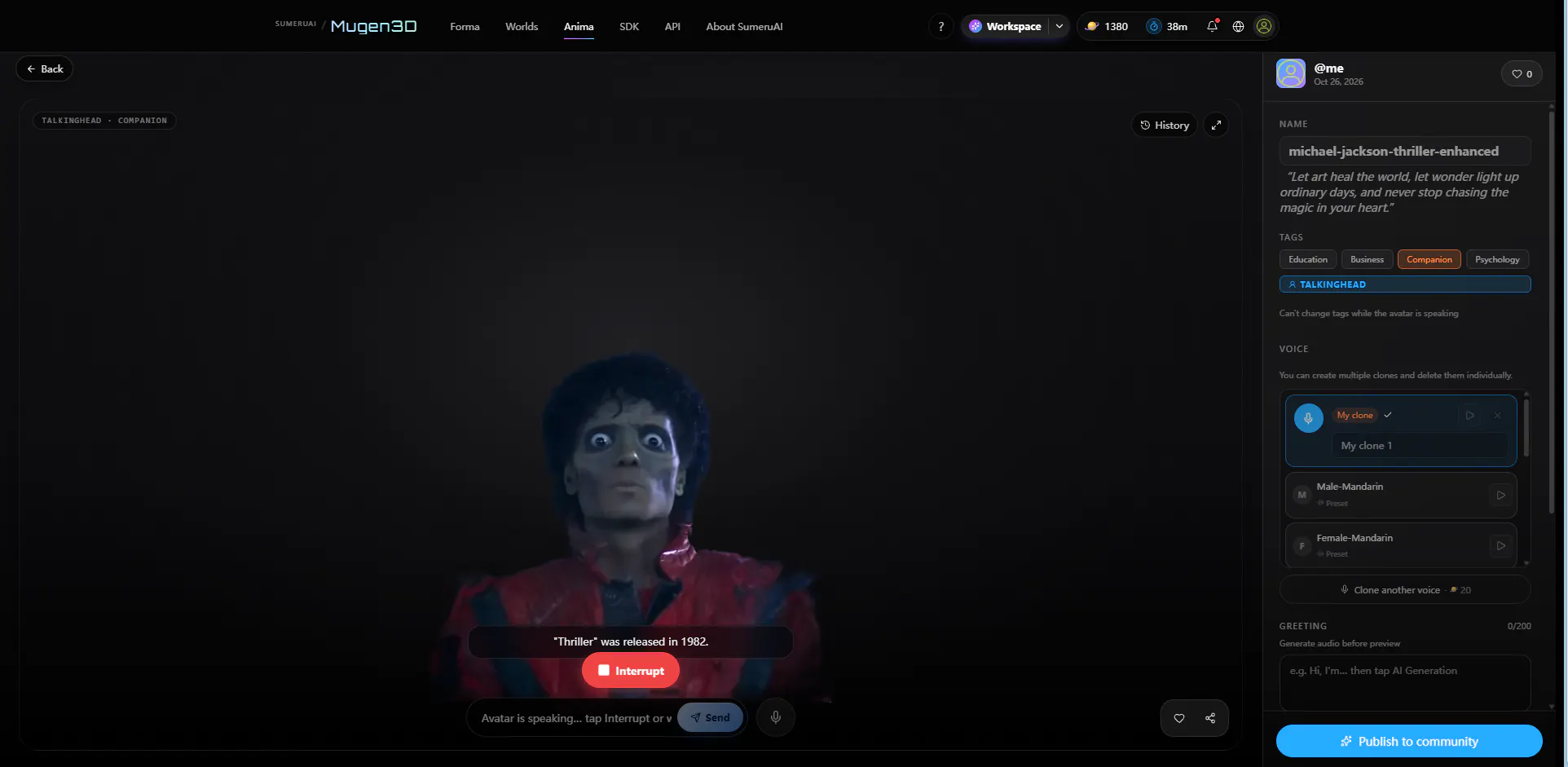
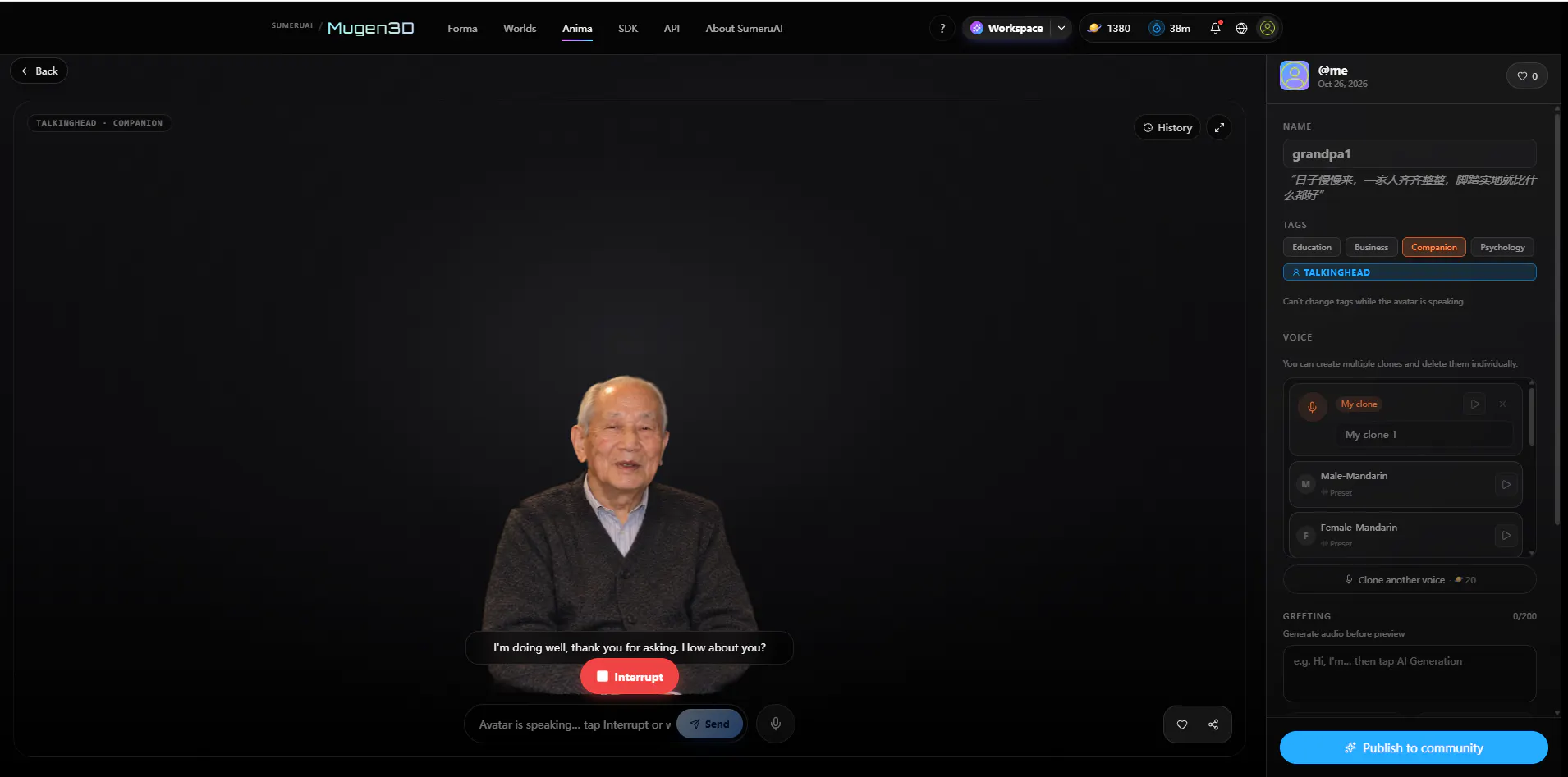
Voice can make a character feel more immediate, but it also makes the interface more demanding. People need to know when the system is listening, thinking, or speaking. They notice pauses, interruptions, speech-recognition errors, and playback failures. A convincing demo should test those states along with the voice and facial animation—not just show a short, successful exchange.
I would start with one clear character role and a small set of reference material. Then I would test a few predictable questions, an ambiguous question, and something outside the character’s knowledge. That reveals more about the experience than a long scripted conversation.
Two integration layers
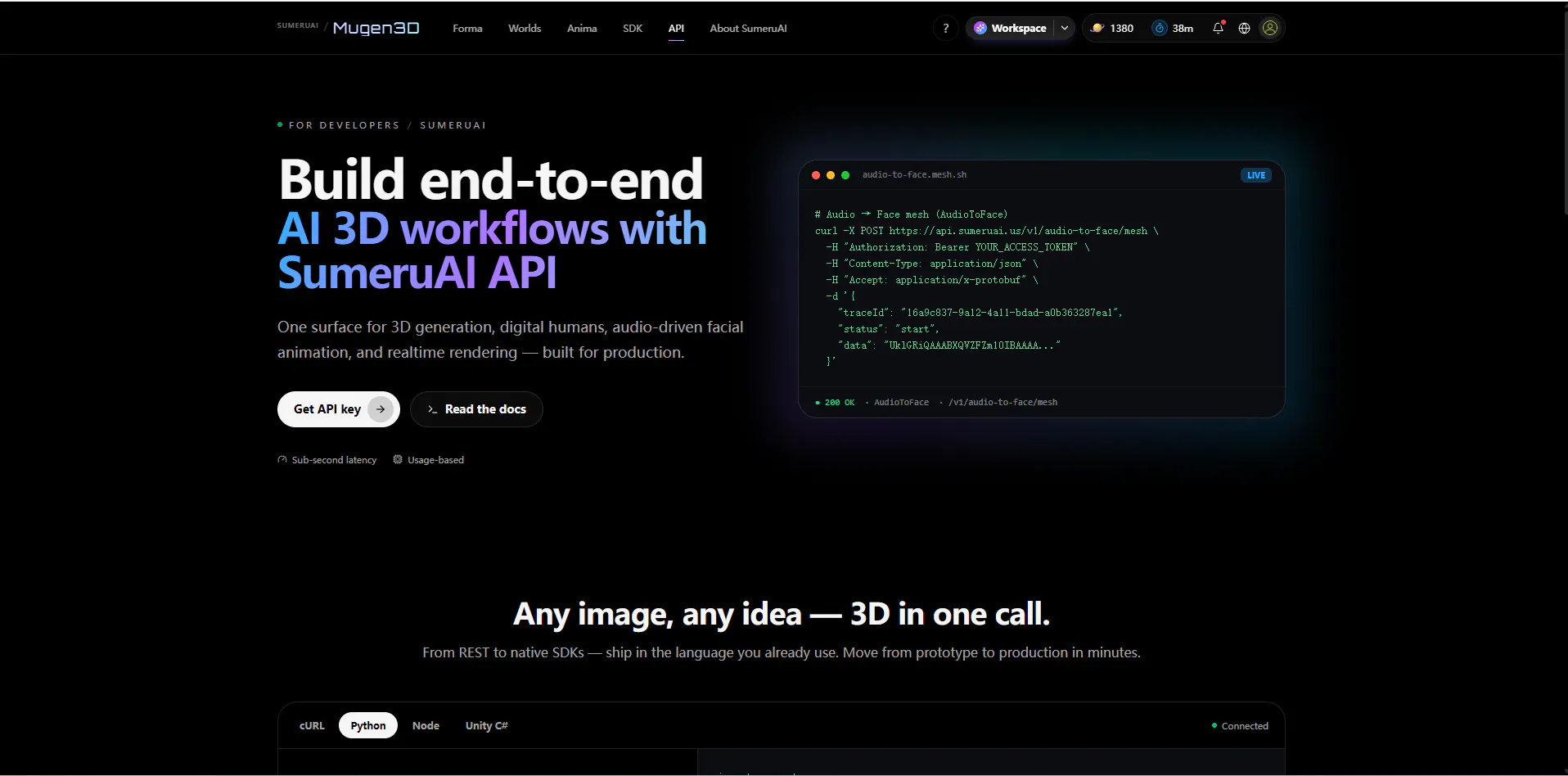
There are two related but distinct tasks: generating a TalkingHead asset from a photo, then rendering and animating that asset in a product. The Mugen3D API documentation describes photo-to-TalkingHead generation as an asynchronous job with a result callback. The current API page has the authoritative request fields and job behavior.
For browser rendering, the public TalkingHead Web SDK repository includes a demo and a minimal integration example. It covers loading a hosted avatar and driving facial animation from audio. The SDK handles avatar rendering and audio-driven facial motion; the host application still needs to provide its own conversation interface, dialogue or retrieval logic, and product-specific behavior unless another service supplies those parts. Keep API credentials on the server, and represent generation as a job with visible processing, completed, and failed states.
A practical first prototype
A small team could explore a language-practice partner, a history explainer, an interview coach, or an interactive story character. The first useful test is usually narrow: one role, a few trusted references, one voice, and an interface that makes the character’s state clear. From there, measure response time, check how well answers stay within scope, and see whether the character feels consistent across text and voice.
If you are building conversational characters, what would you test first: persona consistency, grounded answers, voice turn-taking and latency, or the rendering and engine integration? I would especially value examples of the failure cases that surprised you.
Links: TalkingHead Studio — https://mugen3d.ai/studio?kind=talkinghead · API documentation — https://mugen3d.ai/api/ · TalkingHead Web SDK — https://github.com/sumeurai/TalkingHead · Full walkthrough — https://dev.to/lunct/from-a-portrait-to-an-interactive-talkinghead-persona-knowledge-and-voice-4oem
Replies
Be the first to reply
Have a question or a thought to share? Add a comment above to start the conversation.