


🧠 [Coming Soon] One-click save to Notion
by•
Why not save the content of a webpage to my Notion page?
So I decided to add this feature to my Chrome extension.
✅ Step 1: Navigate to Options → Config Notion.

✅ Step 2: Visit the webpage → Click “Save to Notion”.
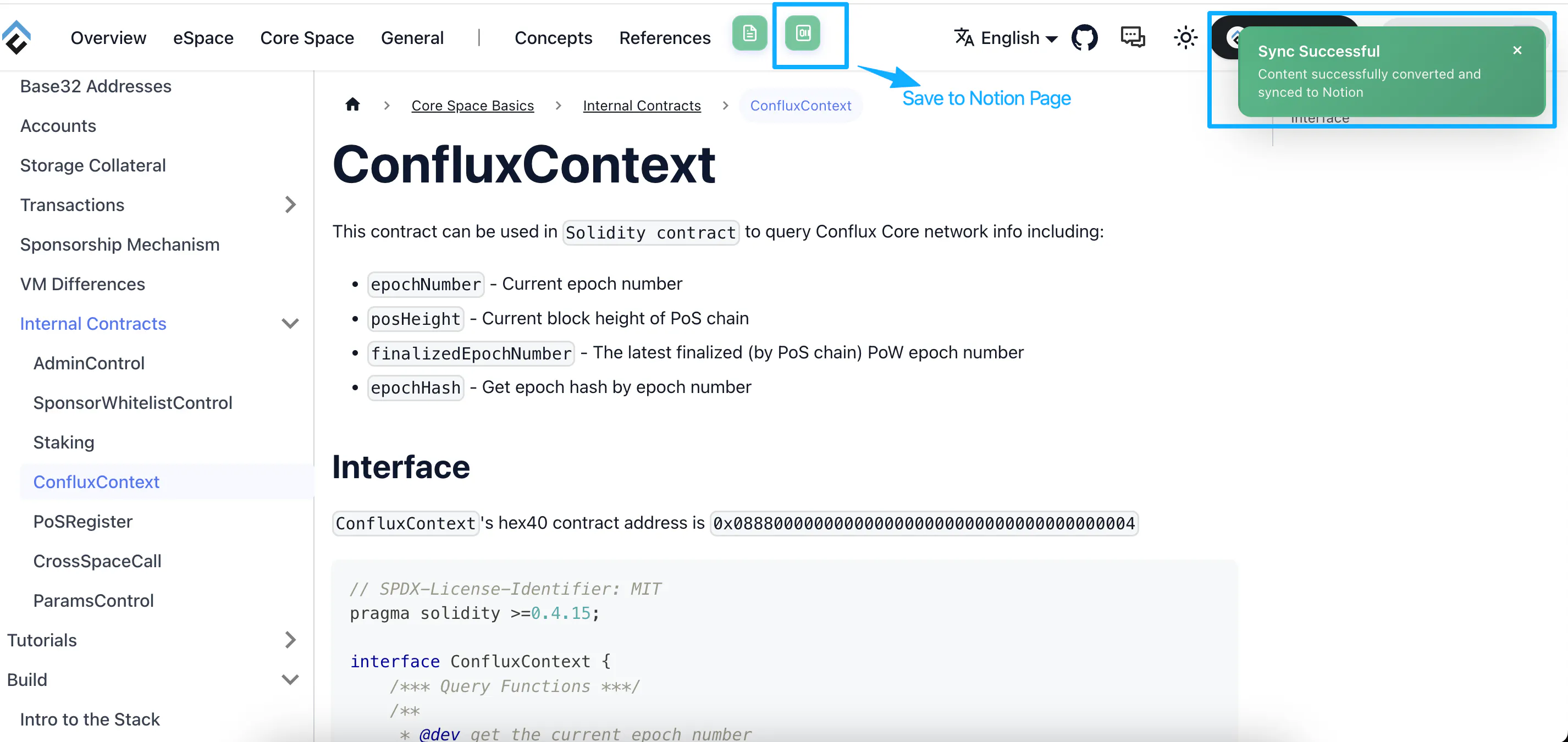
✅ Optional Step 3: Optionally, convert histories and click “Save to Notion” again.

13 views
Replies
🚀 Release 1.2.0 Is Here, E2MD Chrome Plugin !!!
My Chrome extension is here (E2MD)Chrome Extension
Step 1: Get Your Notion Token, Notion Integration API
Step 2: Configure the Notion Token and Parent Page in the chrome extension
Step 3: Open a webpage and save it to Notion with one click
In the end, your Notion page will be created.