

How to Spot a Phishing Email Before It Steals Your Data
Phishing emails are one of the most common and dangerous cyber threats today. Every day, millions of fake emails are sent pretending to be from banks, online stores, social media platforms, or even government agencies.
Their goal is simple:
To trick you into revealing sensitive information such as:
Passwords
Credit card details
Banking information
Personal identity data
The scary part? Phishing emails are getting smarter and more convincing.
In this guide, you’ll learn exactly how to spot a phishing email — and how using Temp Mail .FYI (https://temp-mail.fyi/) can help protect you from unnecessary exposure.
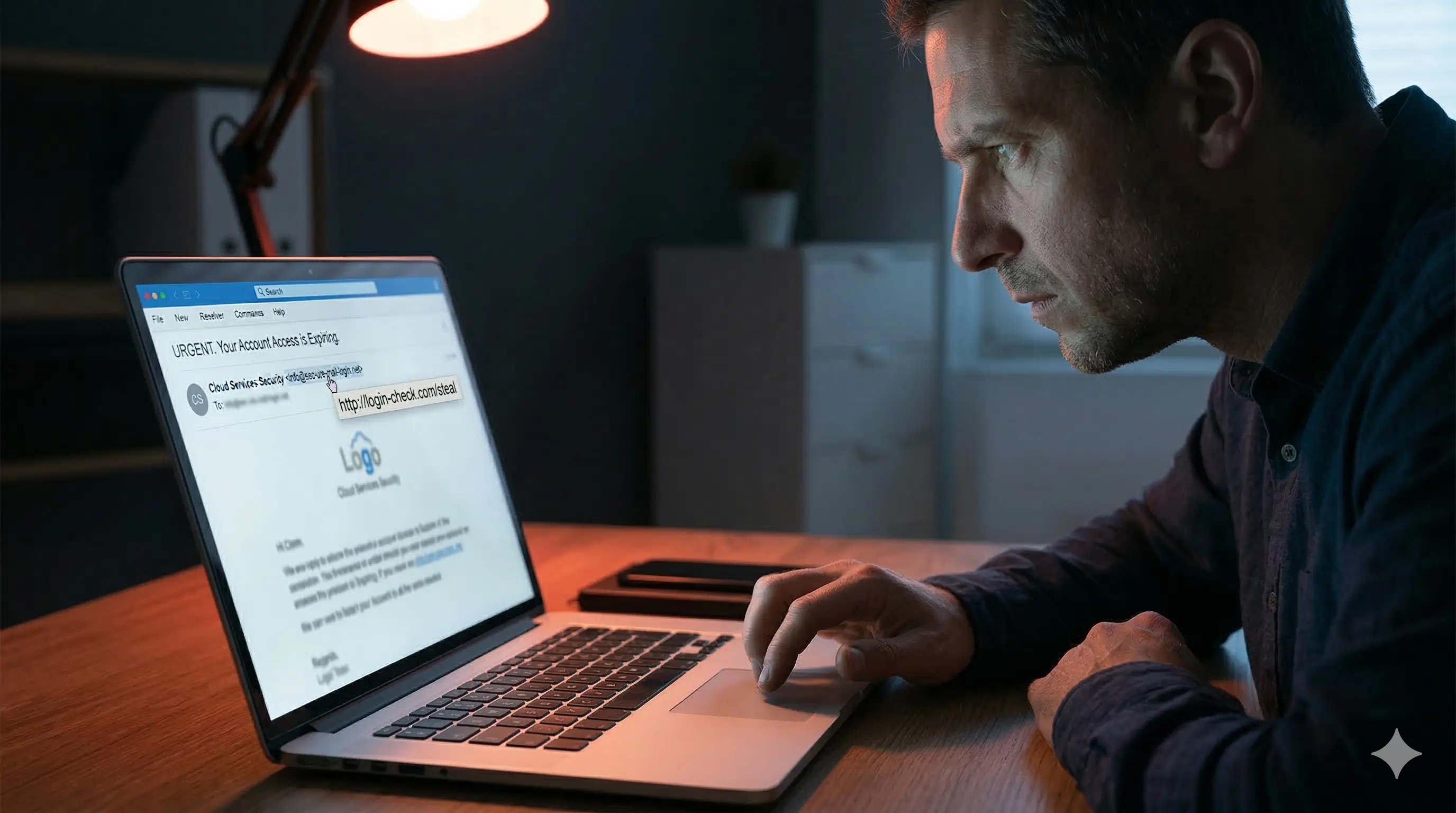
What Is a Phishing Email?
A phishing email is a fraudulent message designed to appear legitimate. It often creates urgency, fear, or excitement to manipulate you into clicking a link or sharing private information.
Common phishing themes include:
“Your account has been suspended”
“Unusual login attempt detected”
“You’ve won a prize”
“Confirm your payment details immediately”
These emails often look professional — but small details give them away.
10 Clear Signs of a Phishing Email
1️⃣ Suspicious Sender Address
Always check the sender’s email address carefully.
Example:
Legitimate: support@paypal.com
Fake: support-paypal@gmail.com
Even small spelling variations can indicate fraud.
2️⃣ Urgent or Threatening Language
Phishing emails often pressure you with urgency:
“Act now!”
“Immediate action required!”
“Your account will be closed today!”
Legitimate companies rarely threaten customers like this.
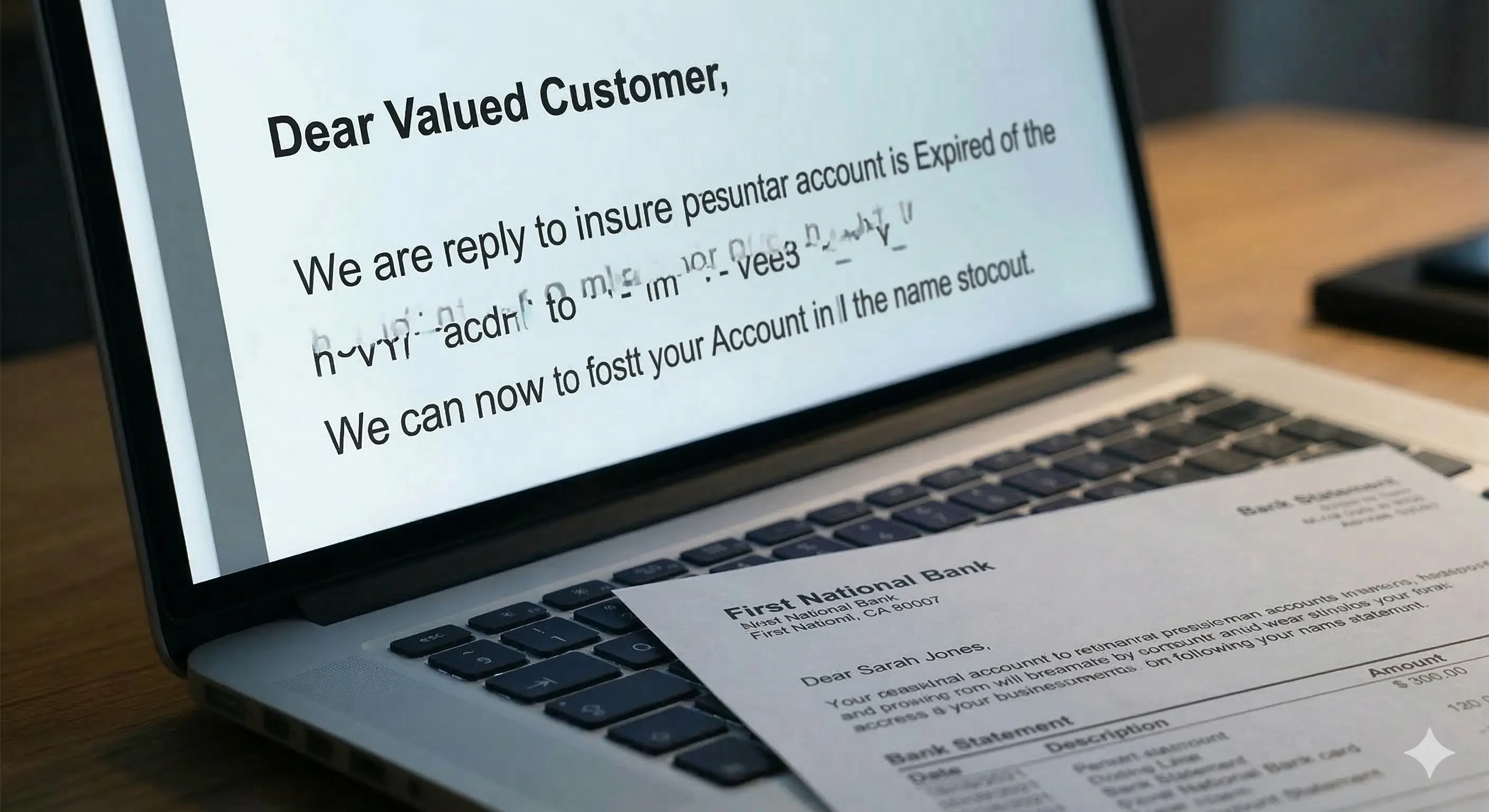
3️⃣ Generic Greetings
Be cautious if the email starts with:
“Dear Customer”
“Dear User”
“Valued Client”
Reputable companies usually personalize emails.
4️⃣ Suspicious Links
Before clicking, hover over the link.
If the URL:
Looks strange
Contains random numbers or letters
Doesn’t match the company’s official domain
Do NOT click.
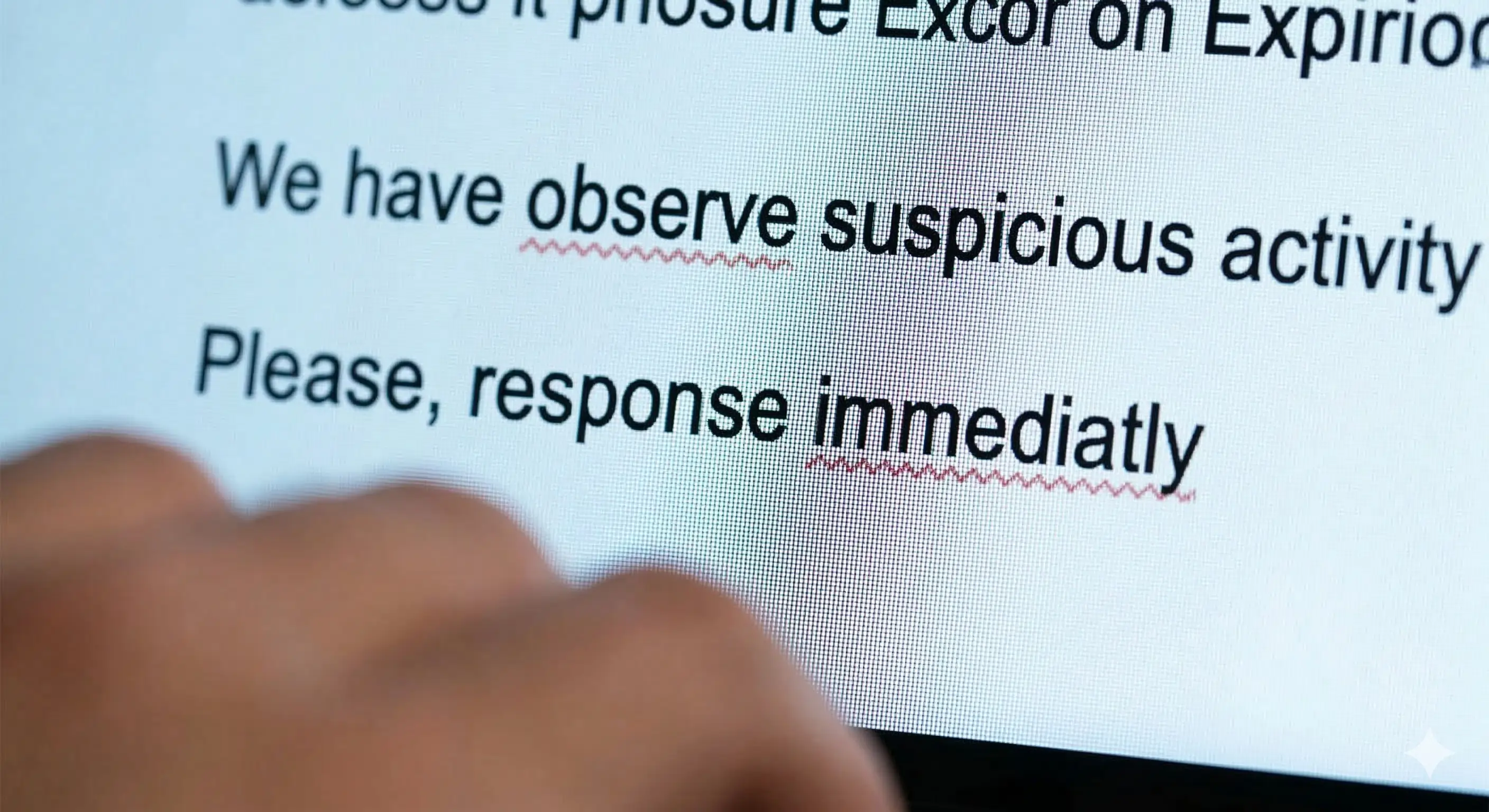
5️⃣ Poor Grammar and Spelling
Many phishing emails contain:
Awkward phrasing
Grammar mistakes
Spelling errors
While some scams are polished, errors are still common.
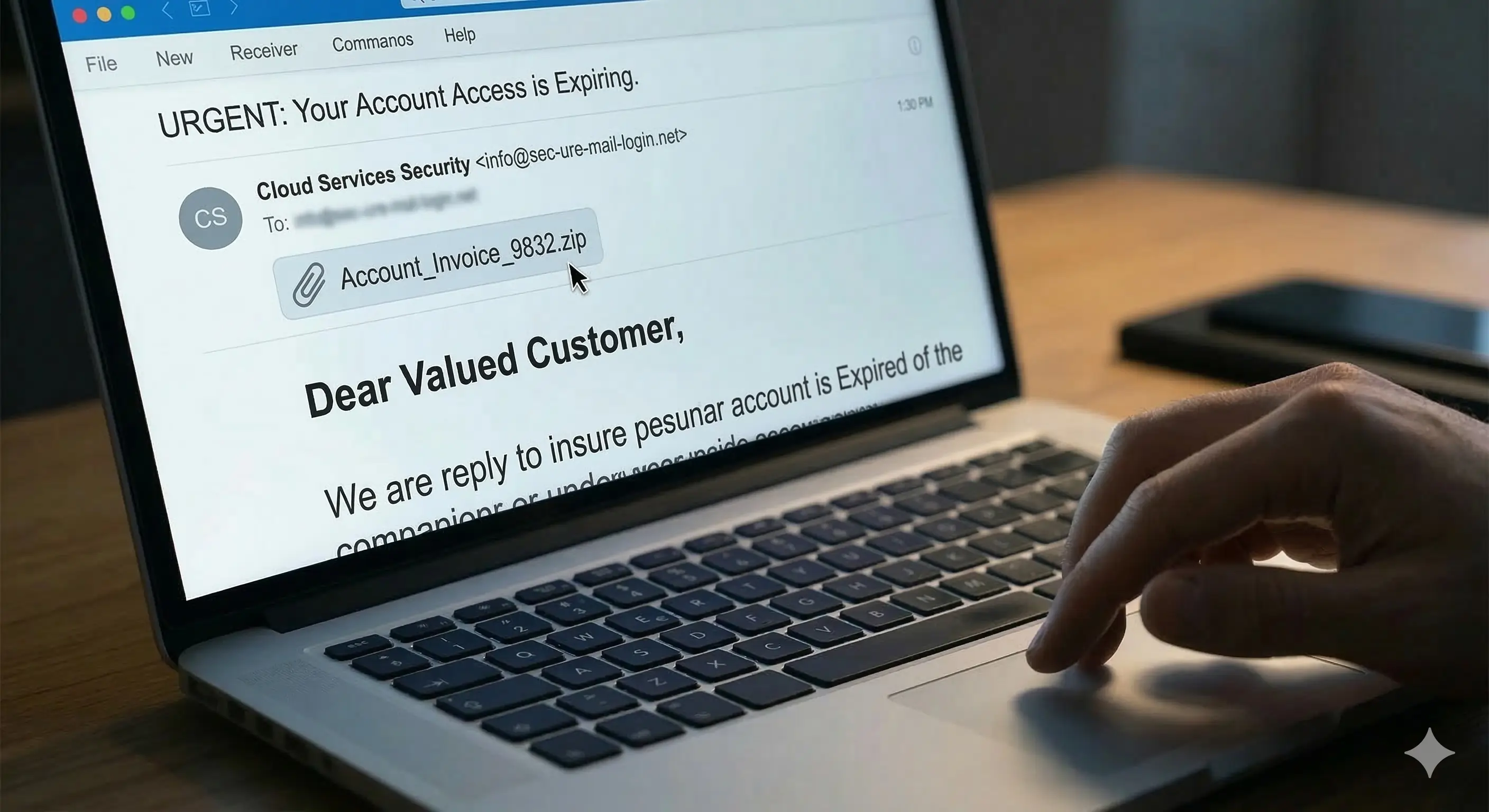
6️⃣ Unexpected Attachments
Never open attachments from unknown senders.
Malicious attachments can:
Install malware
Steal passwords
Infect your device
7️⃣ Requests for Sensitive Information
Legitimate companies will NEVER ask for:
Your password
Full credit card details via email
Social Security numbers
If they do — it’s almost certainly phishing.
8️⃣ Too Good to Be True Offers
“You’ve won $10,000!”
“If you didn’t enter a contest, you didn’t win.”
Be skeptical of sudden rewards.
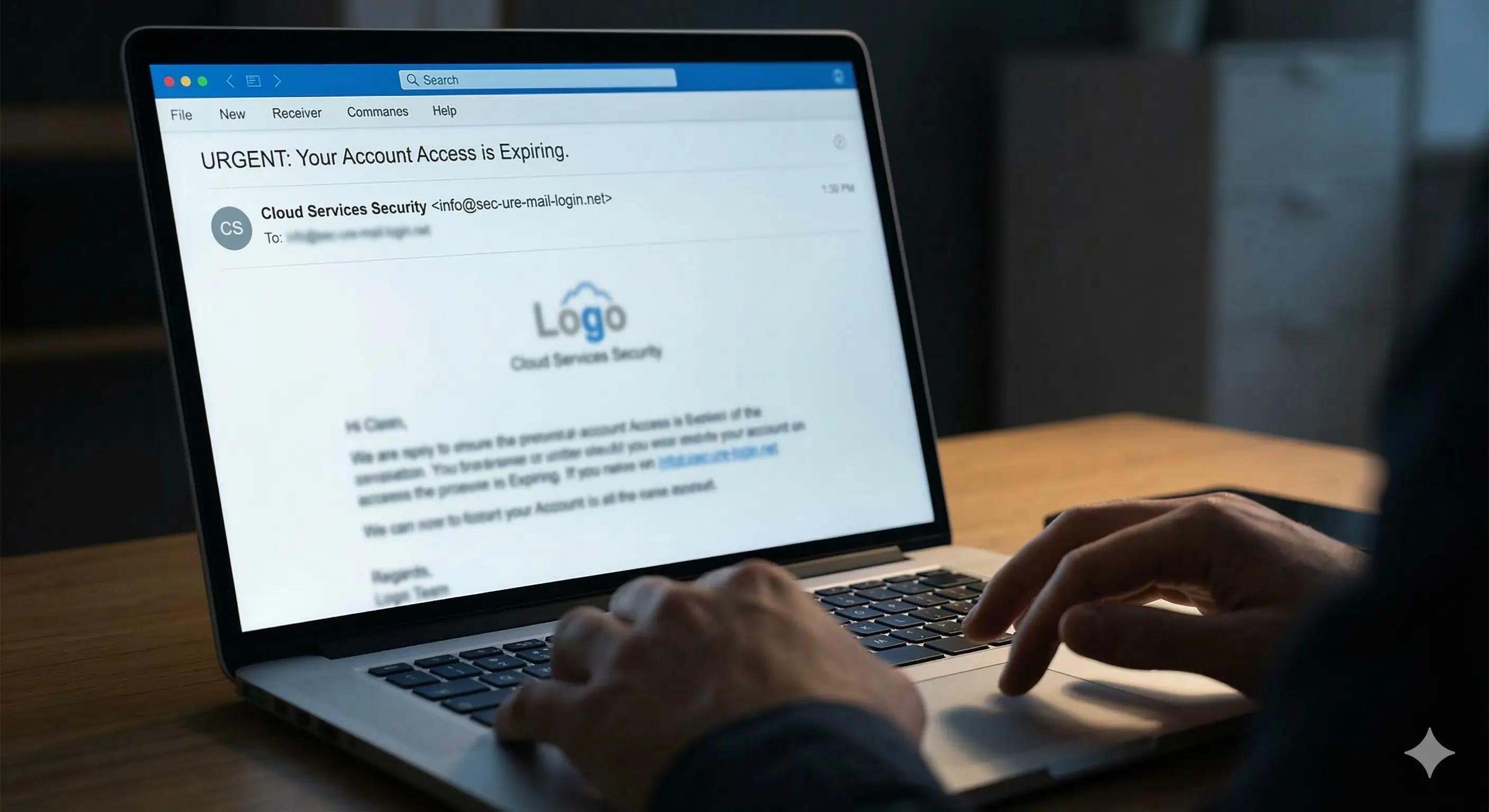
9️⃣ Fake Logos and Branding
Scammers copy logos and layouts. But look closely:
Slightly blurry images
Inconsistent fonts
Incorrect brand colors
These are red flags.
🔟 Emotional Manipulation
Phishing emails often trigger:
Fear
Panic
Excitement
Curiosity
Pause. Think. Verify.

Why Promotional Signups Increase Phishing Risk
Every time you share your personal email with:
Online stores
Giveaway sites
Free trial platforms
Your email address gets added to marketing databases. If those databases are leaked or sold, you become a target for phishing campaigns.
That’s why limiting exposure is critical.
Using Temp Mail .FYI (https://temp-mail.fyi/) for:
Coupon signups
Brand promotions
Free downloads
Unfamiliar websites
helps keep phishing emails away from your primary inbox.
How Temp Mail .FYI Adds Extra Protection
Temp Mail .FYI provides a temporary disposable email address that lasts long enough to receive verification emails and offers — without exposing your real email.
Here’s how it helps:
✔ Keeps promotional spam separate
✔ Reduces phishing exposure
✔ Limits your digital footprint
✔ Protects your main inbox
If a suspicious email arrives in your temporary inbox, you simply ignore it — no long-term risk.
Visit https://temp-mail.fyi/ anytime you need a secure, disposable email solution.
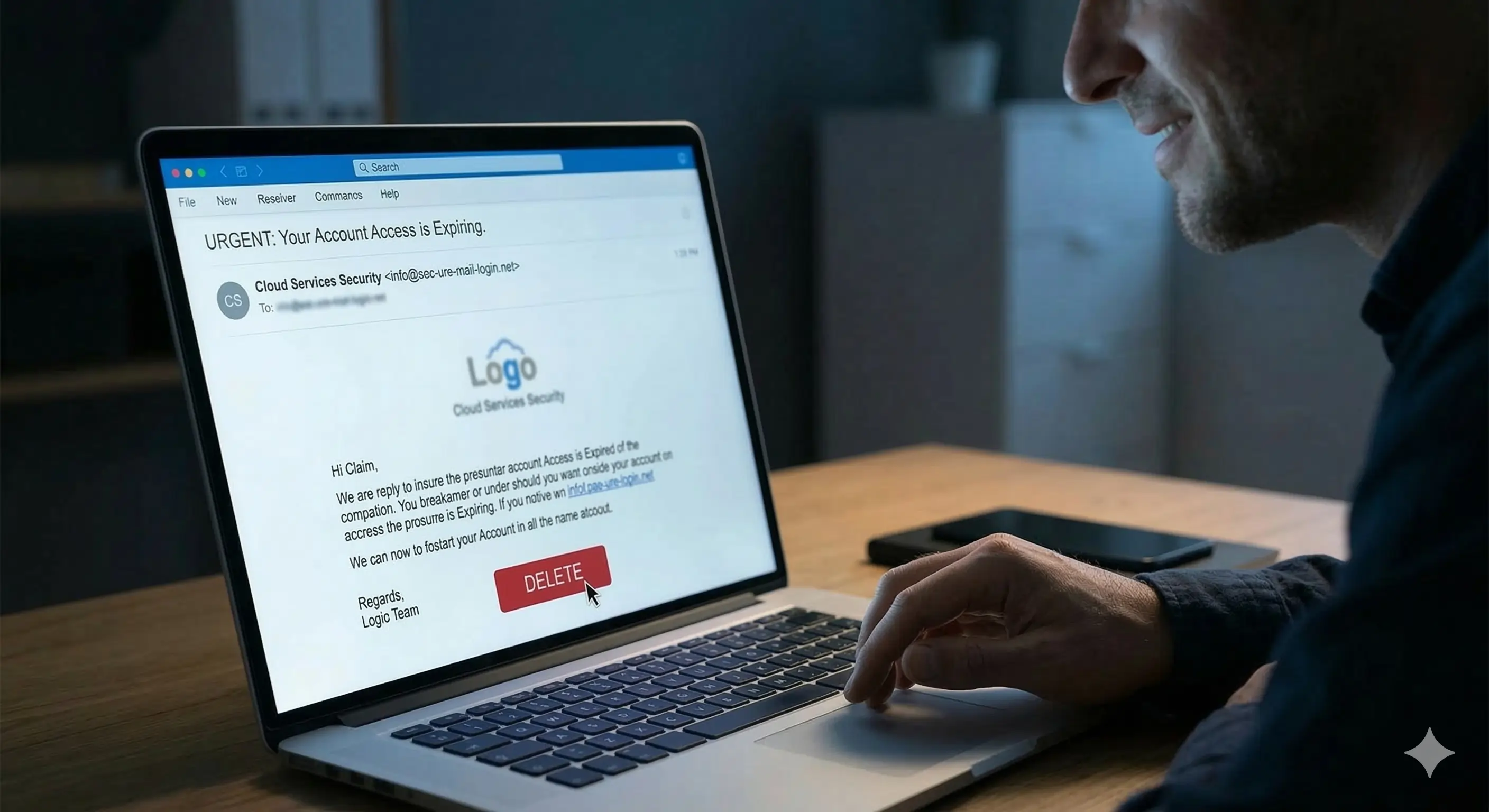
What To Do If You Receive a Phishing Email
If you suspect phishing:
Do not click links
Do not download attachments
Do not reply
Mark it as spam
Delete it
If you accidentally clicked something:
Change your passwords immediately
Enable two-factor authentication
Monitor your accounts
Prevention is always easier than recovery.
Conclusion
Phishing emails are becoming more advanced, but the warning signs are still there if you know what to look for.
By staying alert and limiting where you share your real email, you dramatically reduce your risk.
Make it a habit to use Temp Mail .FYI for promotions, signups, and unfamiliar platforms. A simple switch can protect your privacy, your accounts, and your peace of mind.
👉 Try it today at https://temp-mail.fyi/ and browse smarter.
Replies