


Why I Built an AI Video Editor That Puts Control Before Generation
I've generated dozens of AI video clips over the past few months. Most never made it into a final video. Not because the AI was bad but because I couldn't control what I was getting.
I'm a solo founder building product marketing videos. Every launch needs a demo. Every demo needs footage. And every AI video tool promised me the same thing: type a prompt, get a video.
The reality? Type a prompt. Get something... close. But not quite right. The character looks different than I imagined. The camera angle is wrong. The lighting doesn't match my brand. So I type a new prompt and hope.
Here's what I learned after months of using Runway, Kling, and Pika: the generation is incredible. The control is nonexistent.
The Control Gap
Current AI video models: Runway, Pika, LTX, Kling, Sora, all of them share the same limitation: you type a prompt, you get a clip. Want something different? Type a new prompt and hope the model interprets it consistently.
Let me be clear: this isn't a product flaw. It's how diffusion models work right now. When you want to change a generated clip, you regenerate it. All of it. Every tool faces this same constraint.
But here's what frustrated me: I couldn't control the inputs with any precision. I couldn't:
· Upload my own character reference and have it appear consistently across scenes
· Specify camera angles and shot composition
· Control the start and end frames of a clip
· Make the same character appear in Scene 1 and Scene 3 wearing the same outfit
· Use different narration voices for different scenes
I wasn't directing. I was gambling with prompts.
The Scene-Based Solution
I realized the problem wasn't generation quality the models are already incredible. The problem was the workflow. I needed to control what got generated, not just hope the prompt worked.
So I built RizzGen with a scene-based architecture:
· Break your video into scenes with a storyboard and script
· Upload character references, object references, start/end frames
· Specify camera angles and shot composition for each scene
· Use consistent characters across multiple scenes
· Regenerate individual scenes without losing your setup
· Mix different AI models (Sora, Kling, Veo) for different scenes
Notice what's different: you're not hoping the AI interprets your prompt correctly. You're directing specific elements: this character, this angle, this composition, this voice.
The Tradeoff
Let me be honest: scene-based editing requires more setup than prompt-to-video. You can't just type 'make me a product demo' and get instant output. You need to:
· Structure your story into scenes
· Upload or define characters and objects
· Set camera angles and compositions
· Think like a director
This is slower upfront. But it saves time on iteration because you're not regenerating entire videos hoping for consistency. You're making deliberate adjustments to specific scenes.
Who RizzGen Is For
RizzGen is for creators who:
· Tell multi-scene stories (not just one-off clips)
· Need character consistency across scenes
· Want deliberate camera work and composition
· Are willing to trade 'instant' for 'controlled'
Not for: Quick social clips where consistency doesn't matter (use Runway/Kling directly), or people who want 'magic' without setup work.
What I am Looking For
RizzGen is in early access. I am looking for:
· Founders who create product demos/explainers with multiple scenes
· Creators who have felt the 'prompt gambling' frustration
· Honest feedback on the scene-based workflow
If you have ever wished you could upload a character reference and have it stay consistent across scenes, I built this for you.
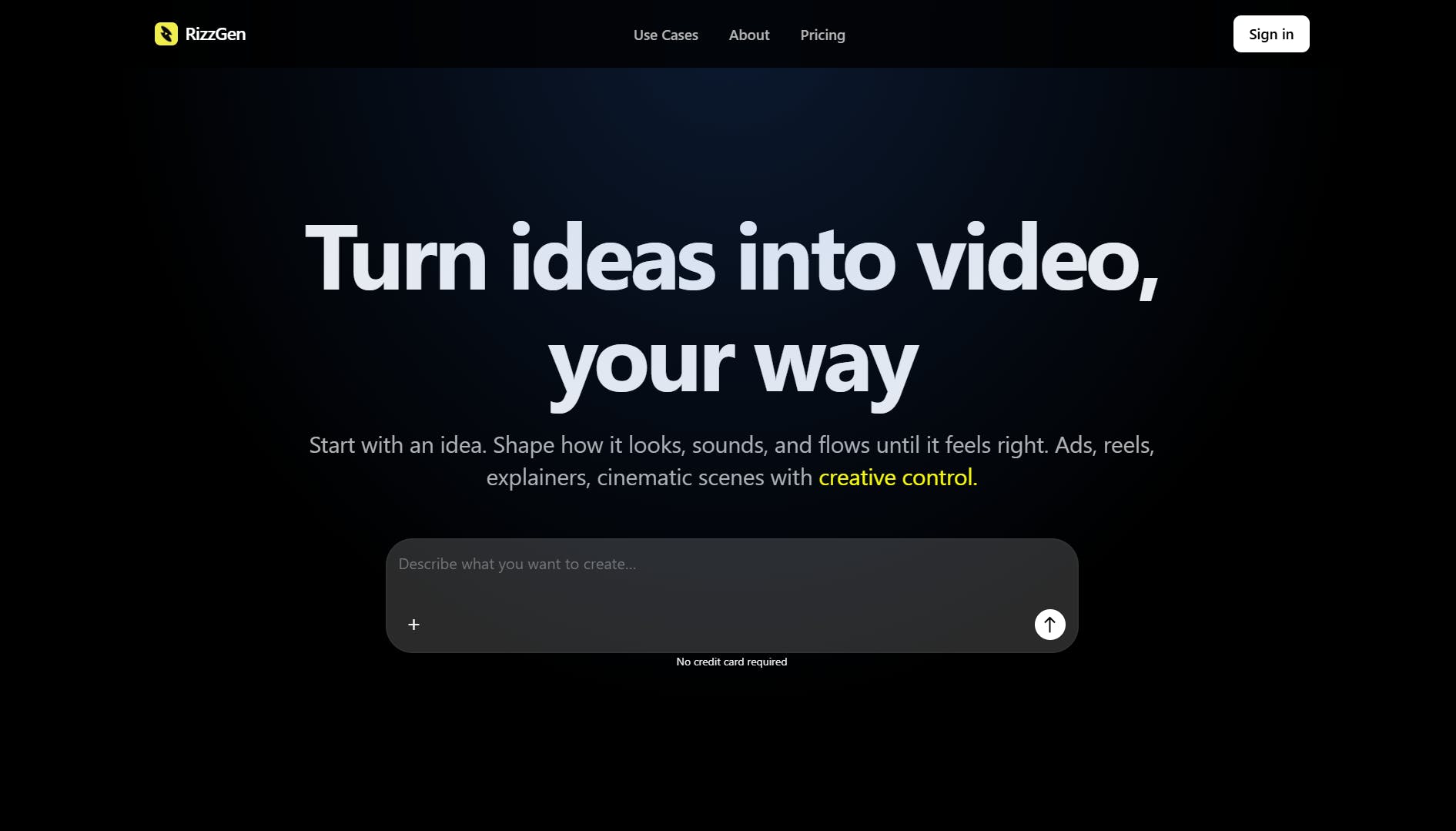
Try RizzGen: rizzgen.ai
Replies
Hey @meet_og , this is a really great app. The UI is really polished, how long did it take you to refine it?