If you've shipped front-end with Claude, Cursor, or Copilot, you know the look. Purple gradient, three equal cards, Inter blown up huge, a "John Doe" testimonial, 300ms on everything. The tools don't choose it. They default into it, because the average of everything they trained on is generic.
I'm a designer, and undoing the same five mistakes by hand stopped scaling. So I built ux-skill.
It sits between you and your AI tool and swaps improvising for constraints:
You describe the project in a forced brief.
It builds a real design system: type, color, layout, motion.
It generates the code against that system.
It lints the result against 152 rules and blocks the generic version before it ships.
I ve been using Pencil.dev for a few days and honestly it s a big paradigm shift for how fast you can explore UI. I'm loving it!!
One thing I bumped into: I still need to move some screens into Figma to polish details, collaborate, and keep everything in the same place as the rest of our design work.
Background: We have built an AI assistant (Tasker) that can do all sorts of tasks on your behalf.. from using a browser to doing deep research to connecting to your GSuite and all your SaaS apps etc.
I've recently implemented a coding tool for Tasker to use. I asked it to create a website with a Google Sheet as a database, and it worked surprisingly well.
I then started asking Tasker to take on different roles to run my website based on triggers:
Hello everyone, I am dabbling in "Vibe Coding" and wanted to know if anyone has any advice or best practices? I have used Cursor for a while, but have just started to use Claude Code to take a more hands-off approach. I am liking it so far for getting the general layout and functionality, and then I go in to clean up and finish the work. I have also used some MCPs, but I am looking for more! All advice is appreciated. Thanks in advance!
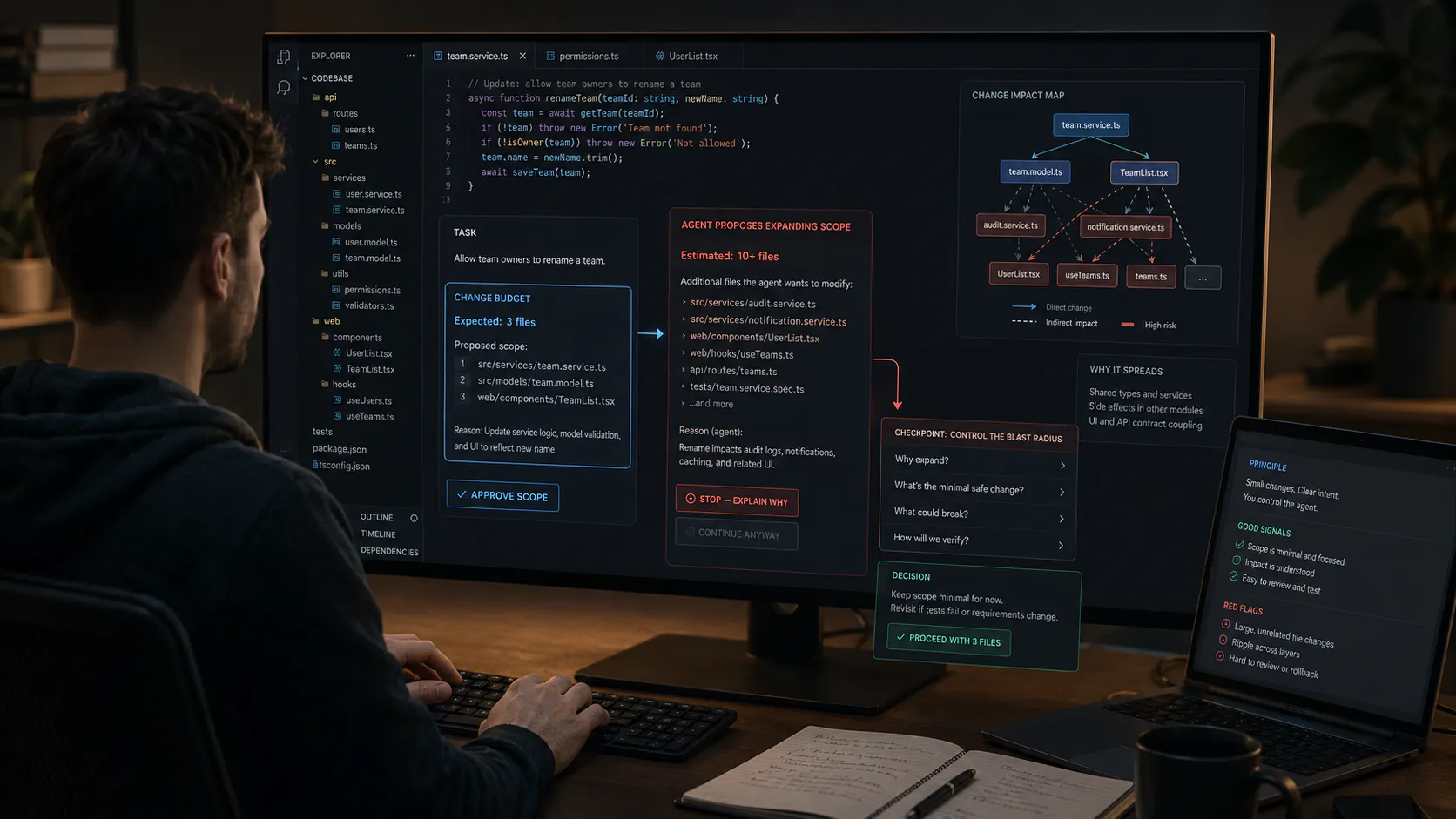
For the first few months of vibe-coding, I did what everyone does: describe the feature in chat, let the agent write it, fix what broke, repeat. Worked great for week one. By week three, every "small change" was touching six files I didn't expect, and the agent kept re-deciding architecture choices we'd already settled two days earlier - because the only record of those decisions was buried in scrollback.
What actually fixed it for me wasn't a better prompt or a bigger context window. It was writing a spec before touching the agent at all - a short doc covering what the feature needs to do, the inputs/outputs, the constraints, and what "done" looks like. Then I have the agent work strictly against that doc instead of my memory of a conversation from three days ago.
A few things I noticed once I switched:
Way fewer "wait, why did you change that file too" moments, because the spec draws the boundary of what's in scope.
Reviewing AI output got faster - I'm checking against written acceptance criteria instead of re-explaining intent in my head.
Onboarding a second AI session (or a human collaborator) mid-project stopped being painful, since the spec carries context the chat history used to.
I m working on a small tool for early-stage startups that ship fast but don t have a clean way to tell users what s new no changelog, no widget, no feedback.
This tool gives you:
A simple dashboard to manage changelogs and feature updates