
Blurt
Writing tool optimized for productivity and focus
22 followers
Writing tool optimized for productivity and focus
22 followers
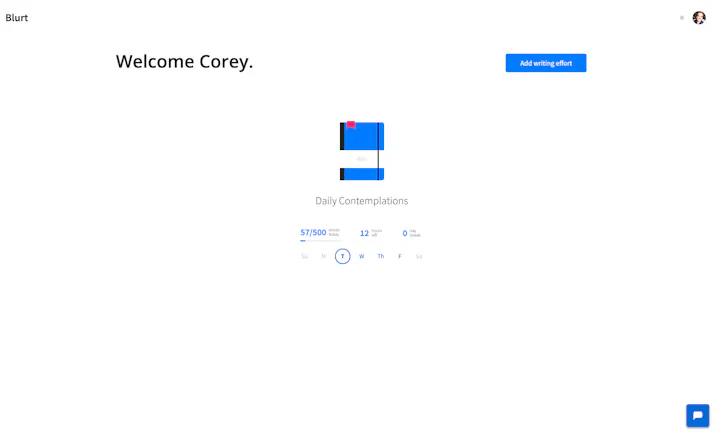
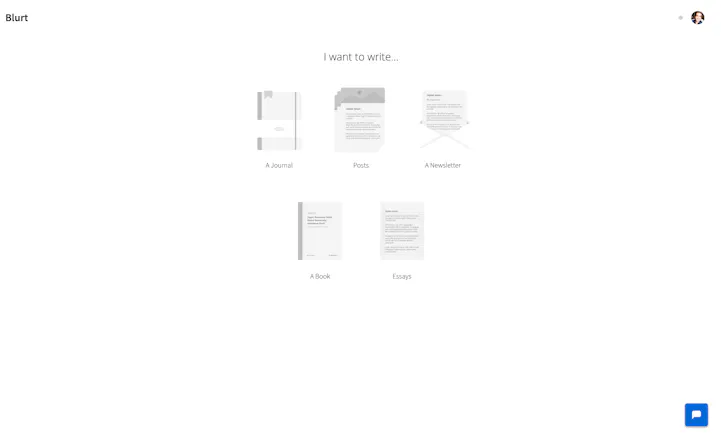
There are plenty of tools that allow you to write. There aren't tools that help you write. That's where Blurt comes in. Use Blurt to get your thoughts out then use its tools to help you structure, edit and share your best work. — Blurt is $4.99/month during the PH launch. A mental gym membership. Invest in yourself. Develop the habit. 😸




Launch Team

Dropbox SignSimple, secure eSignatures for the way your team works.
Promoted

 Blurt
Blurt When you blurt out what's on your mind, it's easy to get too wordy. Smart Edit aims to identify bad grammar, wordiness, and hard to read sentences so your work is easier to read. You can also highlight a word and Blurt will suggest a synonym. Blurt will eventually provide summarizations and other improvements to help you write your best.
👀 Blur
When you blurt out what's on your mind, it's easy to get too wordy. Smart Edit aims to identify bad grammar, wordiness, and hard to read sentences so your work is easier to read. You can also highlight a word and Blurt will suggest a synonym. Blurt will eventually provide summarizations and other improvements to help you write your best.
👀 Blur
 By blurring what you write as you type, Blurt can help prevent your inner critic from stopping you from getting your thoughts down by self-editing too soon. I brought this feature over from my former side project, BlindWrite, as an experiment. Has been fun to learn how it's of value to others.
⏲ Writing Sessions
By blurring what you write as you type, Blurt can help prevent your inner critic from stopping you from getting your thoughts down by self-editing too soon. I brought this feature over from my former side project, BlindWrite, as an experiment. Has been fun to learn how it's of value to others.
⏲ Writing Sessions
 Writing sessions enable you to write for a set duration or word count. The aim of sessions is to help you get into a flow. I've found that sometimes you just need to blurt your ideas out before you consider editing them. You can use this in combination with the blur feature to really prevent your inner critic from getting your ideas out.
🧠 Distraction Free
Writing sessions enable you to write for a set duration or word count. The aim of sessions is to help you get into a flow. I've found that sometimes you just need to blurt your ideas out before you consider editing them. You can use this in combination with the blur feature to really prevent your inner critic from getting your ideas out.
🧠 Distraction Free
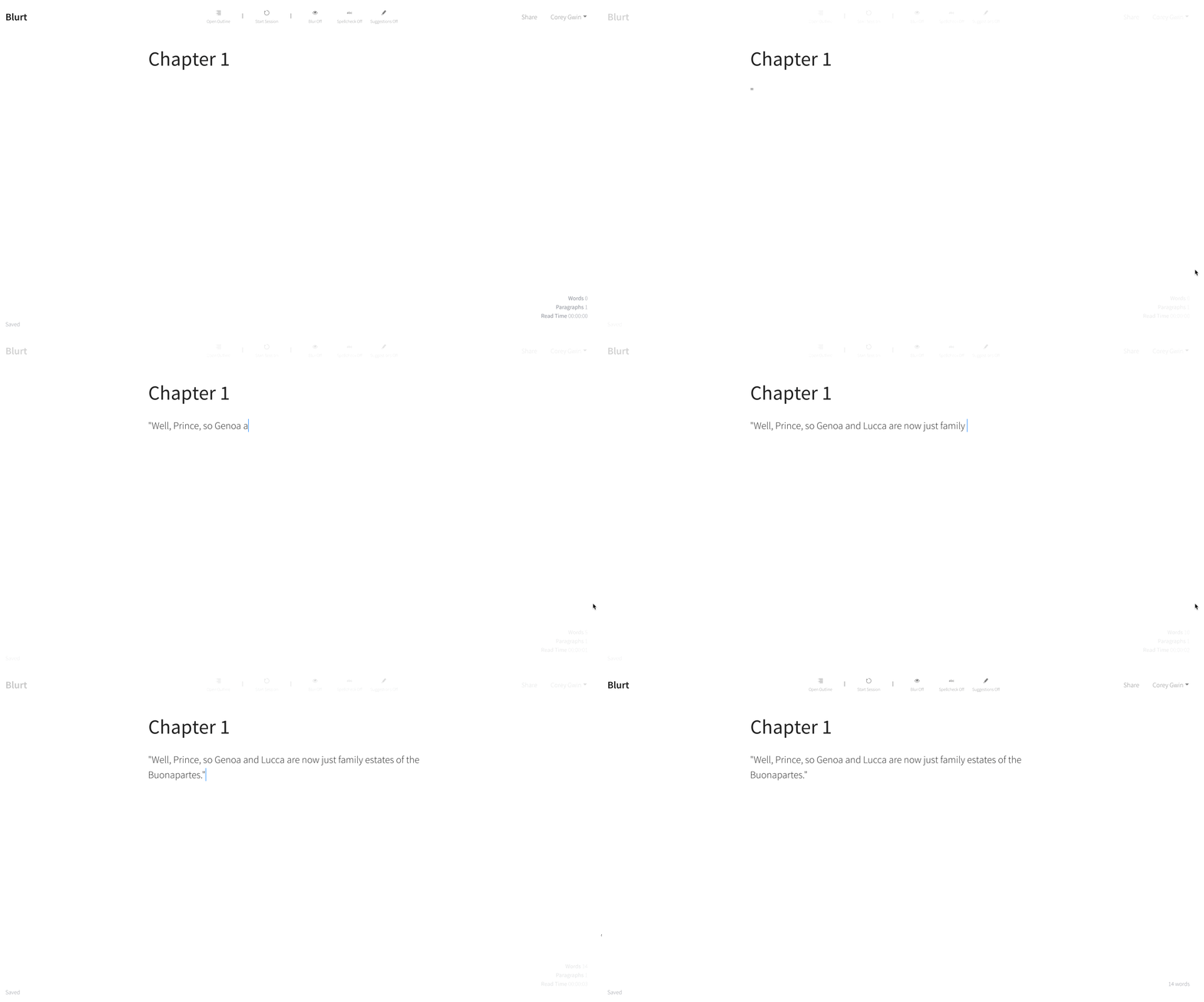 The aim of Blurt's UI is to be minimal and out of the way. Text should be easy to read. Compositions should be distractionless. There should be a sense of freedom in Blurt to allow you to focus your thoughts while writing. This will take some continued iteration to get right, but will be a big priority going forward.
📝 Outline
The aim of Blurt's UI is to be minimal and out of the way. Text should be easy to read. Compositions should be distractionless. There should be a sense of freedom in Blurt to allow you to focus your thoughts while writing. This will take some continued iteration to get right, but will be a big priority going forward.
📝 Outline
 The outline view allows you to structure your writing. I find creating a bulletized outline of my thoughts before writing helps me get started. It's also a good place to put notes, research, or links on a paragraph you're working on or haven't finished yet.
📈 Writing Stats
The outline view allows you to structure your writing. I find creating a bulletized outline of my thoughts before writing helps me get started. It's also a good place to put notes, research, or links on a paragraph you're working on or haven't finished yet.
📈 Writing Stats
 Clicking on the word count in the bottom right will reveal how long it will take to read your work. Did you know the average human reads at about 250 words per minute? Now you do. :)
Blurt keeps track of how many words you write every day. You can set a daily writing goal to help you develop a daily writing habit. "If you know you have to write something every single day, even a paragraph, you will improve your writing."
🌎 Publishing
Clicking on the word count in the bottom right will reveal how long it will take to read your work. Did you know the average human reads at about 250 words per minute? Now you do. :)
Blurt keeps track of how many words you write every day. You can set a daily writing goal to help you develop a daily writing habit. "If you know you have to write something every single day, even a paragraph, you will improve your writing."
🌎 Publishing
 When you're ready to share your work, you can share its link with others. If you wish, you can make it public so it's accessible from your Blurt profile like mine.
😻 Emojis
When you're ready to share your work, you can share its link with others. If you wish, you can make it public so it's accessible from your Blurt profile like mine.
😻 Emojis
 Blurt supports emojis! Type a ":" and a description to select one.
—
You can learn more about Blurt in my intro post on Blurt! :)
It's also not perfect. I've been working on Blurt in my ✌️spare time✌️ while working a full-time job. There are certainly some bugs I'm working to squash, but I'm hopeful to get Blurt to a point where I can commit myself full-time to it. :)
Lots more to come:
• 🏘 Blurt Writing Community
• 📊 Analytics for shared posts
• 🌚 Night mode
• 📥 Email publishing
• 🔥 Speed reading GIFs
I'd love to hear your feedback and what you think of Blurt. I want to make a truly useful writing tool for you and create a place for people to capture and share their best ideas and creativity with the world.
P.S. 👩🎓 If you're a student interested in using Blurt, please email me (corey [at] blurt.app) and I'll get you on a discounted $0.99/month student membership!
Blurt supports emojis! Type a ":" and a description to select one.
—
You can learn more about Blurt in my intro post on Blurt! :)
It's also not perfect. I've been working on Blurt in my ✌️spare time✌️ while working a full-time job. There are certainly some bugs I'm working to squash, but I'm hopeful to get Blurt to a point where I can commit myself full-time to it. :)
Lots more to come:
• 🏘 Blurt Writing Community
• 📊 Analytics for shared posts
• 🌚 Night mode
• 📥 Email publishing
• 🔥 Speed reading GIFs
I'd love to hear your feedback and what you think of Blurt. I want to make a truly useful writing tool for you and create a place for people to capture and share their best ideas and creativity with the world.
P.S. 👩🎓 If you're a student interested in using Blurt, please email me (corey [at] blurt.app) and I'll get you on a discounted $0.99/month student membership!
 ClearList
 Krit
Krit
 Product Hunt

 Sixties One Dot Com


 Transistor