
Launched this week

Dipshot
Capture, Annotate & Export
90 followers
Capture, Annotate & Export
90 followers
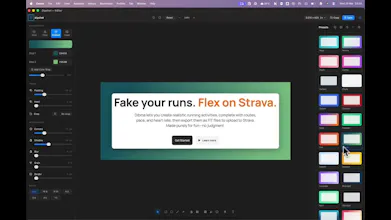
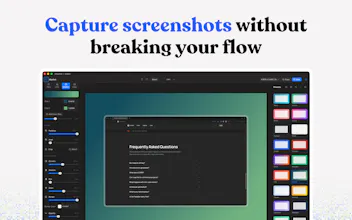
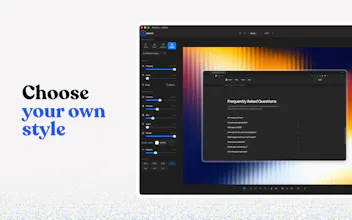
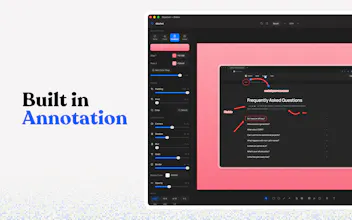
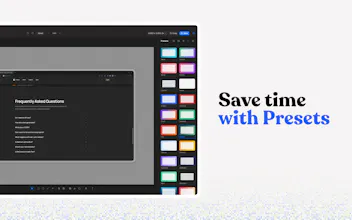
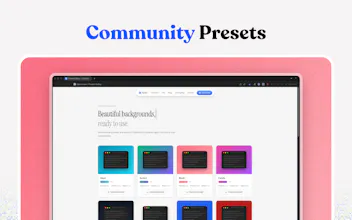
Dipshot is a lightweight macOS menu bar app for capturing and annotating screenshots. Add arrows, text, shapes, and callouts, then export clean, polished visuals — all without breaking your flow.


Dipshot
Bluor AI
@abduns The "jump into Figma just to make a screenshot look decent" frustration is so real,, every indie maker has been there. Removing that context switch is the whole value and you nailed the positioning around it. Congrats on shipping v1 🚀
Capture and annotate tools look simple but the ones that actually stick are the ones where the gap between taking the screenshot and having a shareable, marked-up version is less than 10 seconds. What's the export flow look like for Dipshot? The format and whether annotations are preserved as a layer vs flattened matters depending on whether the output is going into a deck, a Notion page, or a dev handoff file.
Congrats @abduns on the launch! I like the menu bar approach. How you handle batch processing when you need to annotate multiple screenshots at once?
This is the tool I didn't know I needed. I constantly take screenshots for changelogs and documentation and the extra step of jumping into Figma to wrap them properly always breaks the flow. Having it come out polished with custom backgrounds right from the menu bar is the right level of friction reduction for this kind of task.
Nice and practical keeping everything in the menu bar and not breaking flow is a big win for this kind of tool curious how it compares speed wise to the built in screenshot tools
The app looks great and has very good UI. Congrats on the launch 🎉