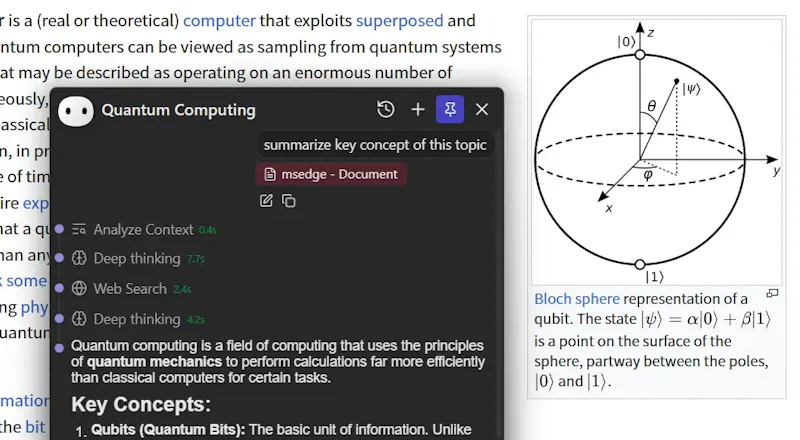
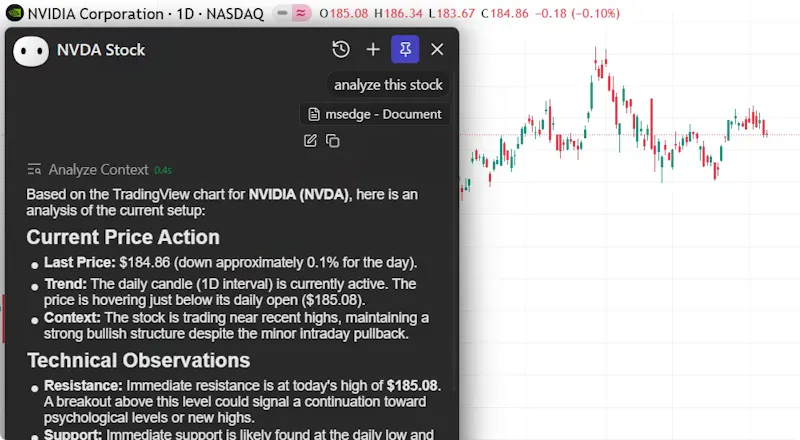
Everywhere is dedicated to liberating AI from browser tabs and standalone apps, making it a ubiquitous, native capability of your operating system. We believe true productivity gains stem from the seamless integration of AI with your current tasks. Unlike conventional tools like ChatGPT, Everywhere perceives and understands any content on your screen in real-time. No need to screenshot, copy, or switch apps—simply use a hotkey to get the help you need, right where you are.
Native macOS Support: A fully optimized, high-performance Mac version that matches our Windows experience.
Selection Context (Experimental): Move beyond just words. When you select text, Everywhere now captures the surrounding context, drastically improving the accuracy of translations and explanations.
Integrated Settings: No more digging through menus. Open and tweak your settings directly from the chat window.
Smarter Tools: Enhanced file encoding detection and optimized web search prompts for more precise answers.
Hey everyone!
Everywhere actually started as a random idea I had with my co-founder while sitting in a KFC — we were talking about how today’s AI tools are either locked inside a browser tab or stuck in their own app. We thought: what if AI could just live everywhere in your OS, seeing what’s on your screen and helping you right there, without switching windows or copying text?
That’s how Everywhere was born — a way to make AI a native part of your workflow. Instead of you going to the AI, the AI comes to you.
We began as just two people hacking on a prototype, but soon opened it up on GitHub so others could contribute and shape the project with us. The community feedback has been incredible — it really helped us refine the experience and make the assistant feel lightweight, privacy-respecting, and truly useful in everyday tasks.
We’d love to hear what you think and what you’d like to see next. 💬🚀
Report
@artemis_li For folks deep in Obsidian or Notion, how seamlessly does this integrate with their internal links?
@masump It reads what’s on your screen in Obsidian or Notion just fine, works well for summaries or quick help. It doesn’t hook into internal links though. That said, MCP tool support is on our roadmap, so deeper integrations will come soon.
Report
@artemis_li Does Everywhere store screen content? How long? Can you guarantee nothing sensitive leaves my machine?
Screen reading AI that lives in the OS is powerful but also a massive security risk. Especially someone coming from corperate that cant just install something like this on my machine, as cool as i think it is haha.
@berghoffer Everywhere doesn’t upload or log anything and all screen context stays local and gets deleted when you delete the chat. What it can “see” depends on the app (some only the visible area, some none).
You can run it with local models like Ollama or LM Studio, so nothing leaves your device.
It’s designed for personal use right now, so no enterprise-grade permission management yet, but privacy and local control are at the core of how it works.
Report
This one looks seamless and very easy to use. May I know more about the scope, your target audience - For whom was this built and what are the pain points you guys were trying to solve
I can see the true value if the AI can be more proactive and not reactive, having context of what I can say on screen is a strong prerequisite to achieve it. Like this product!
You can now add your own MCP tools, which will be automatically enabled when called by an assistant. Supports Stdio, Streamable HTTP, and SSE protocols.
Everywhere
@artemis_li For folks deep in Obsidian or Notion, how seamlessly does this integrate with their internal links?
Everywhere
@masump It reads what’s on your screen in Obsidian or Notion just fine, works well for summaries or quick help. It doesn’t hook into internal links though. That said, MCP tool support is on our roadmap, so deeper integrations will come soon.
@artemis_li Does Everywhere store screen content? How long? Can you guarantee nothing sensitive leaves my machine?
Screen reading AI that lives in the OS is powerful but also a massive security risk. Especially someone coming from corperate that cant just install something like this on my machine, as cool as i think it is haha.
Everywhere
@berghoffer Everywhere doesn’t upload or log anything and all screen context stays local and gets deleted when you delete the chat. What it can “see” depends on the app (some only the visible area, some none).
You can run it with local models like Ollama or LM Studio, so nothing leaves your device.
It’s designed for personal use right now, so no enterprise-grade permission management yet, but privacy and local control are at the core of how it works.
This one looks seamless and very easy to use. May I know more about the scope, your target audience - For whom was this built and what are the pain points you guys were trying to solve
Agnes AI
I believe AI needa fit into people's work flow and Everywhere really provides the access to it! I will try it out to see how it works!
BeFreed
I can see the true value if the AI can be more proactive and not reactive, having context of what I can say on screen is a strong prerequisite to achieve it. Like this product!
Everywhere
Added support for MCP (Model Context Protocol)!
You can now add your own MCP tools, which will be automatically enabled when called by an assistant. Supports Stdio, Streamable HTTP, and SSE protocols.
Have a try in the latest version.
Everywhere
@sarrah Under active development. Mac support is our highest priority now.
Cal ID
Congrats on the launch! This looks like a really innovative way to integrate AI seamlessly.
How does Everywhere handle privacy and data security when operating across different applications?
Everywhere
@sanskarix
Everywhere is open-source, meaning all code undergoes community review and security vulnerabilities can be addressed promptly.
Everywhere supports configurable LLMs, allowing you to use local model providers like Ollama or LM Studio.
Our upcoming memory feature will prioritize local embedded models and databases, enabling you to control all data storage and processing locally.
Cal ID
@dearva I liked the third point. All the best!