
Formatza
Browser-first tools for files, formats, and data.
10 followers
Browser-first tools for files, formats, and data.
10 followers
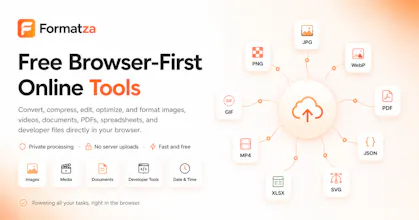
Convert single files or batch process up to 500 images directly in your browser with free, easy-to-use tools for images, documents, media, GIFs, WebP, and more.

Thank you for the support everyone. Based on the feedback/ideas here so far we have put couple of features on our to-do list. If you have any further requests feel free to write. Our developers are constantly working for upgrading the existing tools and planning the new ones.
Update: We have added those requested features. If you have any more feedbacks, feel free to write :)
Would love to see a drag-and-drop folder support for batch processing right now it feels like you have to select files one by one which is a bit tedious for big jobs.
@abdulsamet3r7f Thank you for the feedback. I have added this on our todo list. Our team will soon work on it :)
@abdulsamet3r7f drag-and-drop folder support is now added for batch processing tools.
Would love to see a side-by-side preview when comparing original vs compressed files, with a quality slider so I can dial in the sweet spot before downloading the batch.
@aliyejzje Noted. Added on our to-do list and Thank you for the support :)
@aliyejzje side-by-side preview is now added for compress image tool.
Honestly didn't expect much from a free browser tool but the batch processing handled my 200+ product photos without choking once. Kind of nice that nothing got uploaded somewhere too.
@seldavgcp That's great to hear. User's content Privacy is something we care the most, nothing leaves your browser.
ran a batch of jpegs through it earlier and honestly the whole thing felt pretty snappy for being browser based, no upload lag or anything weird going on
@fatmaburkal9ee Glad you liked it. Please spread the word and thanks for the support :)
A very exciting launch for Formatza. Congratulations and best of luck! 🚀
@zvonimir_sabljic1 Appreciated!