
Launched this week

MacNotch
Turn your MacBook notch into a Productivity Hub.
173 followers
Turn your MacBook notch into a Productivity Hub.
173 followers
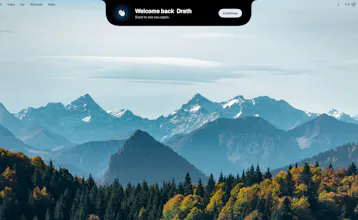
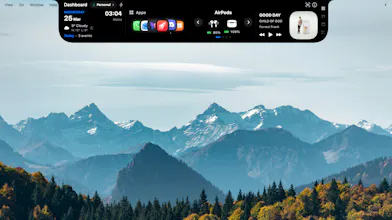
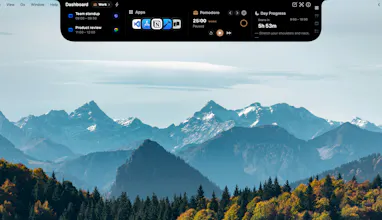
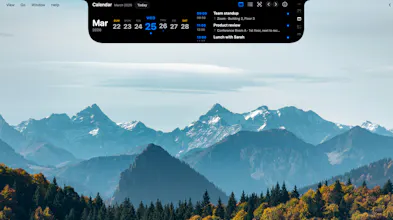
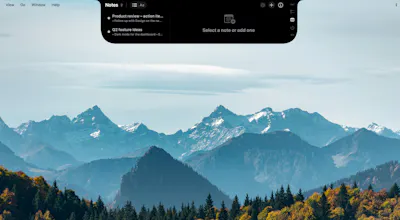
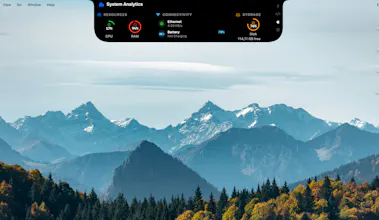
MacNotch turns your MacBook notch into a modular dashboard. Weather, music, calendar, tasks, notes, Pomodoro timer, Bluetooth devices, system monitor, translation, app shortcuts, reminders, daily quotes and more, all at a glance, right where your eyes already go. Drag files onto the notch to AirDrop, zip, convert, or send to iCloud. Lightweight, native Swift, and designed to feel like it belongs on macOS.








does it change automatically ?
@boukar_sall Thank you for the question. If you mean Dashboard profiles, yes, they can change automatically. You can schedule them at specific times, or link them to your Mac’s Focus modes so they switch when your Focus changes (including when you change Focus from your iPhone, if that’s synced with your Mac).
If you meant something else in the app, tell me which part and I’ll clarify.
Really cools idea! How customizable is the dashboard ? Can users choose which widgets appear or create their own modules?
👋 Hi everyone,
New MacNotch release: external monitor support 🖥️
We just shipped an update with better support for external displays and for Macs without a built-in notch on the screen 🚀.
What to do: fully quit MacNotch, then open it again (or install the latest update the way you usually do).
If something looks wrong, reply here with your macOS version and whether you use one or more displays. 💬
Thanks,
Etienne
Looks great, but doesn't work on my external display. MacNotch is sitting anywhere on the screen.