Launching today

AgentKit (by Scalekit)
MCP gateway for production agents that acts on your behalf
126 followers
MCP gateway for production agents that acts on your behalf
126 followers
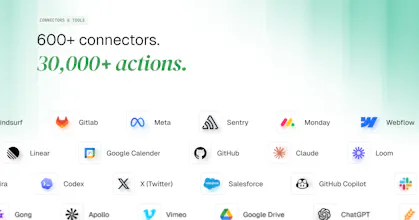
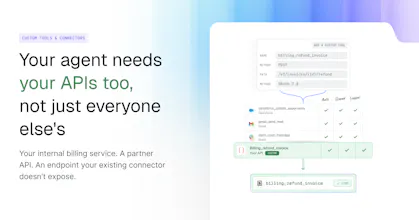
Let your agents use 30,000+ tools across 600+ apps, from Salesforce to GitHub, through one MCP gateway. AgentKit handles auth and integrations, so every action runs as the user who asked, within the scopes they granted. Give each agent only the tools its job needs with Virtual MCP Servers. Add internal APIs as custom connectors. Use Triggers to start an agent the moment an email lands. Built for developers taking agents to production: every call is logged. Free tier: 10,000 tool calls a month.






Launch Team / Built With


AWS Startup AdvisorPersonalized AWS guidance that meets you where you’re already building
Promoted
I feel the hardest part of building agents isn’t making them smart, it’s making them trustworthy enough to act on someone’s behalf. Agentkit makes sure your agents and agentic platforms are safe, secure, and reliable.
Scalekit supports ready-to-use OAuth credentials for applications which removes the hassle of going through verification process with 100s of apps. Thus cutting your time to market. Your agent integrates with Scalekit once and post that addition of every new application is just a click of a button.
Congrats on the launch @satya_deva549, @shrimithranr & team. Glad to have seen and worked with the team early on.
@bharathsnvs , thank you!
In an agentic world, AI agents have superpowers, but every power needs boundaries.
At Scalekit, we're building an Agent Gateway that handles agent authentication, delegated authorisation and secure access to tools, APIs, and enterprise applications, enabling agents to act on behalf of users without compromising trust.
Great launch. Looking forward to it.
@srikrishna_swaminathan Thanks Sri!
Congrats on the launch
@sourabh_upreti Thank you! Kombai is a great inspiration for us to get our launches right!
Congratulations Team scalekit on the launch.
@phrishikesh thank you, Rex!