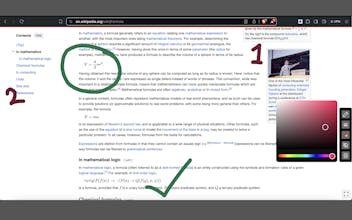
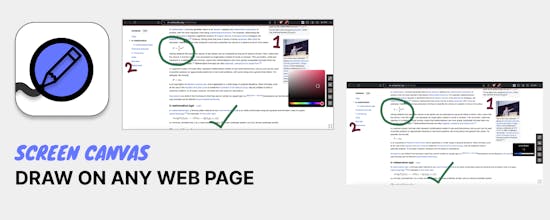
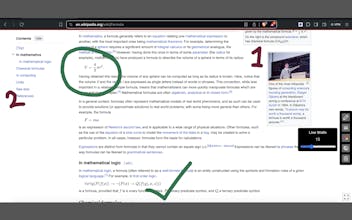
Screen Canvas makes it easy for you to draw on any web page, highlight text blocks, and annotate them with notes and colours, all for FREE. Making it easy for Students, Teachers, Article readers and reviewers to label and annotate things with simple gestures.
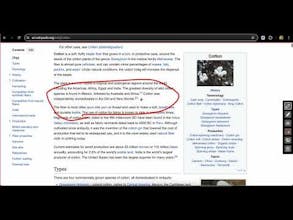
I recently decided to explore the land of Chrome extension development and this struck me as an interesting problem to solve. Being able to label and draw markers on a website while projecting your screen to a large audience is something Teachers and many others will find valuable. Equally, Students who study online via websites, as well as Journalists or Researchers who review web pages and articles will find tremendous value from being able to add pointers with Screen Canvas as they work along.
I particularly enjoyed working on the text highlight feature, and the fact that it enables you take notes on the blocks highlighted made it a rather fulfilling feature to implement.
I welcome you to give Screen Canvas a try. It's a Chrome extension, and it's FREE, so all you have to do is add it to your Browser and you're good to go.
Also please be sure to leave a review if you've found this tool useful.
Report
Wow, @teddyskillz2, this is such a cool tool! I love how it makes annotating and highlighting so easy, especially for students and teachers. The text highlight feature sounds super handy!
IGdm
IGdm