About

I’m a human learning to steer AI by treating it as my teacher. That learning journey pushed me to build HtmlDrag (htmldrag.com): freeform drag‑and‑drop with true WYSIWYG editing — no code, no plugins — to polish real pages directly on the canvas.

Badges

Thought Leader
Thought Leader
Tastemaker
Tastemaker
Gone streaking 10
Gone streaking 10
Gone streaking
Gone streaking
View all badges

Maker History

  • HtmlDrag
    HtmlDragEdit HTML visually, refine with AI, turn files into webpages
  • 🎉
    Joined Product HuntDecember 12th, 2025

Forums

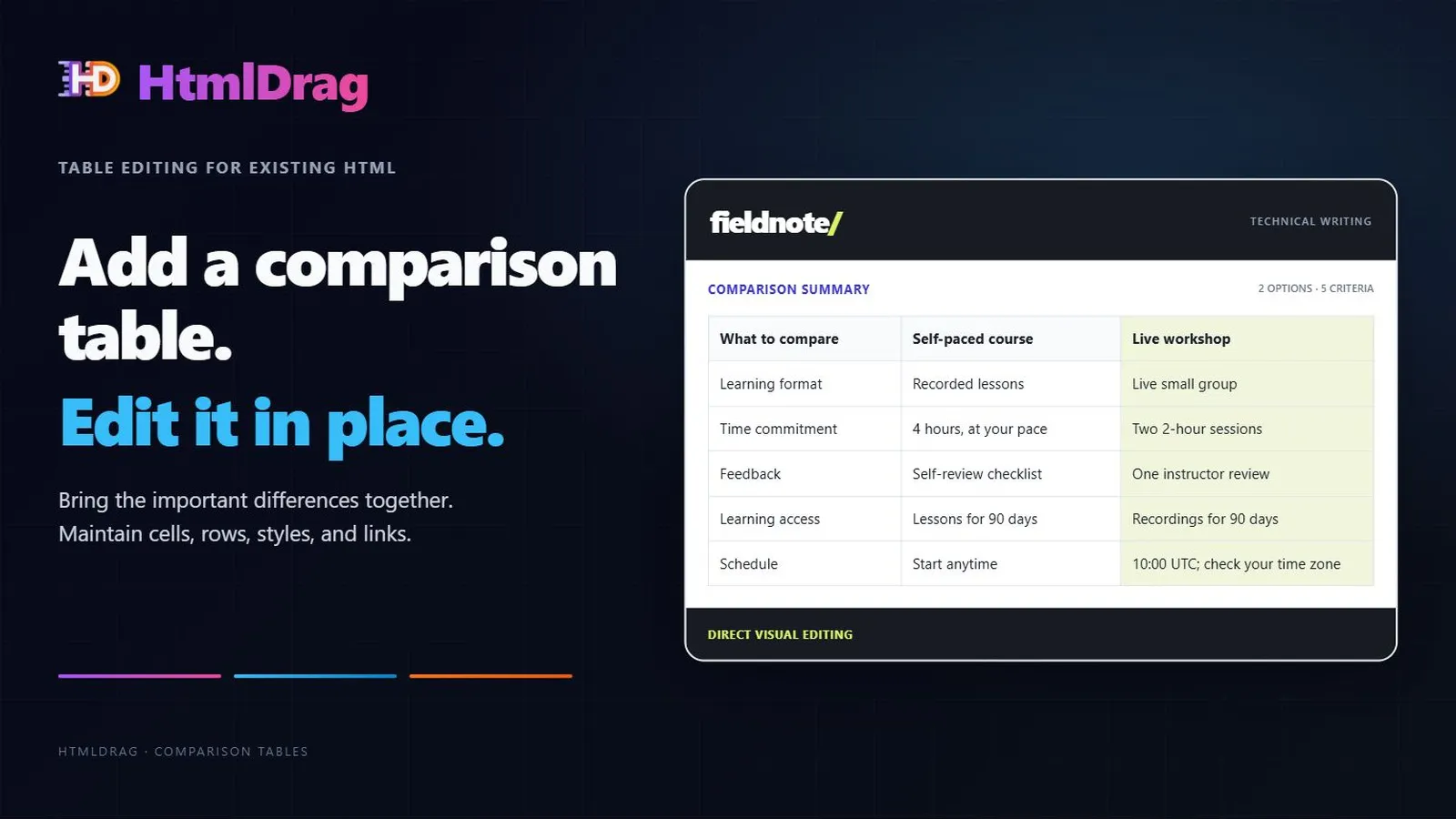
Add comparison tables to existing HTML

Add and maintain comparison tables inside an existing HTML page with HtmlDrag.

Insert a table, edit cells, manage rows and columns, apply a clear visual emphasis, and configure links. The guide uses an existing writing-course page and keeps the original descriptions available.

HtmlDrag — Edit only selected parts of web pages with AI

Need to update existing HTML or a vibe-coded landing page without re-prompting the whole codebase?

HtmlDrag lets you import existing HTML, click to select the exact DOM element you want to change, and apply scoped AI prompts with explicit guard clauses. Neighboring cards, layouts, and tracking scripts remain 100% frozen.

Features:

HtmlDrag: finish your HTML pages visually

HtmlDrag is back on Product Hunt today.

Once you have an existing or AI-generated HTML page, there are often a few things left to fix: an image, some text, or part of the layout.

I built HtmlDrag to make that editing pass more direct. Upload or paste your HTML and make visual adjustments. When you want AI s help, select the elements you want to work on, describe the change, and review the result.

View more