
 •
•2d ago
Add comparison tables to existing HTML
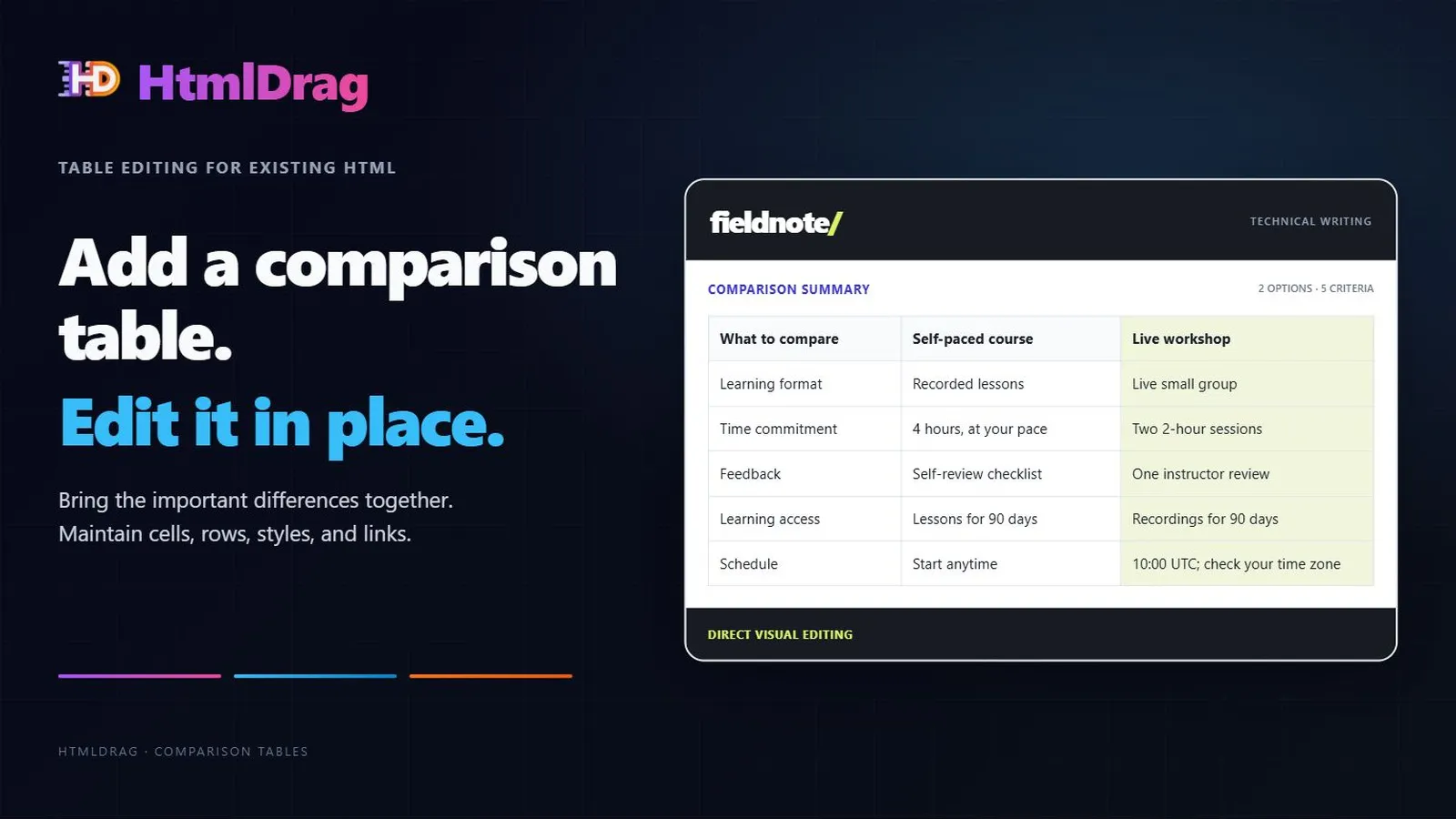
Add and maintain comparison tables inside an existing HTML page with HtmlDrag.
Insert a table, edit cells, manage rows and columns, apply a clear visual emphasis, and configure links. The guide uses an existing writing-course page and keeps the original descriptions available.
•9d ago
HtmlDrag — Edit only selected parts of web pages with AI
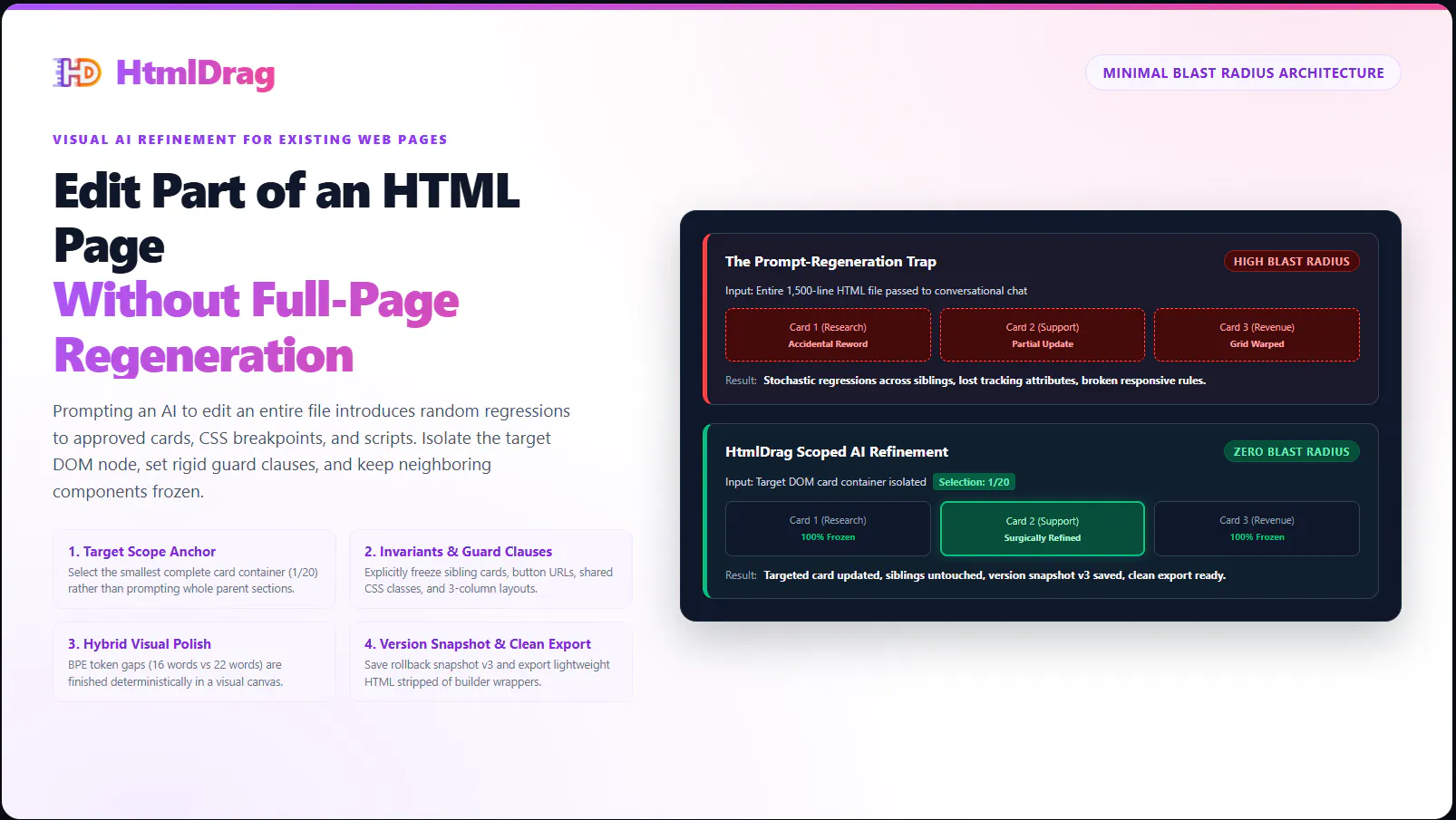
Need to update existing HTML or a vibe-coded landing page without re-prompting the whole codebase?
HtmlDrag lets you import existing HTML, click to select the exact DOM element you want to change, and apply scoped AI prompts with explicit guard clauses. Neighboring cards, layouts, and tracking scripts remain 100% frozen.
Features:
•17d ago
Small HTML Changes Shouldn't Trigger Full-Page AI Rewrites
Your HTML page is almost finished. You just want to change one image or a few lines of text. That shouldn't turn into another full-page AI rewrite.
With HtmlDrag, you point to the elements you want to change, then describe the update. AI Refinement scopes edits to your selection while preserving the surrounding HTML structure.
You can show AI exactly where to work instead of spending a long prompt explaining the location and what should stay unchanged.
This short demo shows replacing one image, then translating five selected lines into Spanish. Review each result, continue in the visual editor for manual adjustments, or download the updated HTML.
•15d ago
HtmlDrag: finish your HTML pages visually

HtmlDrag is back on Product Hunt today.
Once you have an existing or AI-generated HTML page, there are often a few things left to fix: an image, some text, or part of the layout.
I built HtmlDrag to make that editing pass more direct. Upload or paste your HTML and make visual adjustments. When you want AI s help, select the elements you want to work on, describe the change, and review the result.
•23d ago
Update an AI-generated pricing page without rebuilding
A pricing update is more than changing one card. Keep plan allowances consistent across cards, comparison tables and FAQs while retaining the useful design.
This guide combines a concise plan brief, scoped AI edits and visual HTML editing for precise finishing work. It also includes a review checklist for repeated values, links and layout.
Read the guide:
https://htmldrag.com/blog/how-to...
•2mo ago
Visually edit existing and AI-generated HTML
We built HtmlDrag for the moment after AI has produced a page that is nearly right but not quite. A founder, marketer, or designer can see that a headline, image, CTA, table, or link needs work, yet a full re-prompt can rewrite sections that were already useful.
With Paste Code, you start with the HTML you already have and work from the rendered page. You can refine supported visible text and layout, replace images, add links, insert and edit tables, lock completed elements, remove distractions, preview the whole page, and export Edited HTML for the next stage.
We would especially value feedback on:
- Which last-mile visual changes make you return to code or AI today?
•30d ago
Refine AI Websites in Multiple Rounds Without Starting Over
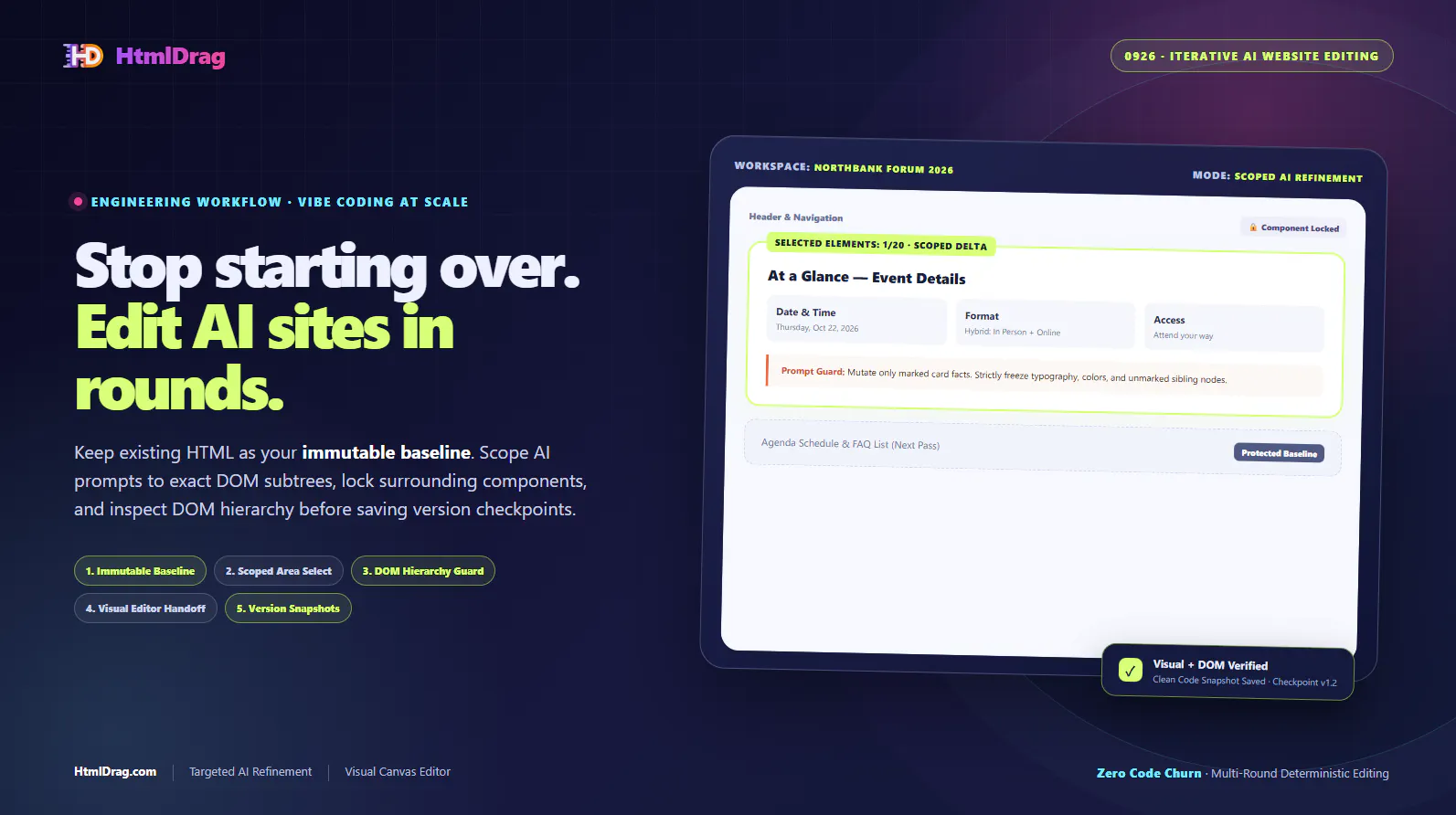
AI can generate a useful landing page in seconds, but real-world revisions are rarely finished in one prompt. Regenerating the whole page for a small update destroys previous styling tweaks, hallucinated CSS classes creep in, and teams face review fatigue.
HtmlDrag provides a deterministic iterative refinement loop: load existing HTML as an immutable baseline, scope AI edits strictly to target DOM subtrees, guard surrounding components, and verify DOM integrity before saving version checkpoints. When fine-tuning requires visual judgment, switch directly to the visual editor for component locking, tag cleanup, and clean HTML export.
 •
•4mo ago
Finish AI-generated HTML pages visually.
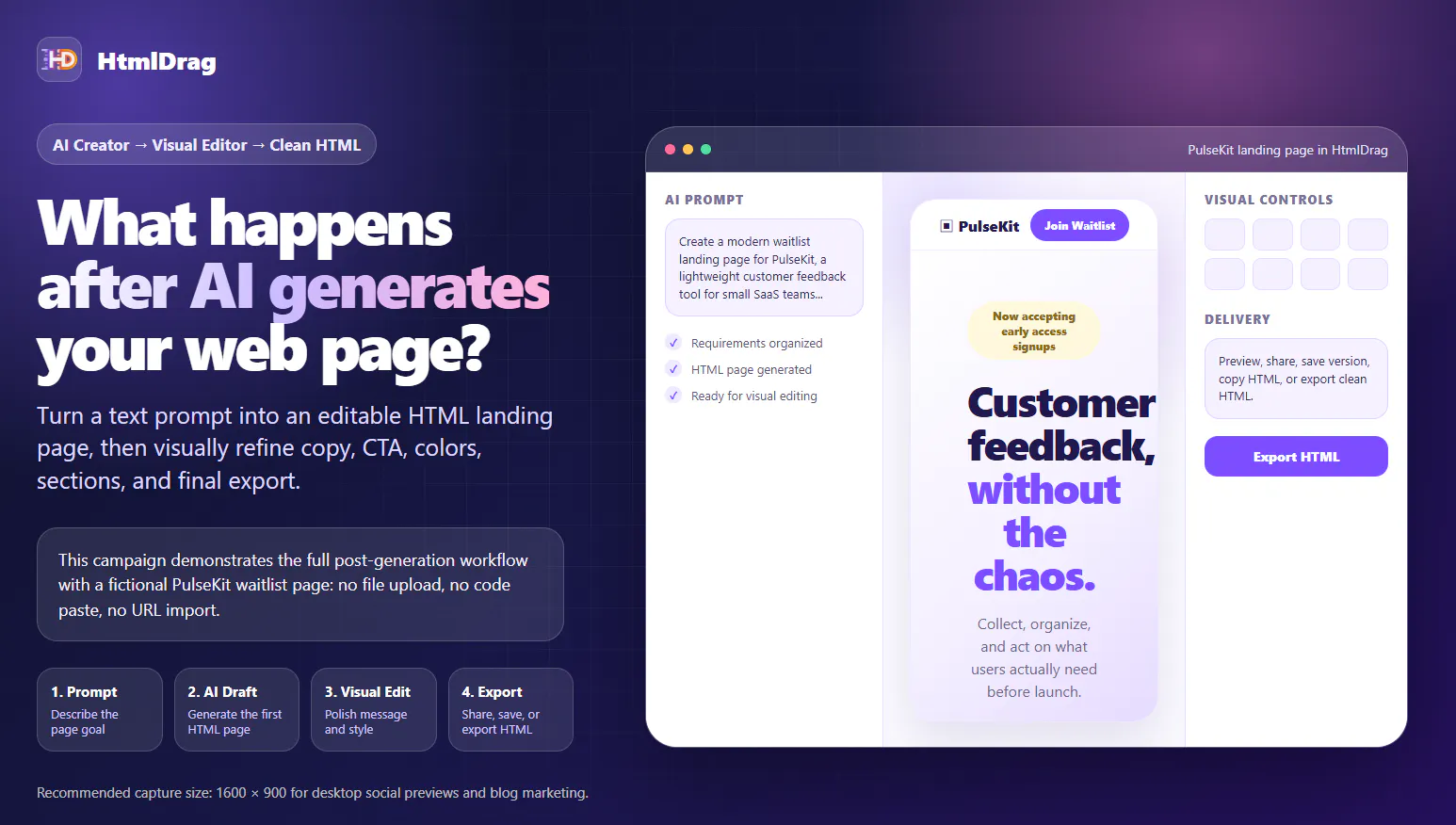
AI can generate a web page quickly, but in real work the first draft is not the end of the process.
After generation, teams still need to review the structure, rewrite copy, improve CTA wording, adjust colors, inspect sections, and prepare the page for sharing or delivery.
•1mo ago
Refine AI Landing Pages Without Rewriting the Page
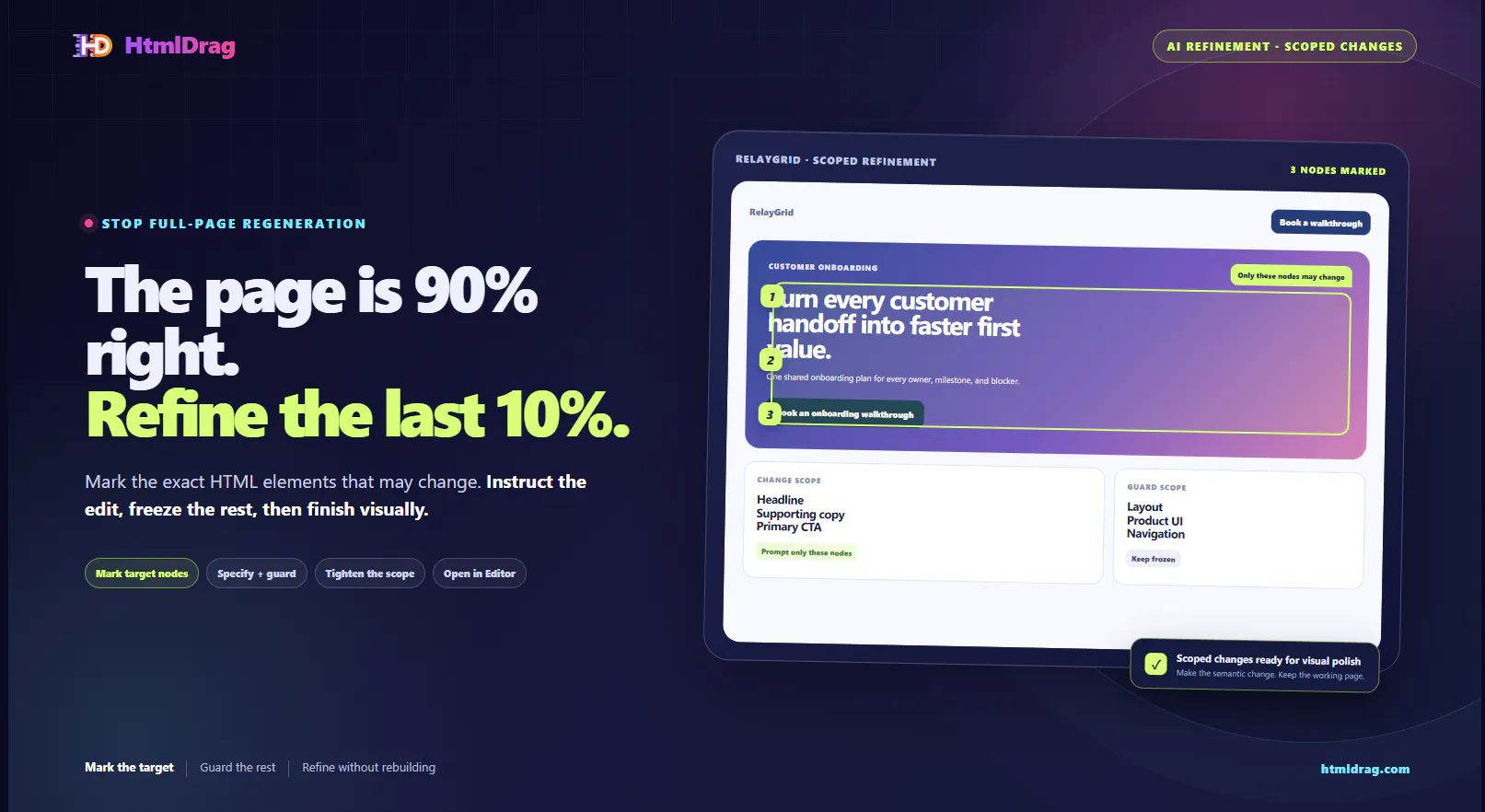
AI can produce a strong first landing-page draft. The final step should not be a risky full-page regeneration just because one headline or CTA needs work.
HtmlDrag lets you load the existing HTML, mark the exact DOM nodes that may change, keep the rest of the page protected, and work in smaller refinement passes. Then move to the visual editor for tables, links, locking, cleanup, versioning, and clean HTML export.
•15d ago