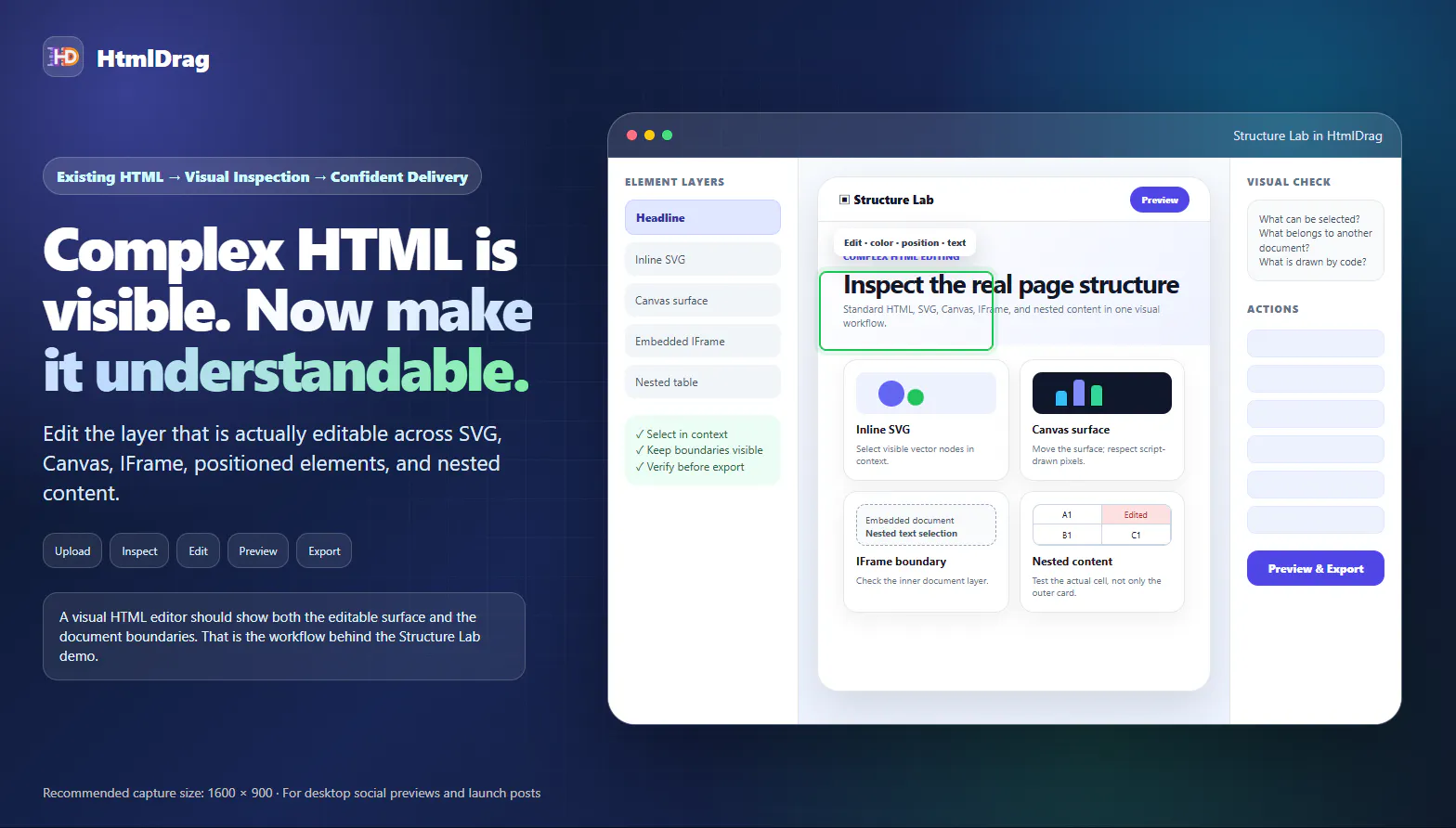
Existing HTML can look complete in a browser and still be difficult to edit. The challenge becomes clearer when one file combines standard HTML with SVG, Canvas, IFrame content, positioned elements, and nested tables.
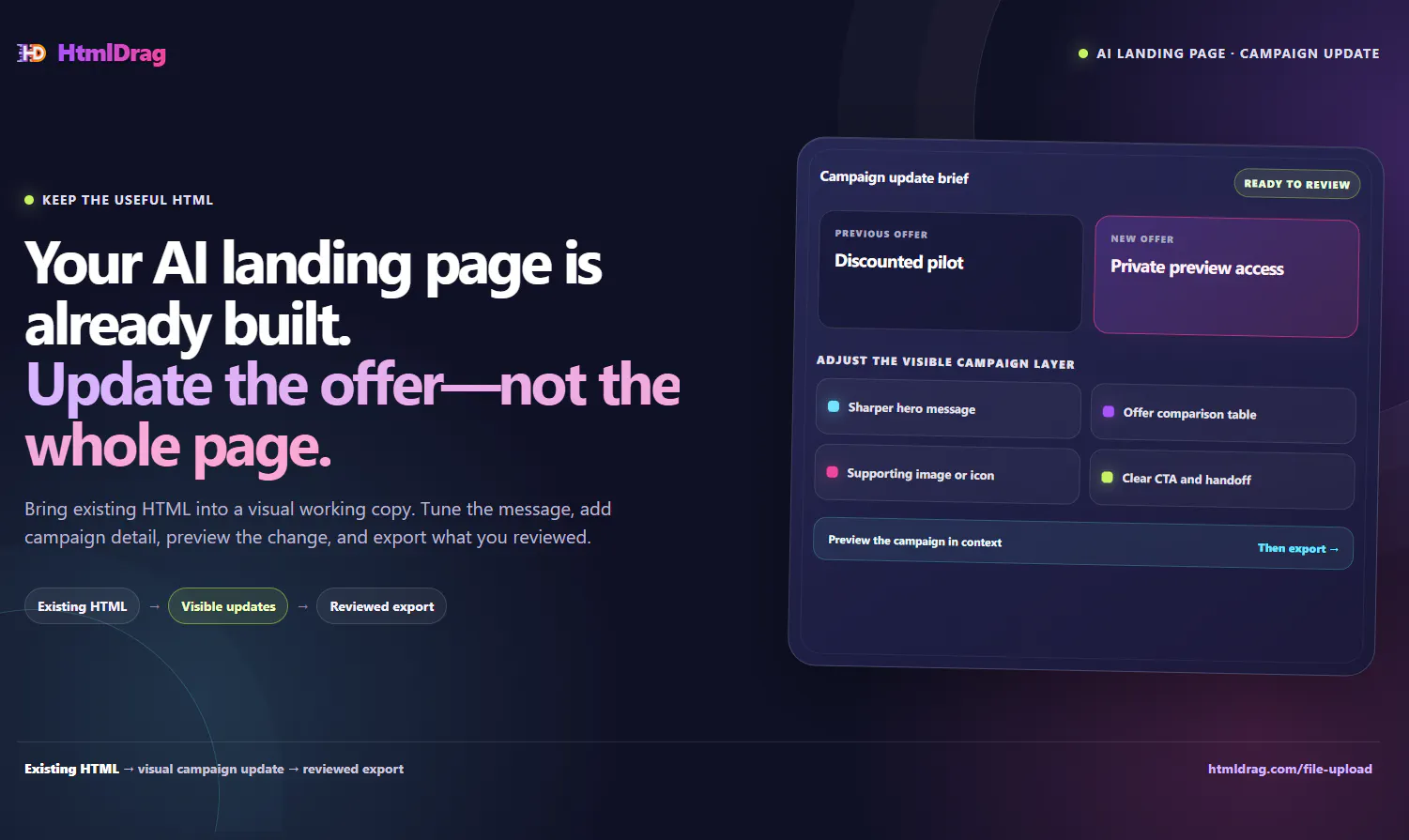
AI is great at producing a first landing-page draft. The last mile is still human: make the promise specific, make the CTA match the next action, remove repeated filler, add a link or table only when it helps a visitor decide, preview the whole page, and export the reviewed HTML.
HtmlDrag gives teams a visual working copy for that focused pass. Keep the HTML that already works instead of restarting the page because one visible decision needs correction.
An AI landing page is often structurally useful long before a campaign is final. When the offer changes, HtmlDrag helps teams bring existing HTML into a visual working copy, update the visible campaign layer in context, add a table, image, icon, text, button, or link when it clarifies the decision, preview the complete page, and export the reviewed HTML.
The result is a focused finishing pass instead of a full rebuild or another generic prompt.
HtmlDrag URL Import captures an accessible page as an editable working copy. Make focused decisions about visible text, images, hierarchy, and CTA treatment, preview the full page, then export the version you reviewed. The original live website remains unchanged.
We built URL Import for the moment when the page is visible but the source file is missing. The goal is not to promise a clone of every app or a live-site update. It is to create a reviewable working copy so a team can make the last visual decision in context then take that result through its normal deployment process. Try it at https://htmldrag.com/url-snapshot
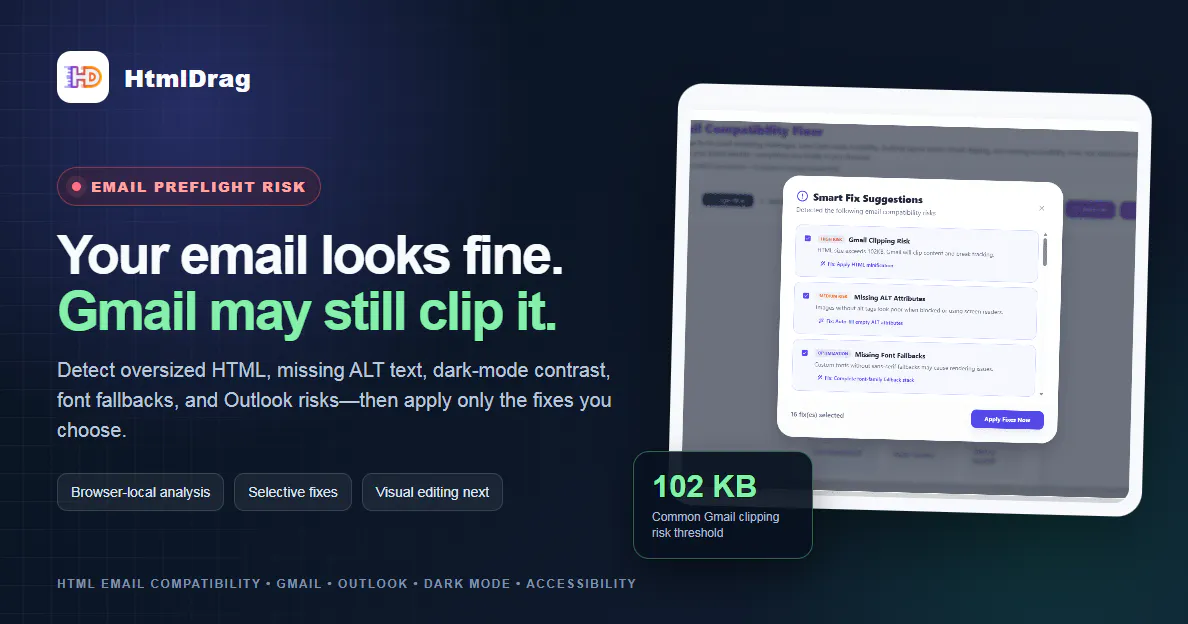
A polished HTML email can still be clipped by Gmail or render differently in Outlook and dark mode. HtmlDrag Email Compatibility Fixer adds a browser-local preflight step: upload or paste HTML, detect Gmail 102KB clipping risk, missing ALT text, incomplete font fallbacks, dark-mode contrast, Outlook issues, and accessibility gaps.
Users review a selectable list instead of accepting a blind rewrite. They can apply the fixes they want, preview the repaired email, download the HTML, or continue with visual editing for copy and brand adjustments. The compatibility analysis and repair step runs locally in the browser.
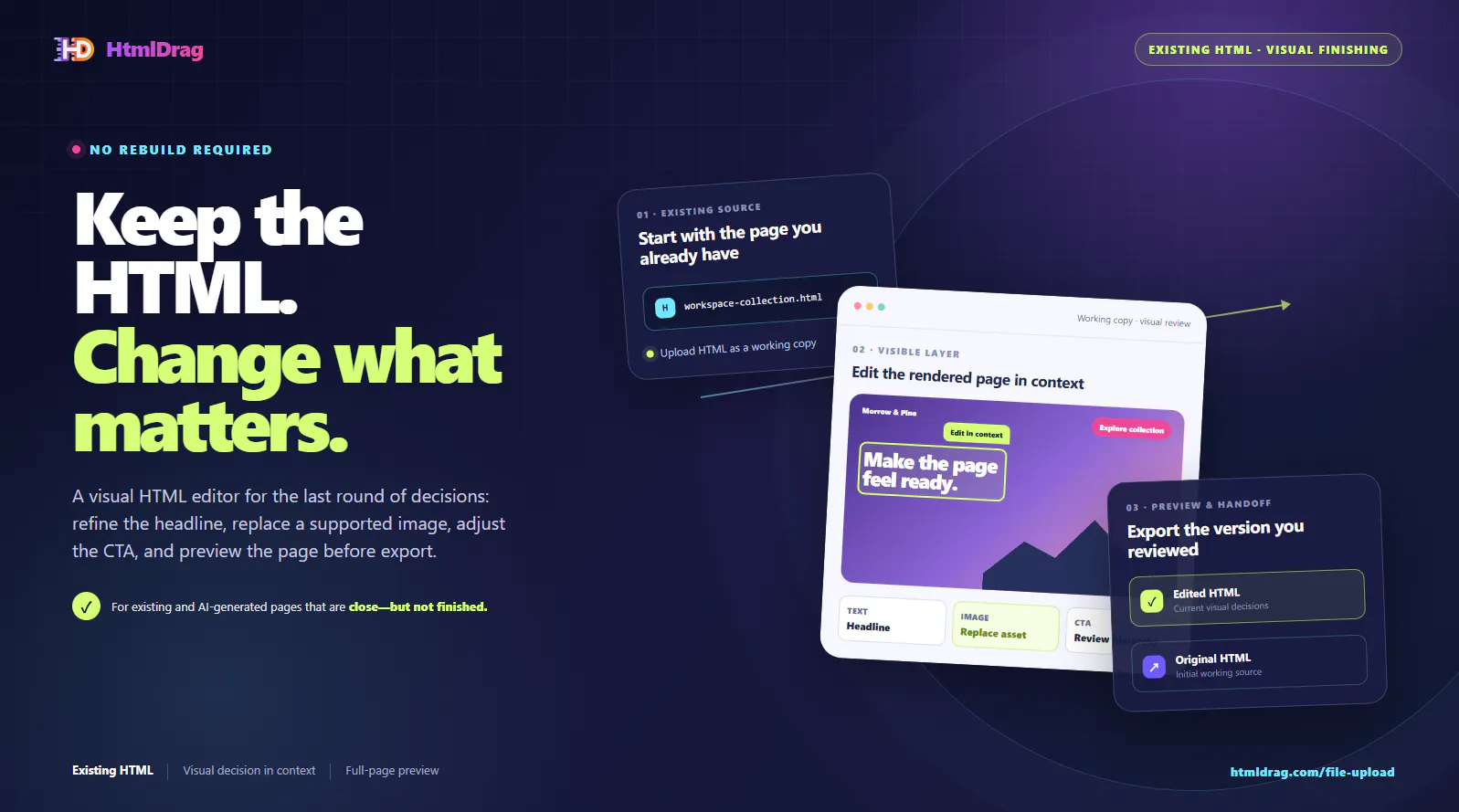
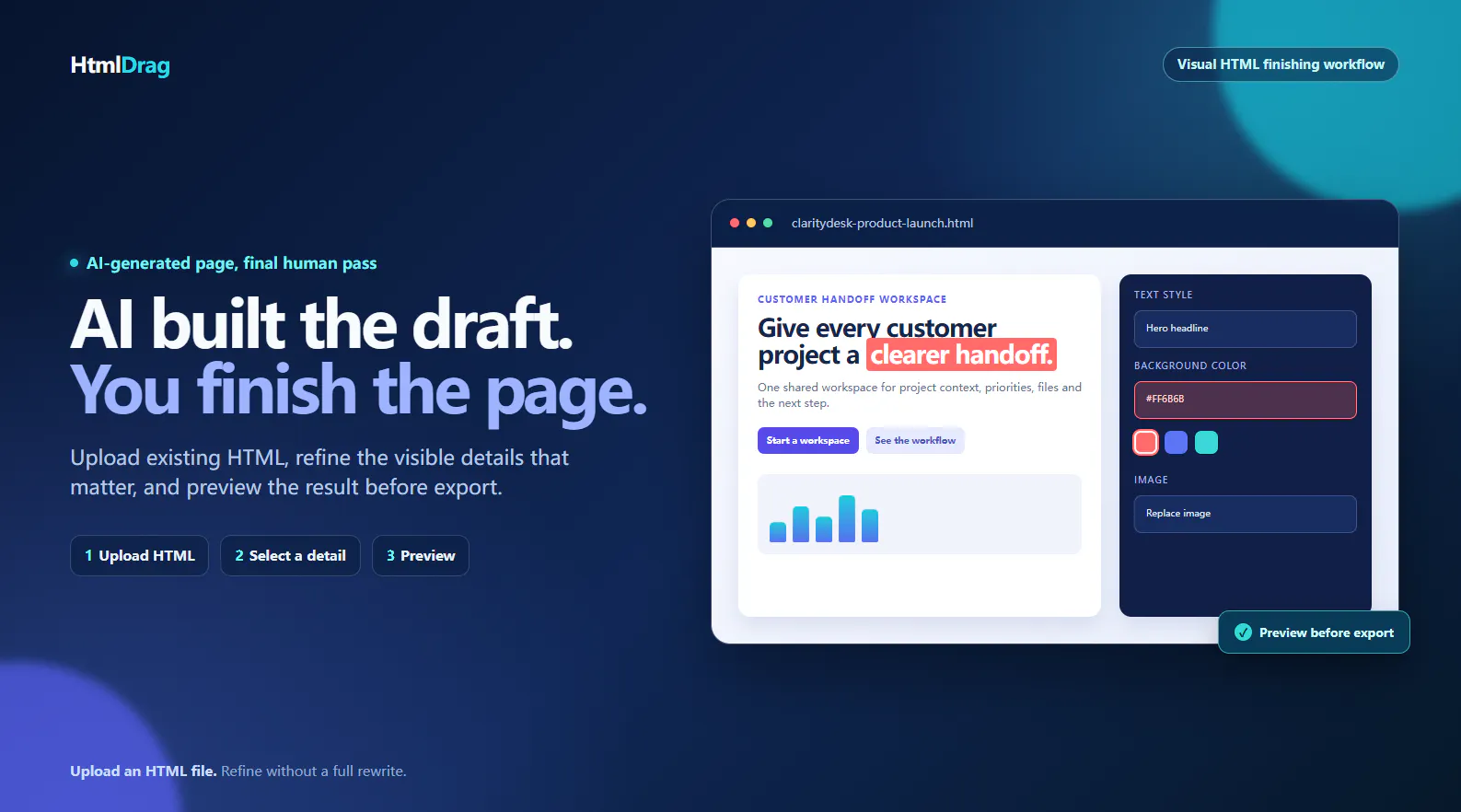
We built HtmlDrag for the moment when a page is close, but not finished. The existing HTML may come from a local file, an AI coding tool, a teammate, or a previous project. Instead of rebuilding the whole page for one headline, image, CTA, or layout decision, bring it into a visual working copy, make the change where you can see the surrounding page, preview the result, and export it for your normal handoff and QA process. Try Upload HTML: https://htmldrag.com/file-upload
AI can make the first website draft much faster. But when the page is already useful, the next step is often not another generation prompt.
It is a visual decision: make the hero headline clearer, replace an outdated image, review a section s position, or give the closing CTA the right emphasis.
AI tools can generate a convincing web-page draft in seconds. The difficult part is usually the handoff: the headline may be too generic, the CTA may not match the real conversion goal, and the middle of the page may not explain the product clearly enough to deliver.
HtmlDrag gives teams a visual finishing workflow for HTML generated by external AI tools. Paste the raw HTML into the Paste Code entry, turn it into an editable page, then select and refine the copy, CTA, colors, visual hierarchy, and section story without asking a non-developer to work directly in source code.
AI can get a website to a convincing first draft quickly. The final pass is usually different: a headline needs more contrast, a section needs clearer hierarchy, an image needs replacing, or the closing CTA needs a more deliberate treatment.