Olivia Martinez

Olivia Martinez

Lead Product Manager
4 points

Badges

Tastemaker
Tastemaker
Gone streaking
Gone streaking
Gone streaking 5
Gone streaking 5

Maker History

Forums

From Reactive to Proactive: Using Tracking Data to Build Safer Family Habits

Hey everyone

The real power of a tracking tool isn't just in responding to alerts it's in using the data to create positive, safer routines for your family. Let's shift from reactive to proactive.

Review Patterns, Not Just Pinpoints: Instead of just checking "where are they now?", occasionally review the weekly timeline together. Notice consistent patterns: "Your commute home usually takes 25 minutes. If it ever takes 45 on a normal day, that's a sign to check in."

Geofence for Routines, Not Just Control: Use geofences as positive confirmations. An "Arrived at Soccer Practice" alert isn't surveillance it's a signal that the afternoon plan is on track, eliminating the need for the disruptive "did you get there?" texts. Number Tracker allows for these positive, low-friction notifications.

Cross-Platform Peace: Can You Track an iPhone from Android (and Vice Versa)?

Hello Product Hunt community!

A common question we hear is: "My family uses a mix of iPhones and Androids can we still use one tracker together?" The short answer is yes, absolutely.

How Cross-Platform Tracking Works: It doesn't rely on Apple's Find My or Google's Find My Device, which are platform-locked. Instead, services like Number Tracker use a universal method: a dedicated app installed on the device you wish to locate. This app uses GPS and data connectivity to send location to a secure account, which you can then access from any web browser or mobile app, regardless of your phone's OS.

What You Can Do: An Android user can see their child's iPhone location. An iPhone user can check on a family member's Android device. Everyone logs into the same shared account or circle from their own phone or computer.

The Language of Tracking: Understanding Accuracy Circles, Refresh Rates, and Pings

Hey Product Hunters

When using a location tool, understanding a few key terms helps you interpret what you're seeing and manage your expectations. Let's decode the jargon.

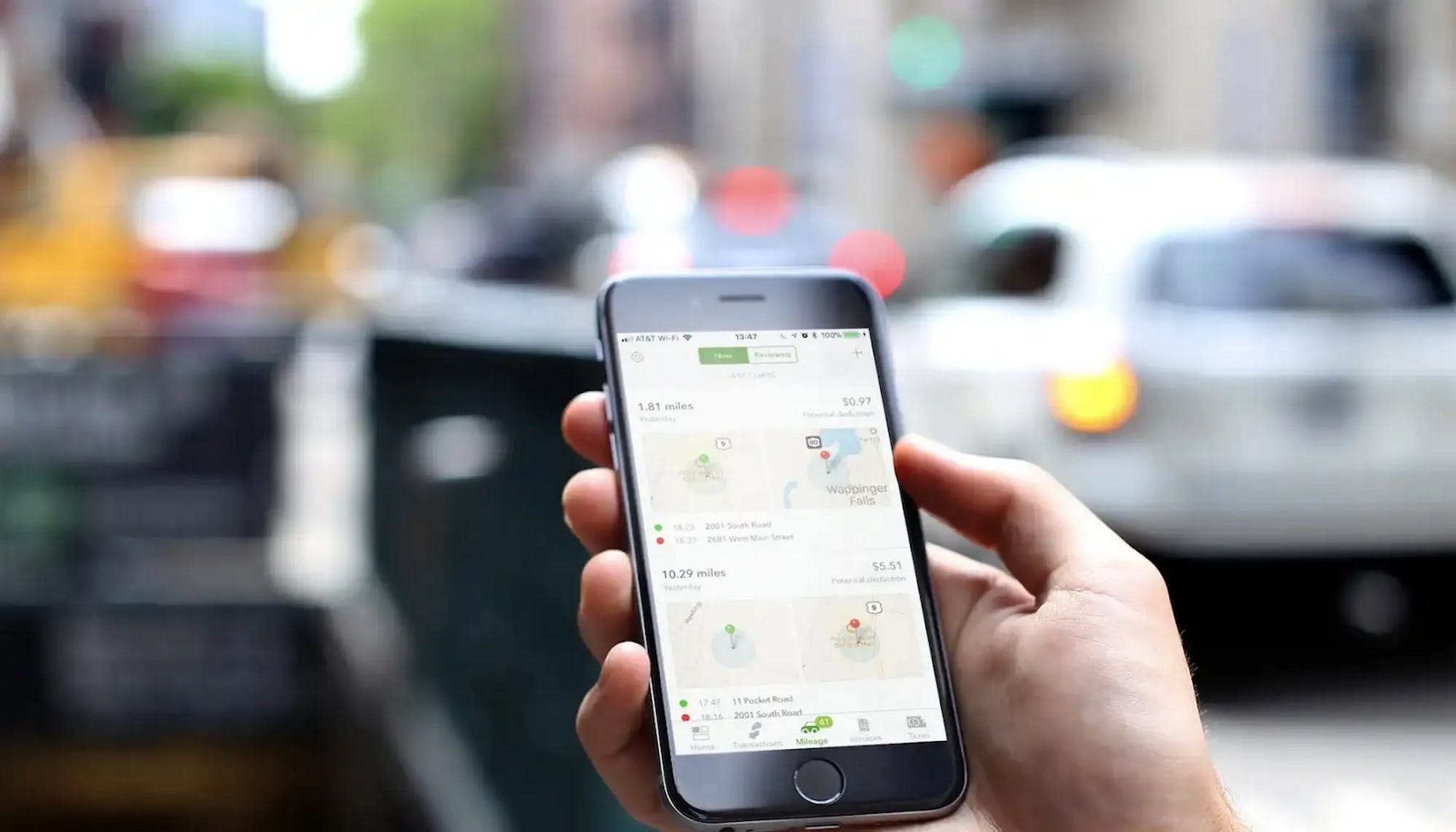
The Accuracy Circle (That Blue Halo): That blue circle around a location marker isn't a mistake it's crucial context. It shows the potential area where the device could be, based on GPS signal strength, nearby Wi-Fi, and cell towers. A large circle means lower accuracy (often indoors). A small, tight circle means a strong, precise signal.

Refresh Rate & Manual Pings: The refresh rate is how often the app updates a location in the background. To save battery, this isn't constant. A manual ping forces a real-time, high-accuracy update. In Number Tracker, you can request one when you need a precise, current location, balancing battery life with on-demand accuracy.

View more