General
p/generalShare and discuss tech, products, business, startups, or product recommendations
trending

4yr ago

As a graphic designer, what are your most time-consuming tasks?

Companies who advertise are starting to realize that leveraging multiple channels, with creative variations across many sizes, helps improve overall campaign performance. Having a matrix of creative variations improves Return-On-Ad-Spend ( ROAS ). However, the downside of producing a matrix of creative is that this burden falls on graphic designers. Using traditional tools, like Photoshop or Canva, can be time-consuming, and somewhat mundane, to take a custom design and produce it 40 times with minor tweaks for each size. If you would automate certain parts of the creative production process, what would save you the most time and heartache? Thank you for your valuable time, Eric

3yr ago

[ChangeLog] June 1, 2023 release notes

Small, but mighty - we see you

50% of the launches on Product Hunt are by independent and bootstrapping makers, many of whom go on to achieve great things. To better amplify the impact of these wildly talented humans, we ve launched two new homepage filters for solo makers and bootstrapped projects. Try them out!
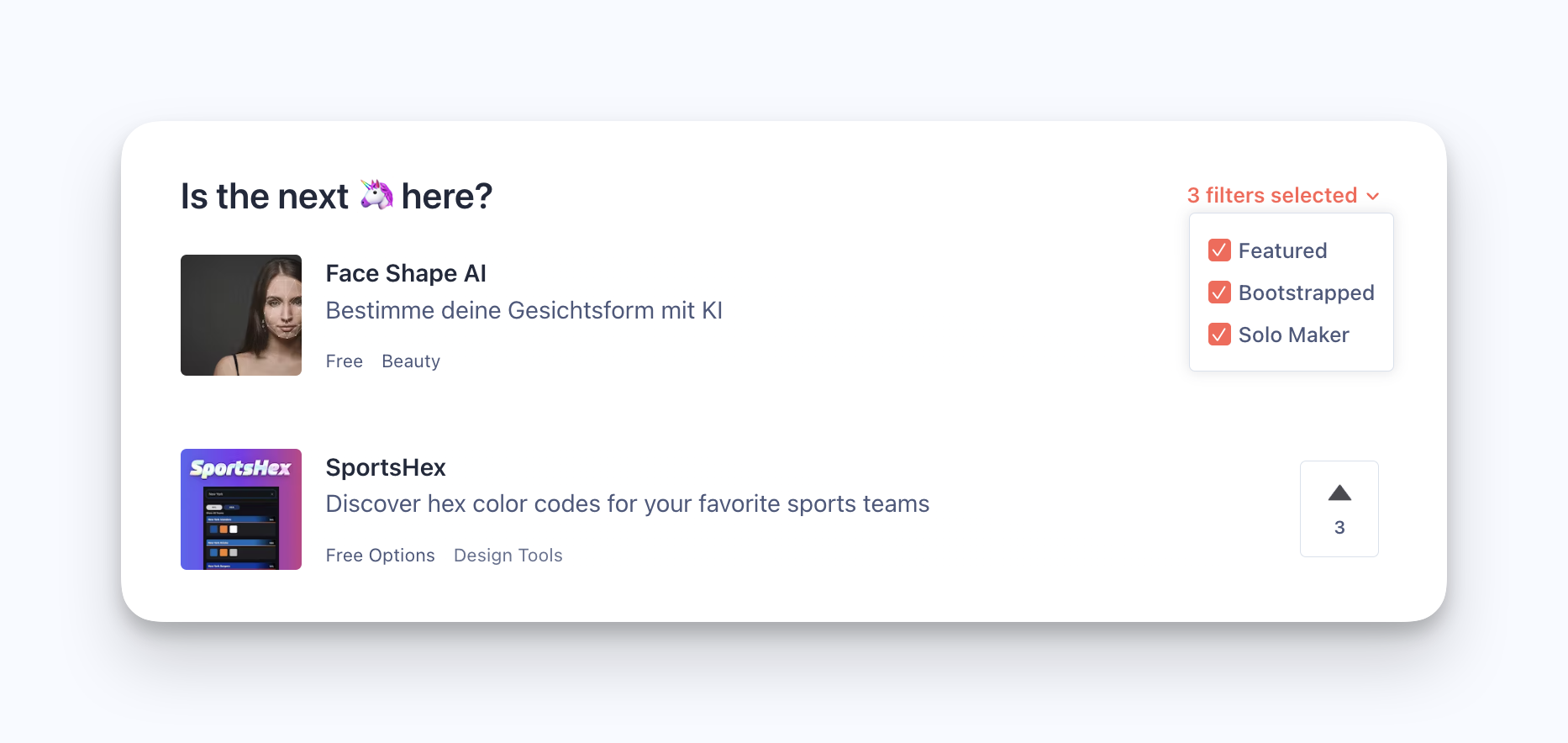
filters

This new design is just for you

3yr ago

You have identified a need, how do you get your first 100 paying customers?

Most first time founders will go about coding an MVP and designing flashy LPs, launch and see no one coming to use their tool So here is my advice: First how well do you know that need? Have you spoken with at least 10 of them? Have you asked those customers to pay your software based on your clickable prototype (Figma is your friend here)? Asking for money on a prototype helps settle the debate and we go from that's a great idea to well I wouldn't actually pay for that because of X. So talk to customers and get them to buy before coding anything. You would be amazed at how far you can take a customer down the buying process without having anything that works. When you have validated that customers are actually going to pay for your software you know how to convince them and write a proper LP to sell your product. Make your LP pain focus not feature focus and avoid overwhelming users with too much information! At this point, no ads required yet only things that don't scale. You can start reaching out to your customers with personalized soft sales pitch by email, Linkedin and Twitter. There you can identify your one channel where you're going to build your go to market strategy. This will help you better qualify your ICP and refine your sales pitch.

8mo ago

How do you perceive competition on Product Hunt on the same day?

My question is as follows, and I'll ask it right at the beginning:

Do you ask for help with upvoting from the people you're competing with on that day?

2yr ago

Are you concerned about the invasion of privacy by tech companies?

Bigger companies pay for SOC 2 certification to make sure that data are safe. The question is: Is it enough for you? How possible do you protect yourself and your data from your side?

A user uninstalled my app over a time format, and I only found out because he left a review

Got a one-star review this morning. The whole thing was one line: no 12-hour option, only 24-hour, uninstalled.

He was right. My reminders app shows times in 24-hour format and never checks what the user's phone is set to. I'm from Uruguay. Here everyone uses 24-hour. It genuinely never crossed my mind that it could be a problem.

1mo ago

How much do you actually trust an AI-written job-match score?

Working on scoring candidates against job postings with AI, and I keep going back and forth on this: a bare percentage feels untrustworthy no matter how good the model is, but a full paragraph of reasoning is too slow to skim across 50 profiles.

Landed on a point-by-point checklist (what's met, what's missing) as a middle ground, but curious how others handle this. If a tool told you "73% match," would you trust it without seeing why? Where's the line between useful signal and noise for you?

3yr ago

📌 25 Tips for Improving Website Performance

To read all the tips https://resources.usemagnetiq.co... 1. Optimize Images: Large images can slow down website loading times. Optimize images by reducing file size without sacrificing quality. 2. Use Lazy Loading: Lazy loading delays the loading of non-critical resources until they are needed, reducing the initial load time of your website. 3. Minimize HTTP Requests: The more HTTP requests your website makes, the slower it will load. Minimize HTTP requests by reducing the number of resources on your web pages. 4.Use a Content Delivery Network (CDN): A CDN can improve website speed by caching content on servers located closer to the user. 5. Minimize Redirects: Redirects can slow down website loading times. Minimize redirects by removing unnecessary redirects. 6. Enable Browser Caching: Browser caching can improve website speed by storing frequently accessed resources on the user s device. 7. Minimize Plugins: Too many plugins can slow down website performance. Minimize plugins by using only essential plugins and removing any unused plugins. 8. Optimize CSS and JavaScript: Optimize your website s CSS and JavaScript by minifying and combining them into a single file to reduce loading times. 9. Use a Fast Web Host: A fast web host can improve website speed and performance. 10. Use a Lighter Theme: A lighter theme can improve website speed by reducing the number of resources needed to load your website. 11. Use a Faster Slider Plugin: Slider plugins can slow down website performance. Use a faster slider plugin or remove the slider altogether. 12. Optimize Your Database: Optimizing your website s database can improve website speed by reducing the time it takes to retrieve data. 13. Use a Content Delivery Network (CDN) for Images: A CDN for images can improve website speed by delivering images from a closer server. 14. Use a Faster E-commerce Platform: E-commerce platforms can slow down website performance. Use a faster e-commerce platform or optimize your current platform. 15. Optimize Your Website s Code: Optimizing your website s code can improve website speed and performance. 16. Use Browser Rendering Optimization: Browser rendering optimization can improve website speed by prioritizing visible content over non-critical resources. 17. Use a Faster Slider: Sliders can slow down website performance. Use a faster slider or remove the slider altogether. 18. Optimize Your Website s Fonts: Optimizing your website s fonts can improve website speed by reducing the time it takes to load fonts. 19. Use Gzip Compression: Gzip compression can improve website speed by reducing the size of resources before they are sent to the user. 20. Use a Lightweight Framework: A lightweight framework can improve website speed by reducing the number of resources needed to load your website. 21. Remove Unused Code: Removing unused code can improve website speed by reducing the number of resources needed to load your website. 22. Use Faster Advertising Networks: Advertising networks can slow down website performance. Use faster advertising networks or optimize your current advertising network. 23. Optimize Your Website s Server: Optimizing your website s server can improve website speed and performance. 24. Use a Faster Content Management System (CMS): CMS platforms can slow down website performance. Use a faster CMS or optimize your current CMS. 25. Regularly Update Your Website: Regularly updating your website can improve website.

1yr ago

What’s your favorite onboarding experience from a product (that you actually kept using)?

We re in the thick of redesigning onboarding for a new consumer app trying to make that first minute actually count. Not just informative, but compelling enough that people actually stick around and use it again.

Too many products treat onboarding like a tutorial. And it becomes easy for the user to view it as just another hurdle to get through instead of a moment to get set up for a positive experience. Swipe, swipe swipe, go...

2d ago

Makers who replaced a spreadsheet: what did week 6 look like?

Launch week retention is easy to get. I want to hear about week 6, when the novelty is gone and your tool is competing with the spreadsheet it replaced.

If you've shipped something that took over from a Google Sheet or a Notion table, what kept people in it past the first month? And what did the ones who left go back to?

First
Previous
•••
125126127
•••
Next