

How the new Brand Voice feature helps create better content in RankDots
We’ve just dropped a set of updates that make RankDots content both more search-aligned and easier to control.
You can now fine-tune how content sounds, who it’s written for, what keywords it must include — and even skip steps when you don’t need them.
Below is a quick overview of what’s new and how it helps you generate content that’s closer to what actually ranks.
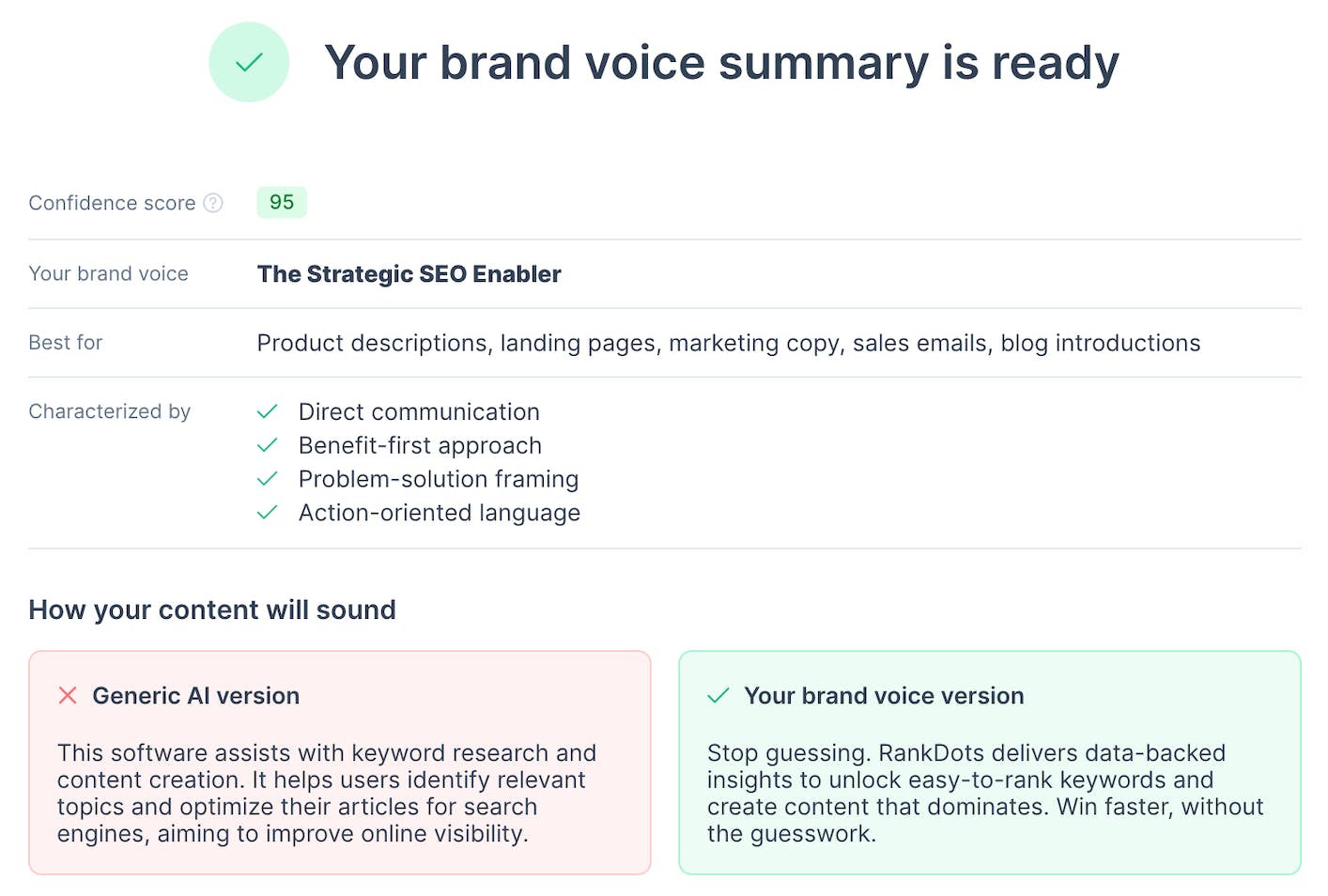
1. Teach RankDots your brand voice
You can now paste a short excerpt that represents your brand voice, and RankDots will follow it while generating content. This helps keep tone, style, and phrasing consistent across all documents.
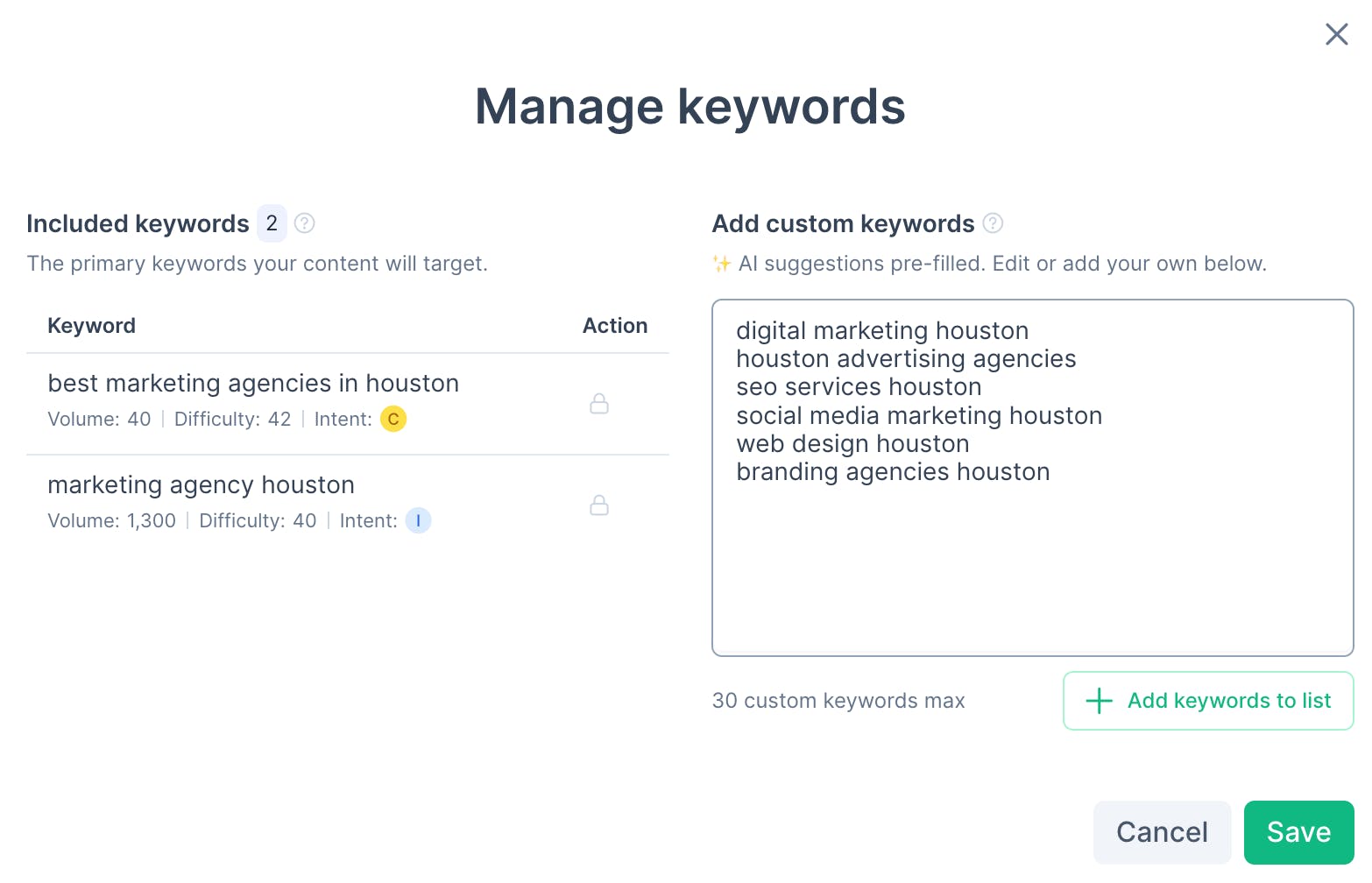
2. Add custom keywords for precise coverage
Add your own custom keywords directly in content settings and make sure they’re fully covered in the generated document — even if they weren’t part of the original keyword set.
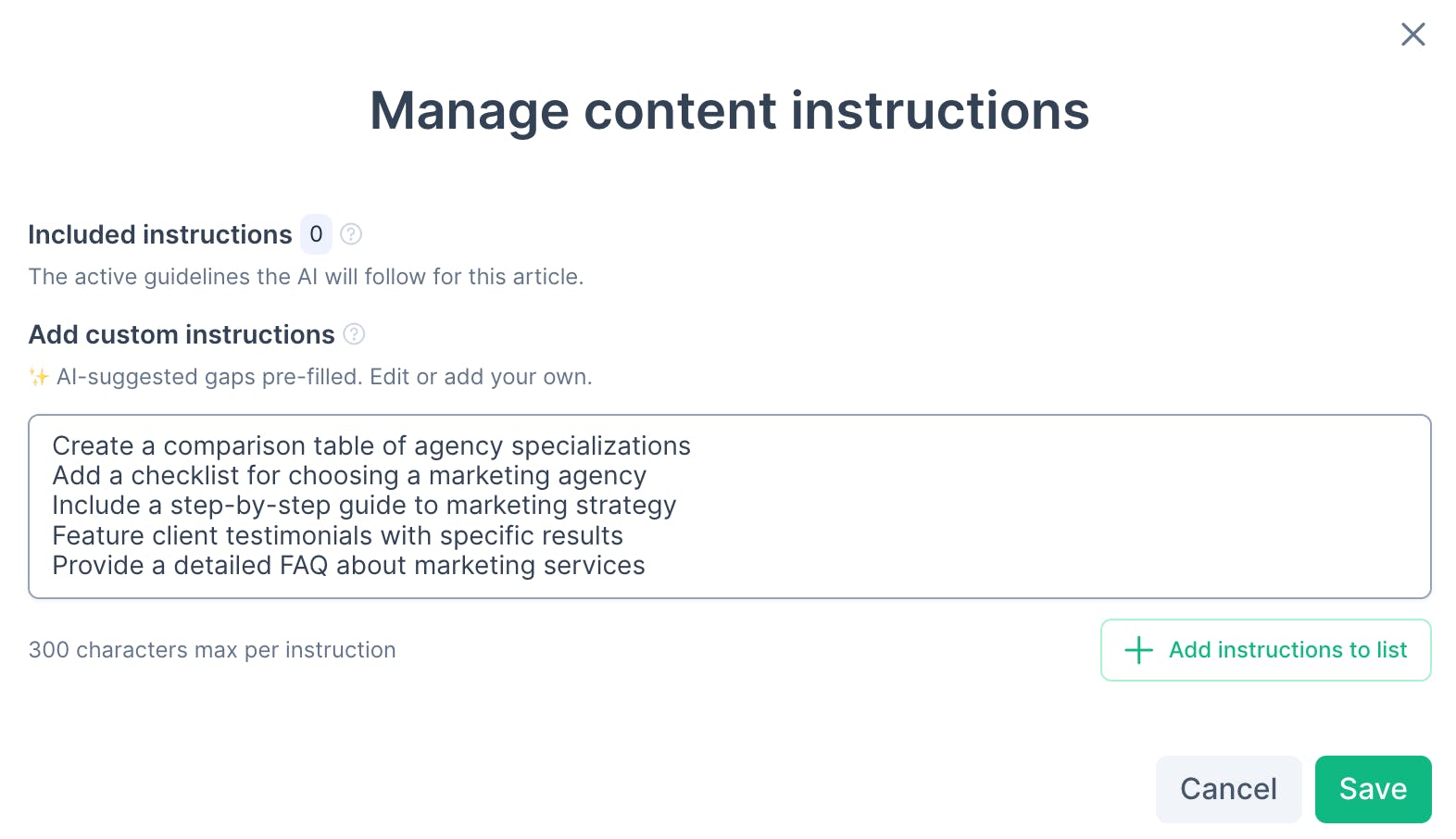
3. Tell RankDots exactly what to include
Add custom content instructions like “include a comparison table” or “add a step-by-step guide,” and RankDots will follow them during generation.
Give the new controls a try and see how much more precise your content can be.
Replies