


Build Watchers and Dev Ports: seeing more of what is happening on a developer Mac 🔭

Room Service 0.9.0 moves the product further in a direction I care a lot about: helping developers understand and manage what is happening on their machines.
The biggest addition is Build Watcher monitoring.
Project-backed watch and build tools can now surface in Room Service even when they are not attached to a local port. That means CPU and RAM-heavy processes from things like frontend watchers, build tools, and local toolchains are easier to notice before they quietly eat the machine.

I also expanded Dev Ports so local servers can now surface with clearer High CPU / High RAM warnings, better review flows, and dedicated notifications instead of only showing that a port exists.

On top of that, the Command Menu got much more useful with inline helpers for calculations, conversions, paths, symbols, Dev Ports, Settings terms, and a live Processes scope with direct actions.

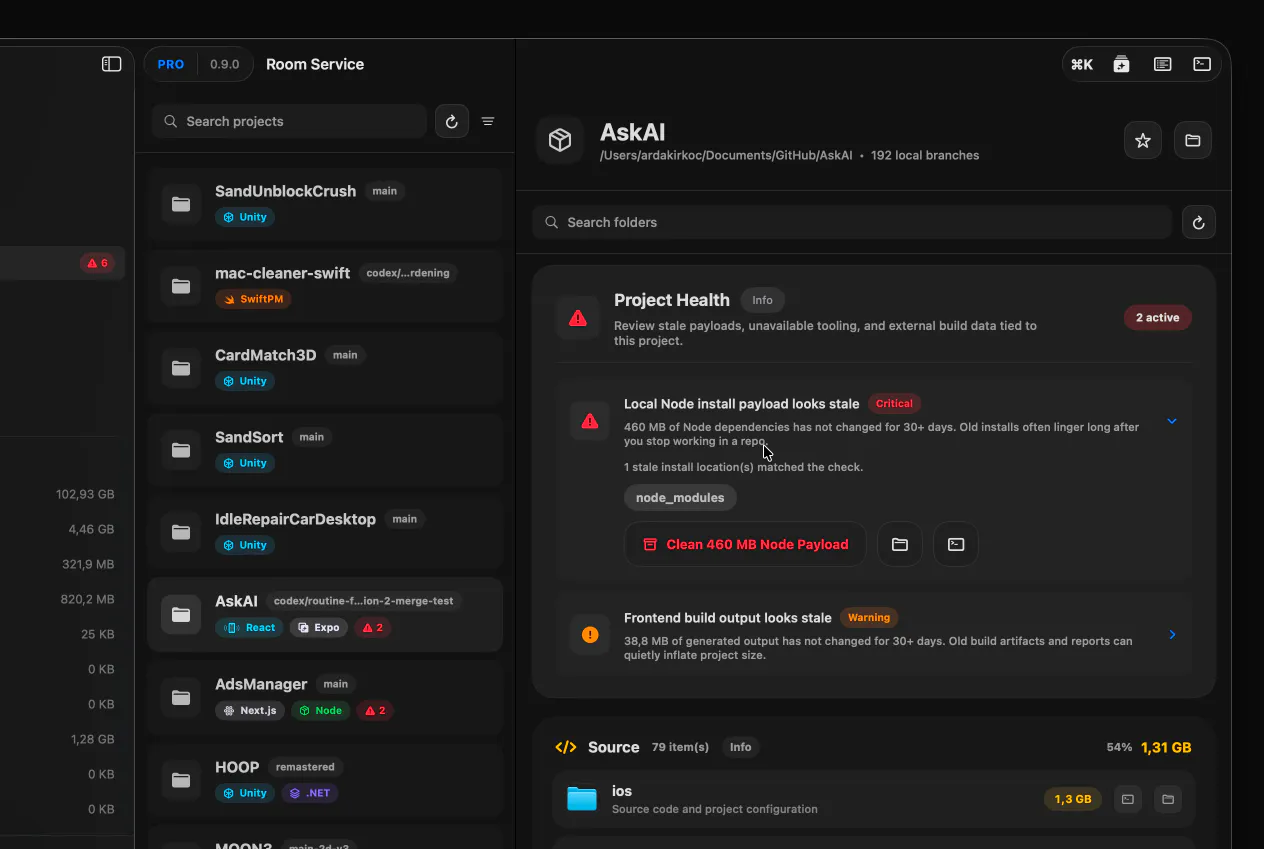
Projects also got better visibility in this release. Favorite repositories can now stay near the top, and more project signals are easier to notice across the app.
And as part of the release, Room Service now also includes native Ukrainian 🇺🇦 support .
The bigger direction keeps getting clearer with every update:
less “Mac cleaner”, more “developer machine visibility and management”.
Full changelog:
Replies