When a refresh made one of octoscope's lists shorter, the row it highlighted and the row your keys acted on stopped being the same one. 0.41.3 puts them back together.
How it happened: jump to the bottom of your PRs with G, then a pull request gets merged or a few review requests get answered, and the next refresh brings back fewer rows. The cursor stayed where it was, past the new end. The screen still drew the last row as selected, but enter, o, c and P did nothing until you moved the cursor yourself.
Same on Repos, Issues and Gists. And p, the public-only toggle, did it too: hiding your private rows shortens every list at once.
Now every key acts on the highlighted row, the way the Activity feed and the Inbox already did.
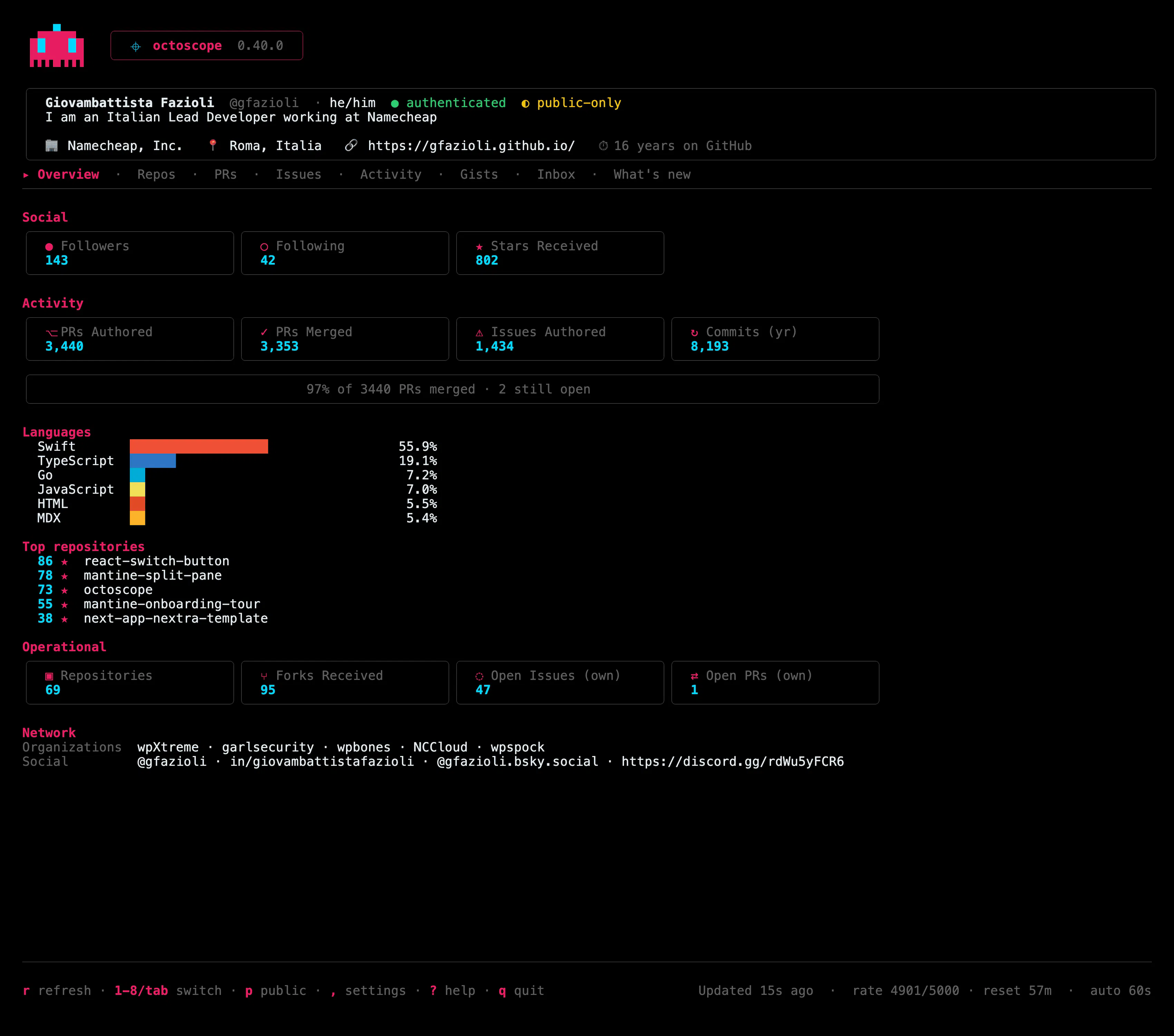
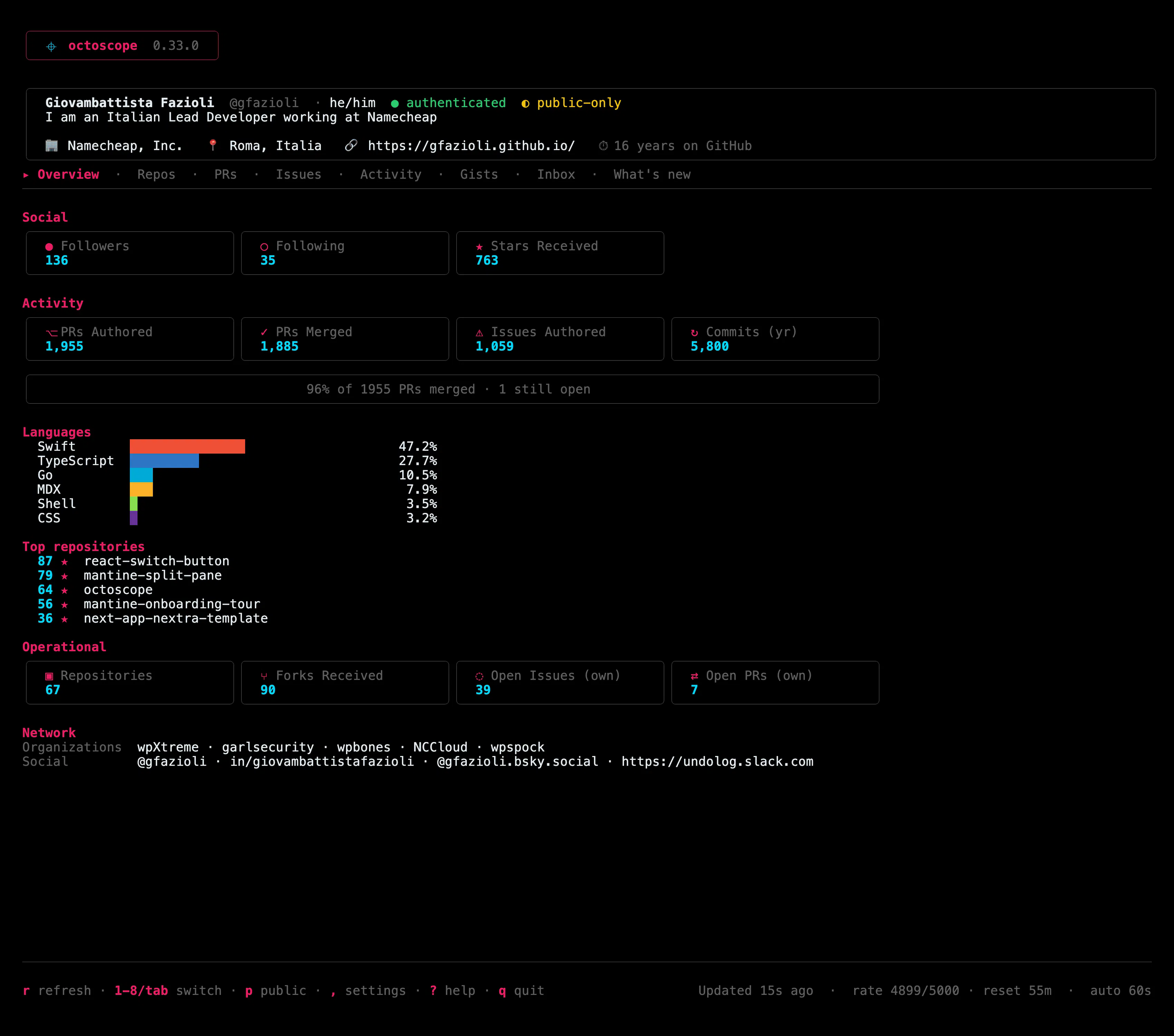
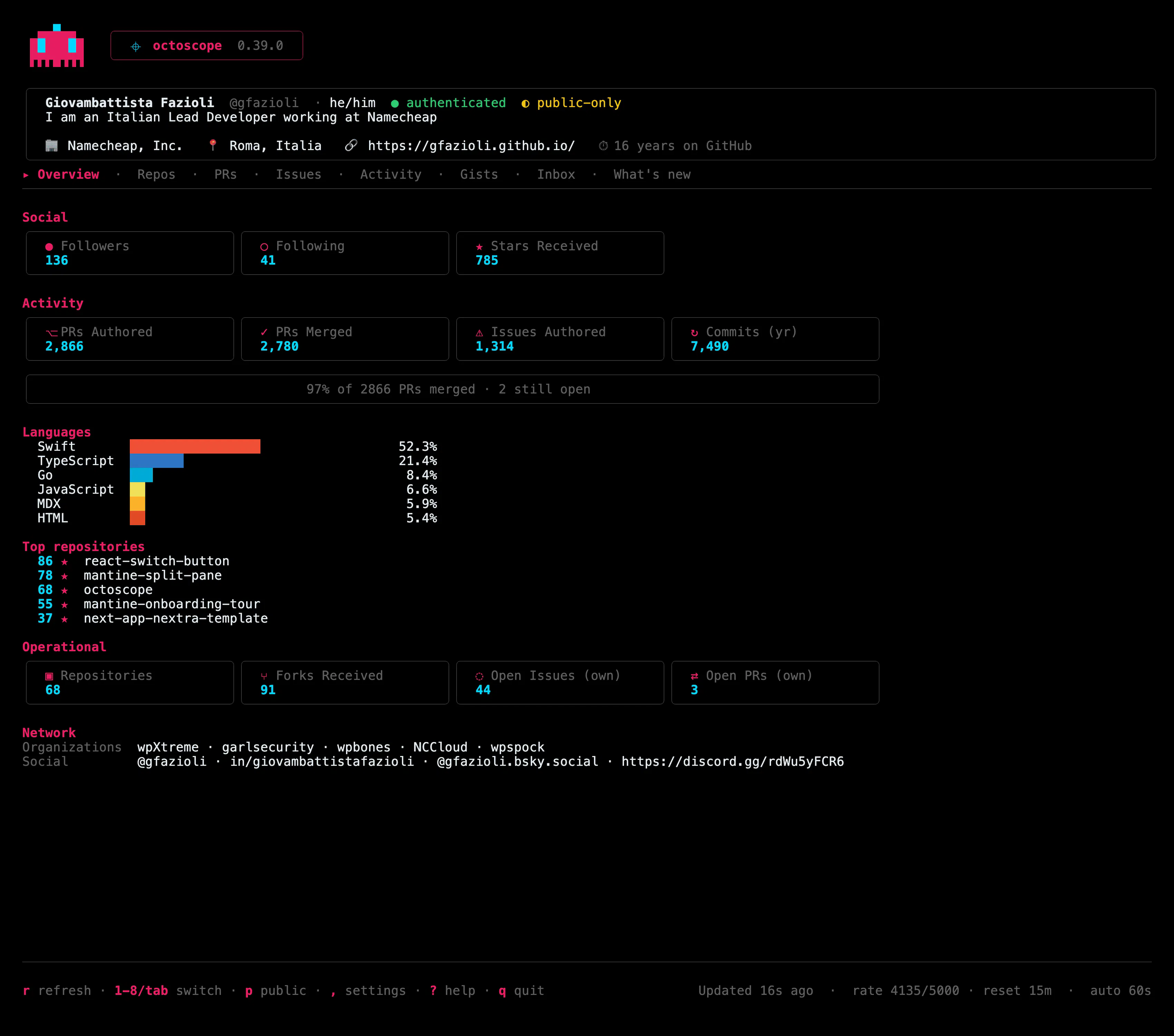
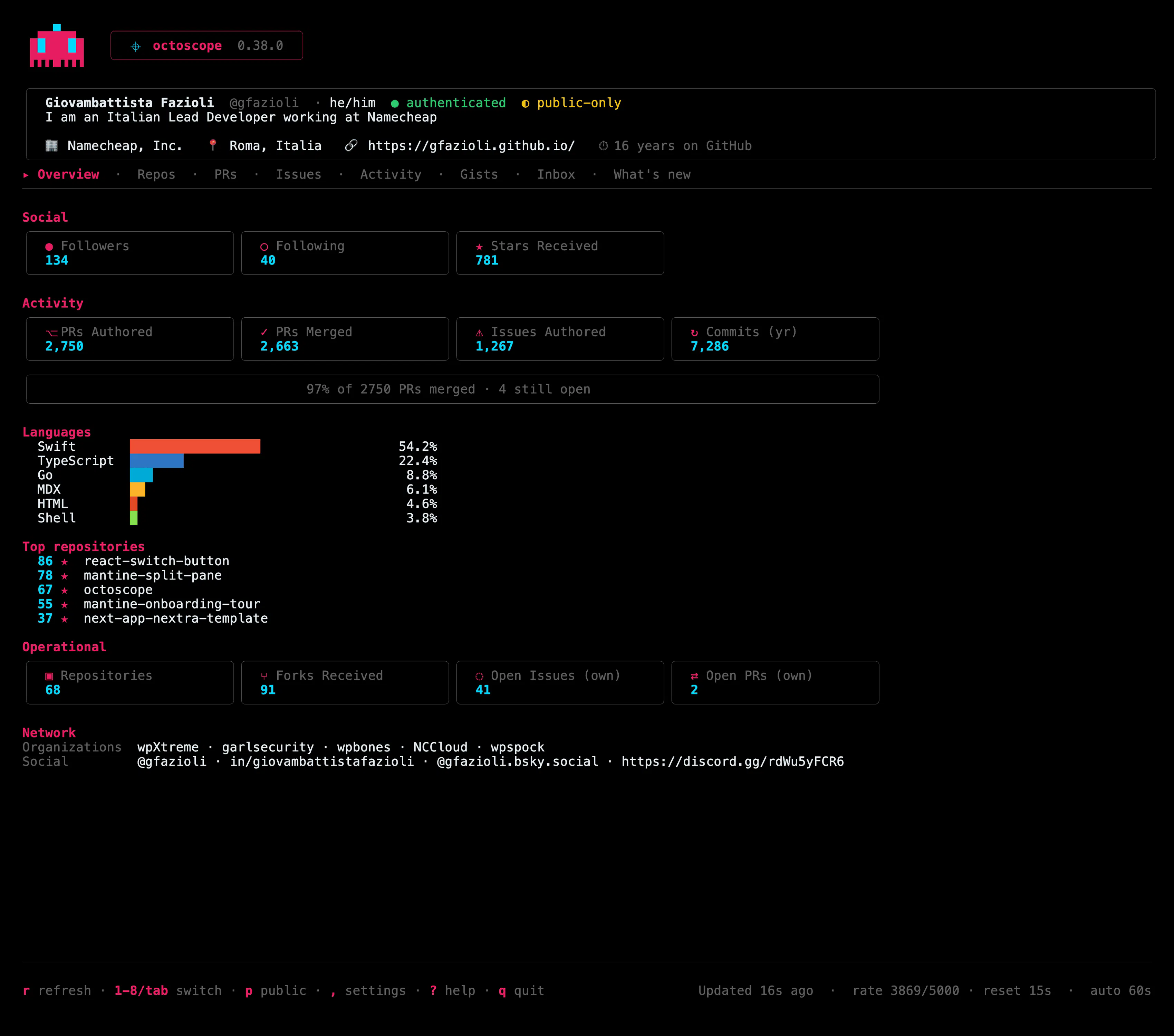
octoscope in one minute, recorded live on my own GitHub account with octoscope 0.41.2: no mock-ups, no demo data.
octoscope is a terminal dashboard for your GitHub account: profile, activity, repo health and network at a glance, auto-refreshed. In this minute: a year of contributions as a heatmap, streaks included one keystroke deeper: a repository's releases, checks, traffic and star history a pull request's files and diff, not just its link your real GitHub inbox, one key away octoscope --scan: a supply-chain sweep of every repository at once
The docs say flags override the config file for that run. They also ended up in the file. Start octoscope with --theme amber, pin a repository, and amber was your theme from then on. Same for --refresh, --compact, --public-only and --no-sponsor: the next save about anything else wrote them all.
I measured it before touching anything: four flags, then p twice (public-only on and off again, so a net change of nothing), and the config held all four.
Now a flag is for the run it is given to. If you change a setting in the app, in the settings panel or with p, that is a choice and it is saved. A flag you never touched is not.
Second fix: q quits on the launch screen. Before the first dashboard, a comma opened the settings panel behind the launch screen, and the next q went to a panel you could not see. Until there is a dashboard the screen now takes q, the help and rate-limit overlays, and a tab chosen ahead. Nothing else.
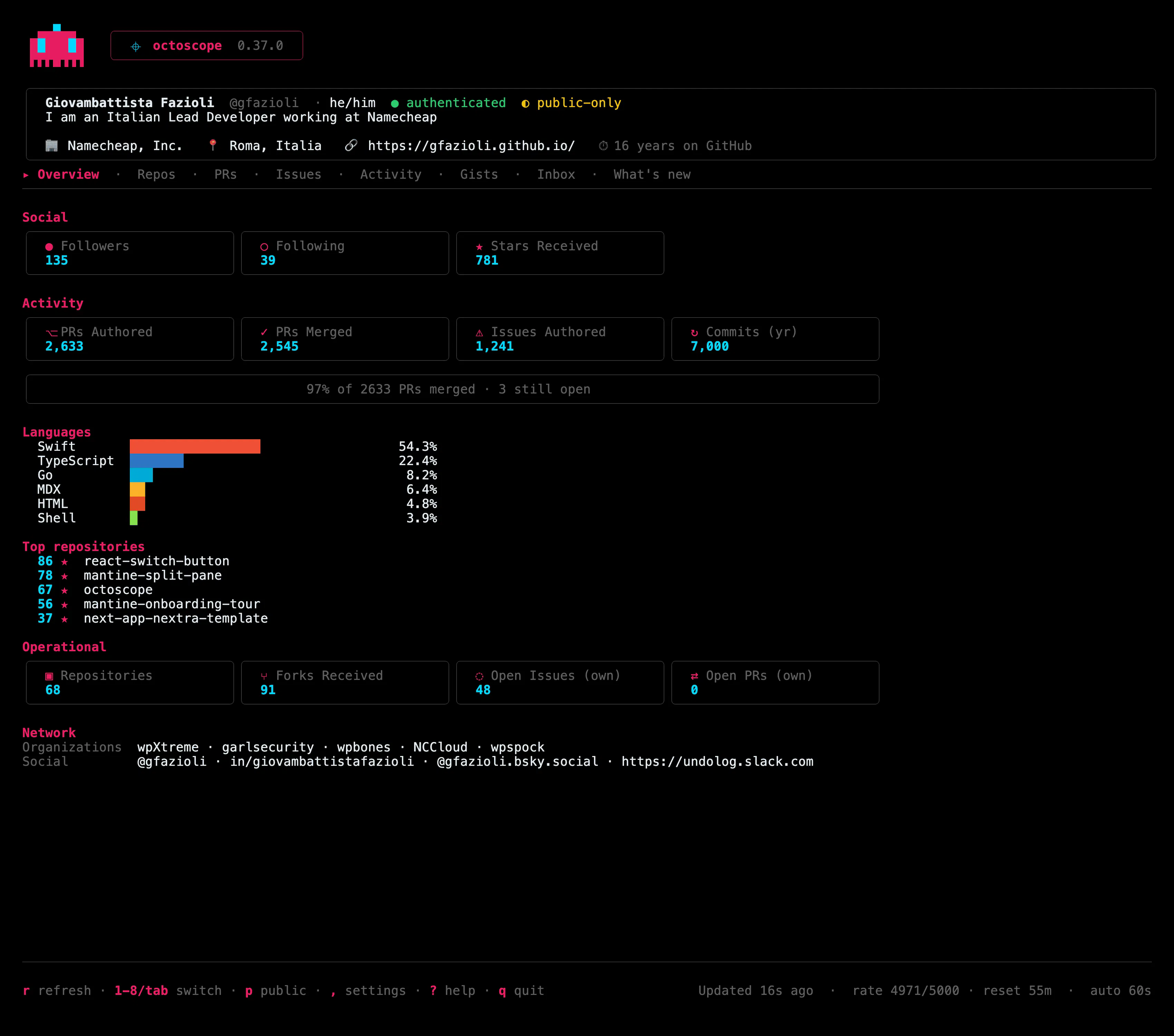
octoscope 0.27.0 the integrity scan stops describing a repo and starts noticing things about it.
Before this release the supply-chain scan could only talk in the present tense: here is what auto-executes right now, here is a commit tip that looks forged. Useful if you happen to scan while the implant is sitting there. Useless for the two questions you actually have when a worm is circulating did something change, and what could whoever got in reach?
On a busy account octoscope's first fetch takes about ten seconds, and until 0.39.0 you spent them looking at a launch screen. Now the dashboard you saw last is on screen the moment it starts.
The supply-chain scan used to work one repository at a time, from the dashboard. If a worm had pushed an implant into one of your 90 repos, you'd have had to open them one by one to find out.
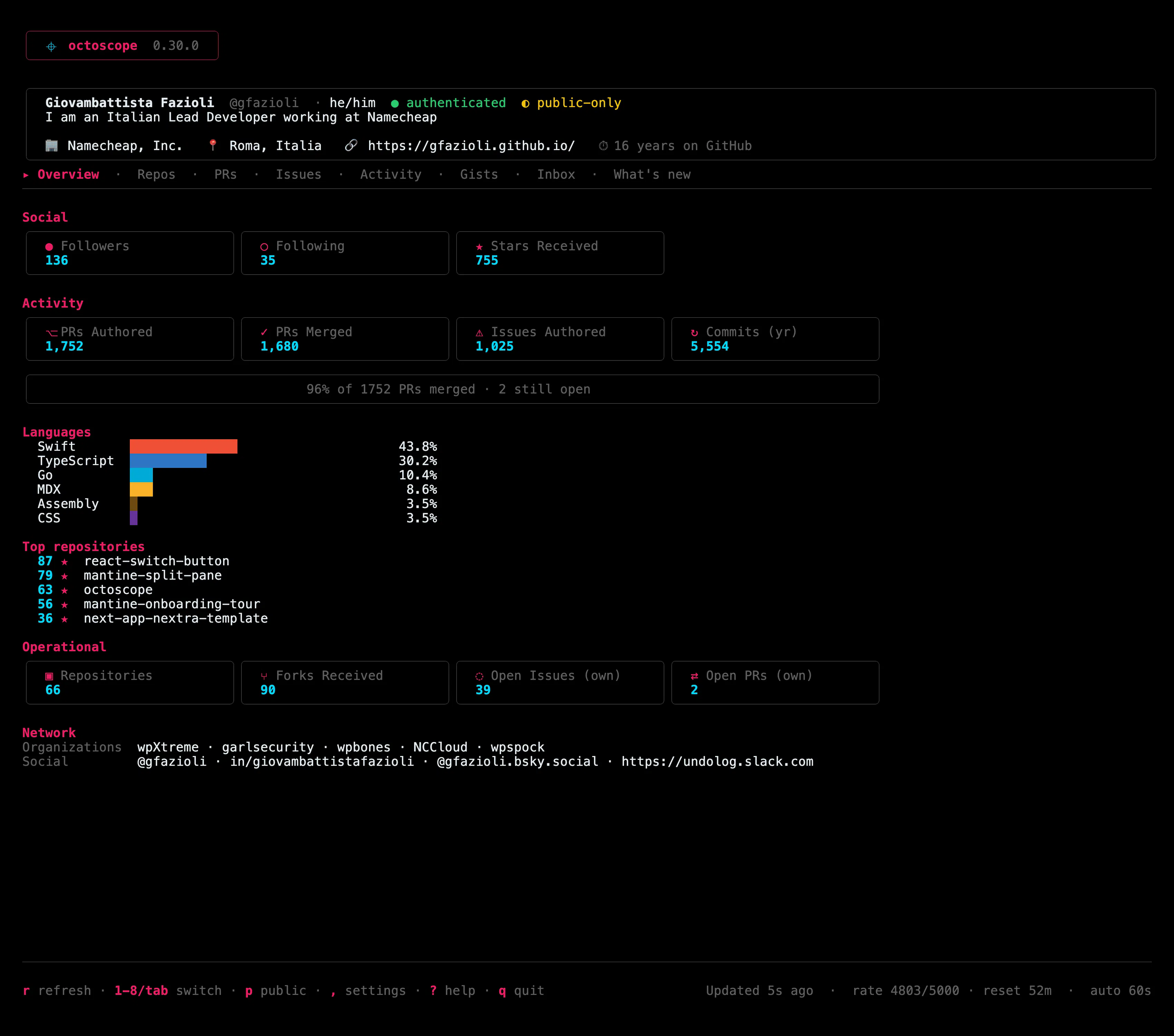
Hey everyone octoscope 0.30.0 is out, and this one has an odd origin story: three of its four changes were written by one of you.
They came in as a comment under the 0.27.0 launch. He didn't ask for a single feature. Instead he found three places where octoscope's report claimed more than it had actually verified and every one of them held up when I went and measured it. One even turned up a bug that had been sitting in the code for several releases.


 p/general
 p/vibecoding
 p/ama
 p/introduce-yourself
 p/self-promotion
 p/runevr
 p/producthunt
 p/google-cloud-platform
 p/murror
 p/findergit
 p/jot-2-0
 p/megumi-planner
 p/interview-coach-3
 p/reso
 p/lancetta
 p/many-displays
 p/kodlo
 p/ai-context-flow
 p/slotify-2
 p/airuncode
 p/dino-kids
 p/supabase
 p/jev
 p/lasso-11
 p/raycast