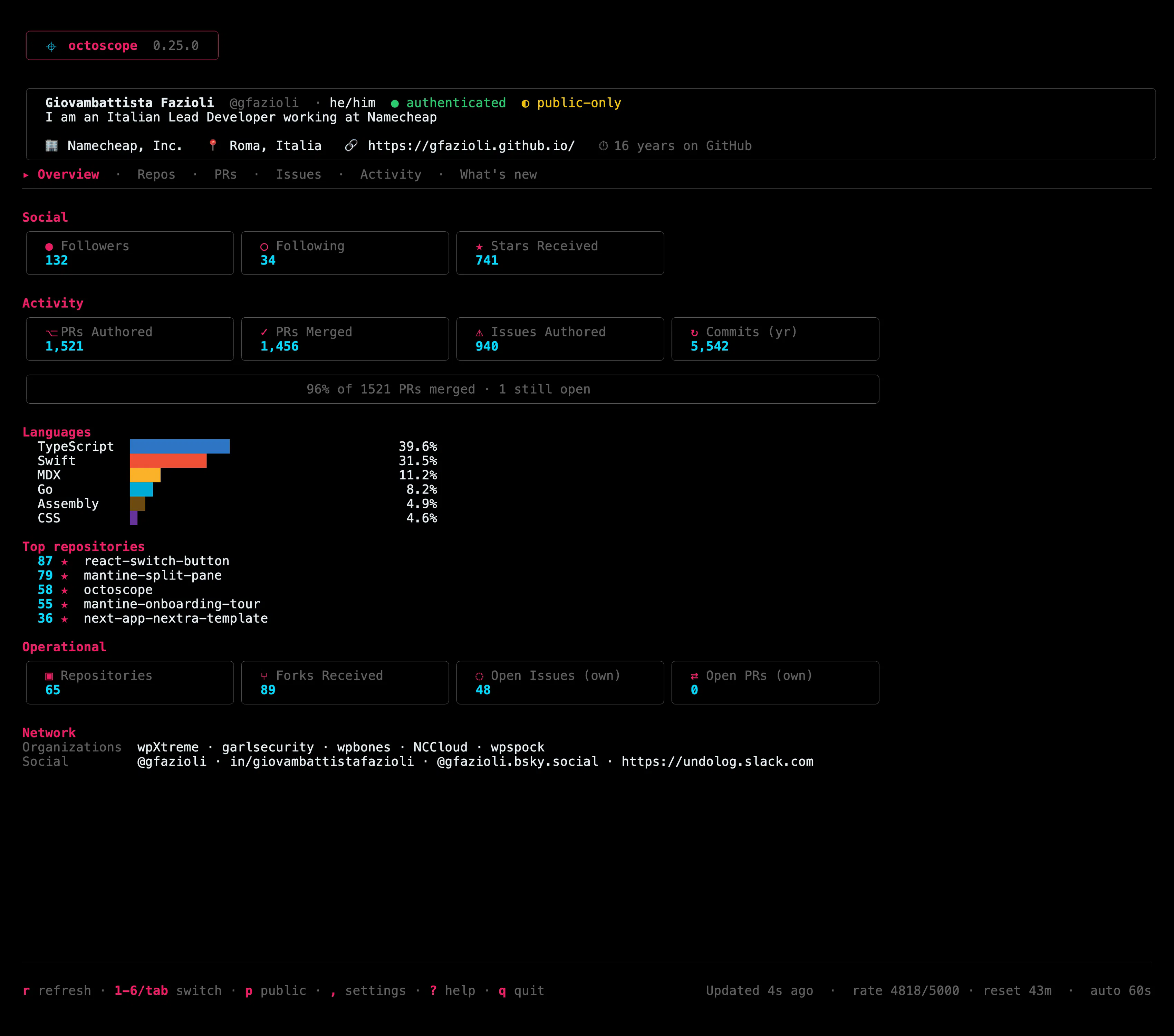
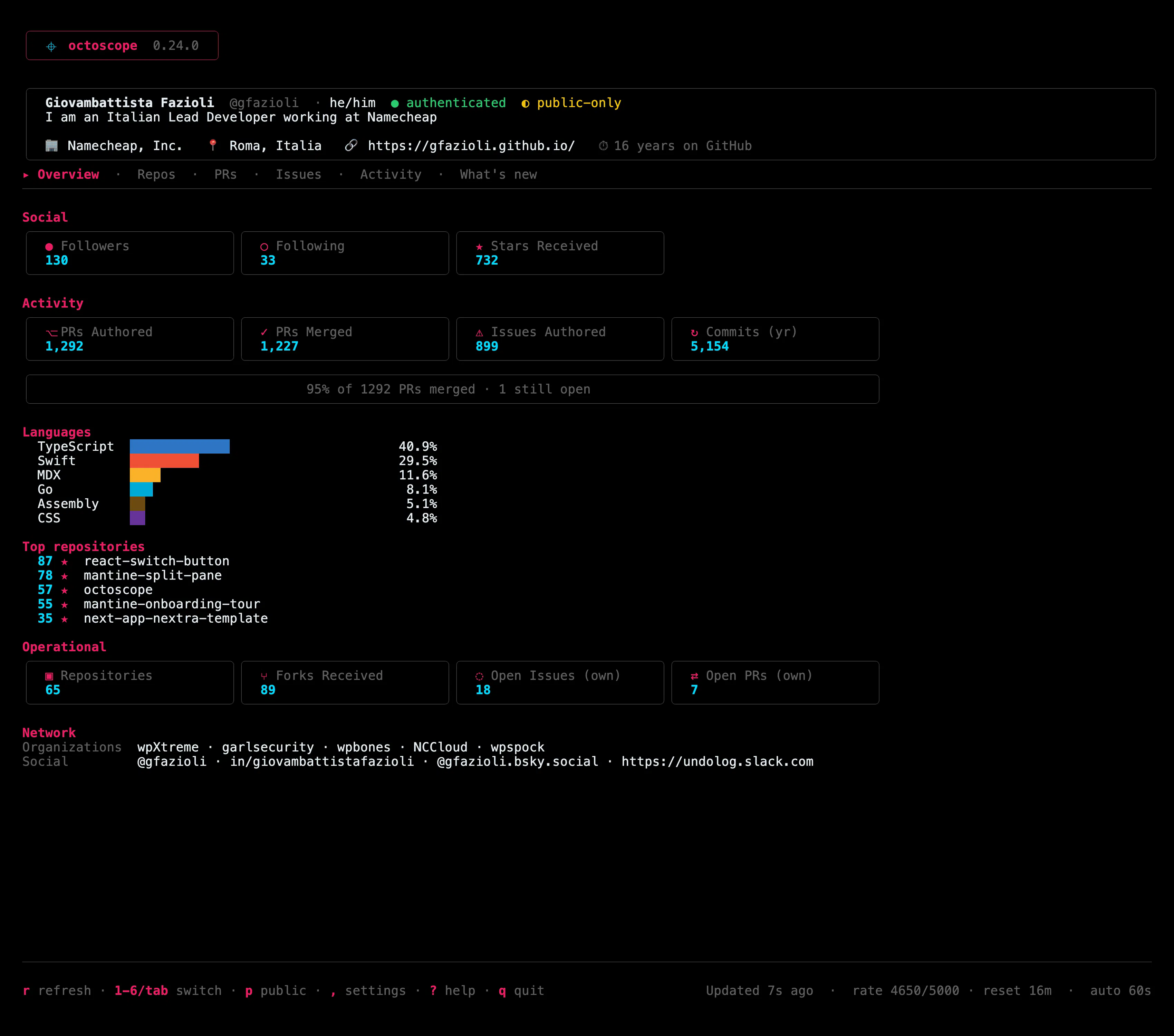
The biggest UX shift since I shipped octoscope. The drill-in pattern I prototyped for Repos in v0.10.0 now works on PRs and Issues too and it's bound to Enter, the universal TUI gesture for "go deeper".
Issues state chip, markdown-rendered description, assignees, recent comments, labels, linked PRs (the ones that would close the issue when merged), curated timeline.
Repos description, license, language chips, latest release, languages bar, recent commits with a "N total M by you in the last year" counter, open issues / PRs preview, topics.
Each detail is fetched in a single targeted GraphQL query for that one item no fan-out across your list, zero rate-limit pressure. Descriptions and comments render through glamour (https://github.com/charmbracelet...) with chroma syntax highlighting, so a "## heading" is a heading and a fenced code block is colourised.
octoscope's Repos tab has had pinned repos for a while now a sticky section up top for the handful you actually live in. This release gives the Issues tab the same treatment.
Press P on any issue (or pick Pin from the space action menu) and it sticks to the top, in the order you pinned it, across refreshes and restarts. It composes with everything else you already do: the sort cycle (s) reorders only the rest, and the / filter narrows both sections at once. The set is saved to your config under pinned_issues, so the next launch brings them right back press P again to unpin, and a pinned issue that gets closed just stops showing.
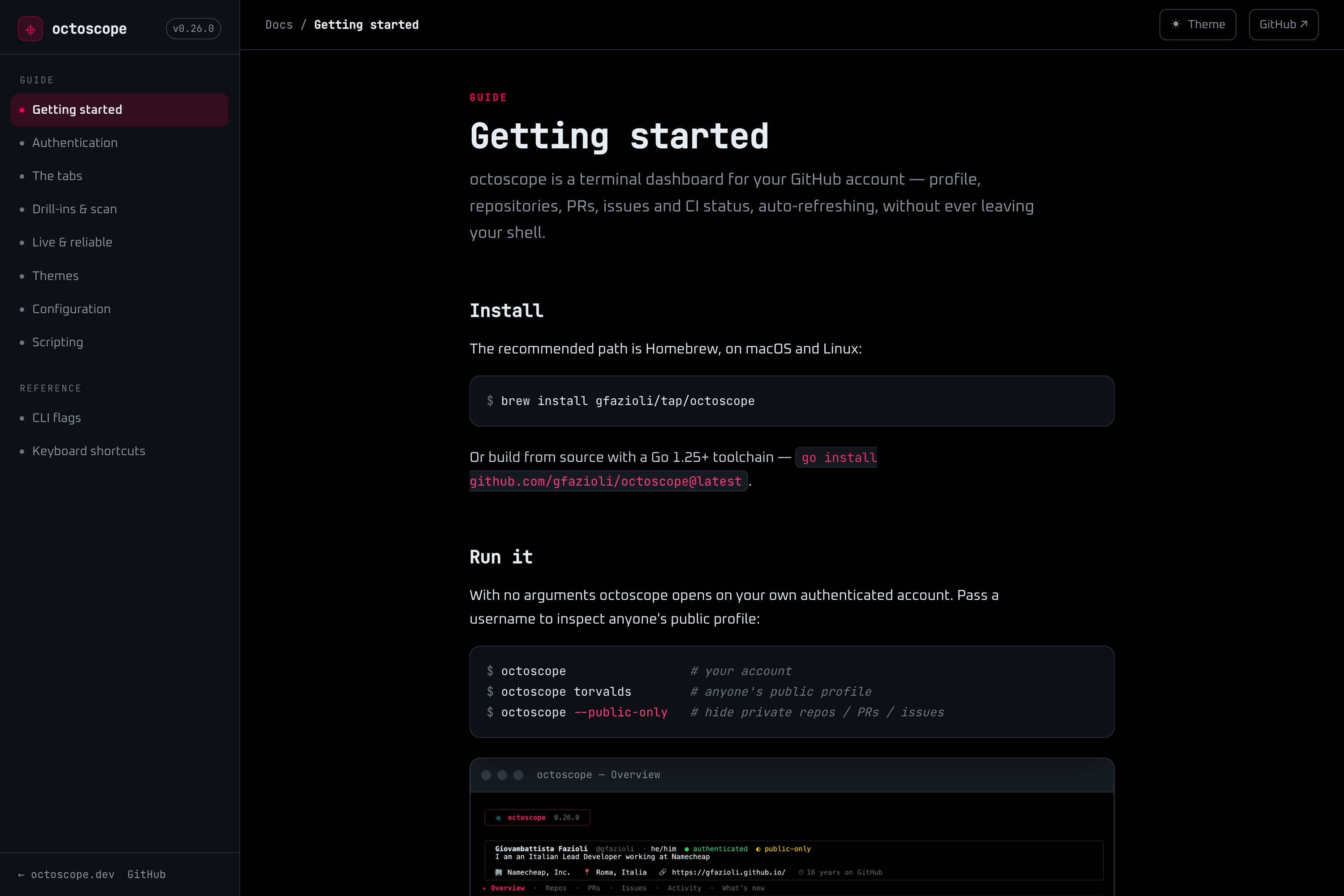
The big one first: octoscope has a real guide now. Ten pages at its own address Getting started, Authentication, The tabs, Drill-ins & scan, Live & reliable, Themes, Configuration, Scripting, plus a reference pair for every CLI flag and every keybind. https://gfazioli.github.io/octos...
The Repos tab has shown a CI rollup dot per repository for a while, and it always stopped there. Red meant something was wrong, and then you went to the browser to find out what. That last step was the annoying one.
Now you open the repo and the drill-in answers it: a Checks section listing the individual checks on the default branch, with failures floated to the top. That ordering matters more than it sounds the list is capped at eight rows, so a red job in a forty-job matrix would otherwise hide behind all the passing ones.
No new tabs this time three small read-only features that answer questions you'd normally leave the terminal for: how a repo's stars are really trending, how much API budget you've actually got left, and which of your repos need attention right now.
No new tabs this time. v0.17.0 is the boring-on-purpose release: I went back through everything you actually touch in a long session and made the app meaningfully steadier underneath. It does the same things v0.16.0 did it just behaves the same in hour eight as in minute one.
Sponsor splash a gentle nudge at launch to support development. Press o to open the Sponsors page, c to copy the link, any other key to dismiss. Suppressed under --public-only; opt out with show_sponsor=false or --no-sponsor.
"What's new" tab (press 6) the highlights of the version you're running, bundled into the binary so it works offline, with a link to the full release notes.
The Shai-Hulud / Miasma worm has been quietly pushing itself into people's GitHub repos including real, well-known OSS projects where it auto-runs the moment you open the repo in an AI editor (Claude / Cursor / Gemini / VS Code) or install it, then harvests your tokens. It lives in the GitHub source, not the npm registry, so a lockfile audit never sees it. octoscope already points at the repos you own, so this release teaches it to look. @icflorescu
What it catches
On a Repos row, open the action menu (space) and hit Security scan (s). It matches the invariant of the attack instead of a single payload filename because the worm renames its dropper the week after you blocklist it, so a renamed variant still trips it.


 p/general
 p/vibecoding
 p/ama
 p/introduce-yourself
 p/self-promotion
 p/runevr
 p/producthunt
 p/google-cloud-platform
 p/murror
 p/findergit
 p/jot-2-0
 p/megumi-planner
 p/interview-coach-3
 p/reso
 p/lancetta
 p/many-displays
 p/kodlo
 p/ai-context-flow
 p/slotify-2
 p/dino-kids
 p/airuncode
 p/supabase
 p/jev
 p/lasso-11
 p/raycast