

I made a free HEIC Viewer to JPG/PDF tool I actually use
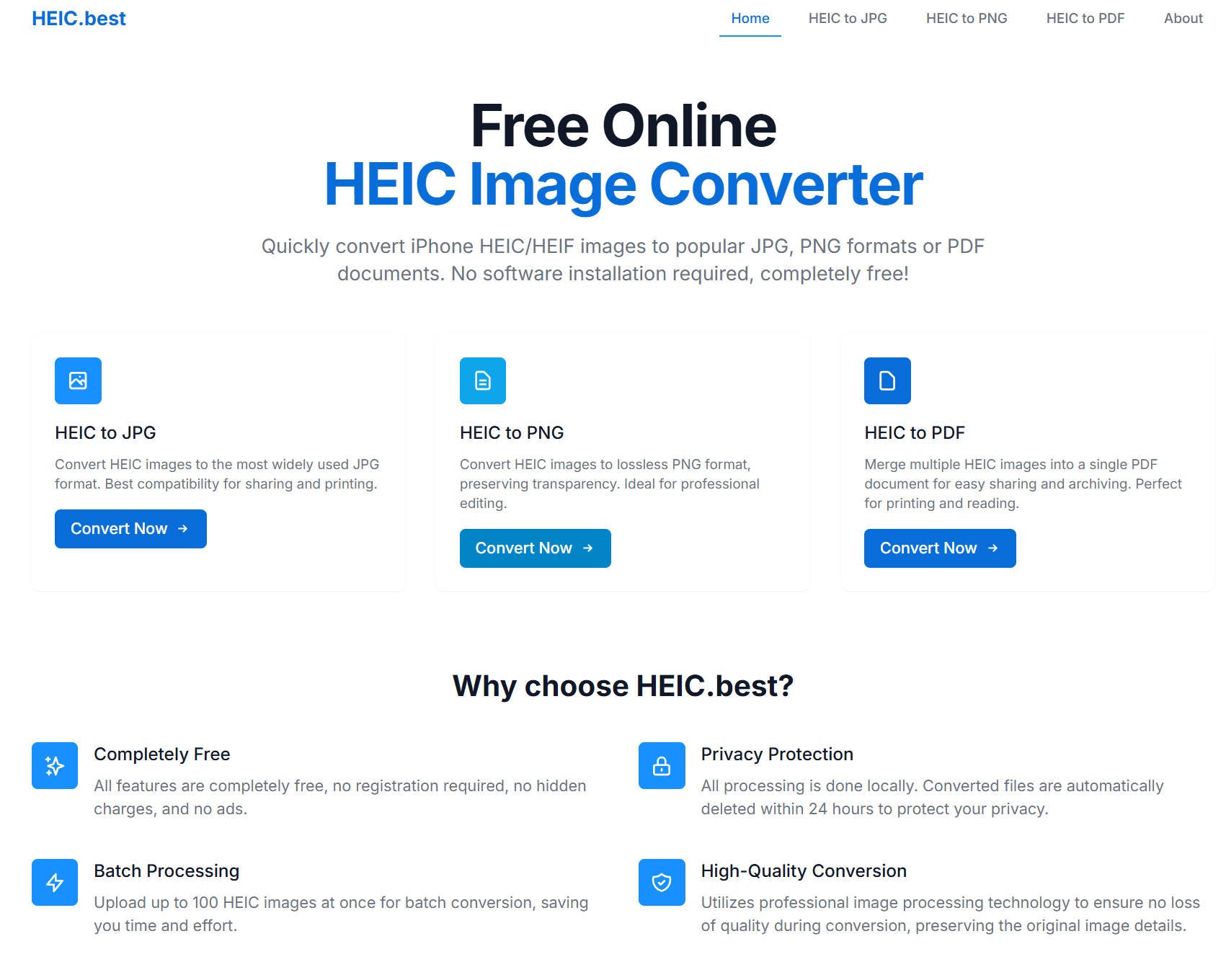
🛠️ I recently built [heic.best](https://heic.best/) — a simple, no-signup HEIC converter for people like me who just want their iPhone photos to work across platforms.
While everyone’s busy launching the next AI tool, I stumbled on a surprisingly common, surprisingly annoying problem: HEIC files.
Most iPhones save images in HEIC format by default. They’re great for saving space — until you try to open or share them on non-Apple devices.
I tried a bunch of online converters. Most of them:
- Only support one file at a time
- Don’t merge to PDF
- Require registration or email
- Upload your images to some unknown backend
- Or worse... watermark your photos 🤯
So I built what I needed:
✅ Convert HEIC to JPG or PNG — fast and free
✅ Merge up to 50 HEIC files into one PDF
✅ One-click ZIP download after batch conversion
✅ No sign-up, no watermark, no server-side storage
✅ [View HEIC files](https://heic.best/viewer) in your browser — instantly
It’s not AI-powered. It won’t change the world. But it solves a real, annoying problem — and it’s something I actually use.
💬 Would love to hear:
– Have HEIC files ever gotten in your way?
– What do you value most in small utility tools like this?
Site: [https://heic.best/](https://heic.best/)
Merge to PDF: [https://heic.best/heic-to-pdf](https://heic.best/heic-to-pdf)
Viewer: [https://heic.best/viewer](https://heic.best/viewer)
Feedback welcome!
Replies