trending

10d ago

SFM progress (for v2.3.0): new feature: duplicate tab

Changes:

- Now Ctrl+T behaves exactly as the plus button in the tabs bar

- New shortcut Ctrl+Alt+T duplicates current active tab

- Added new option to dropdown menu that duplicates selected tab

13d ago

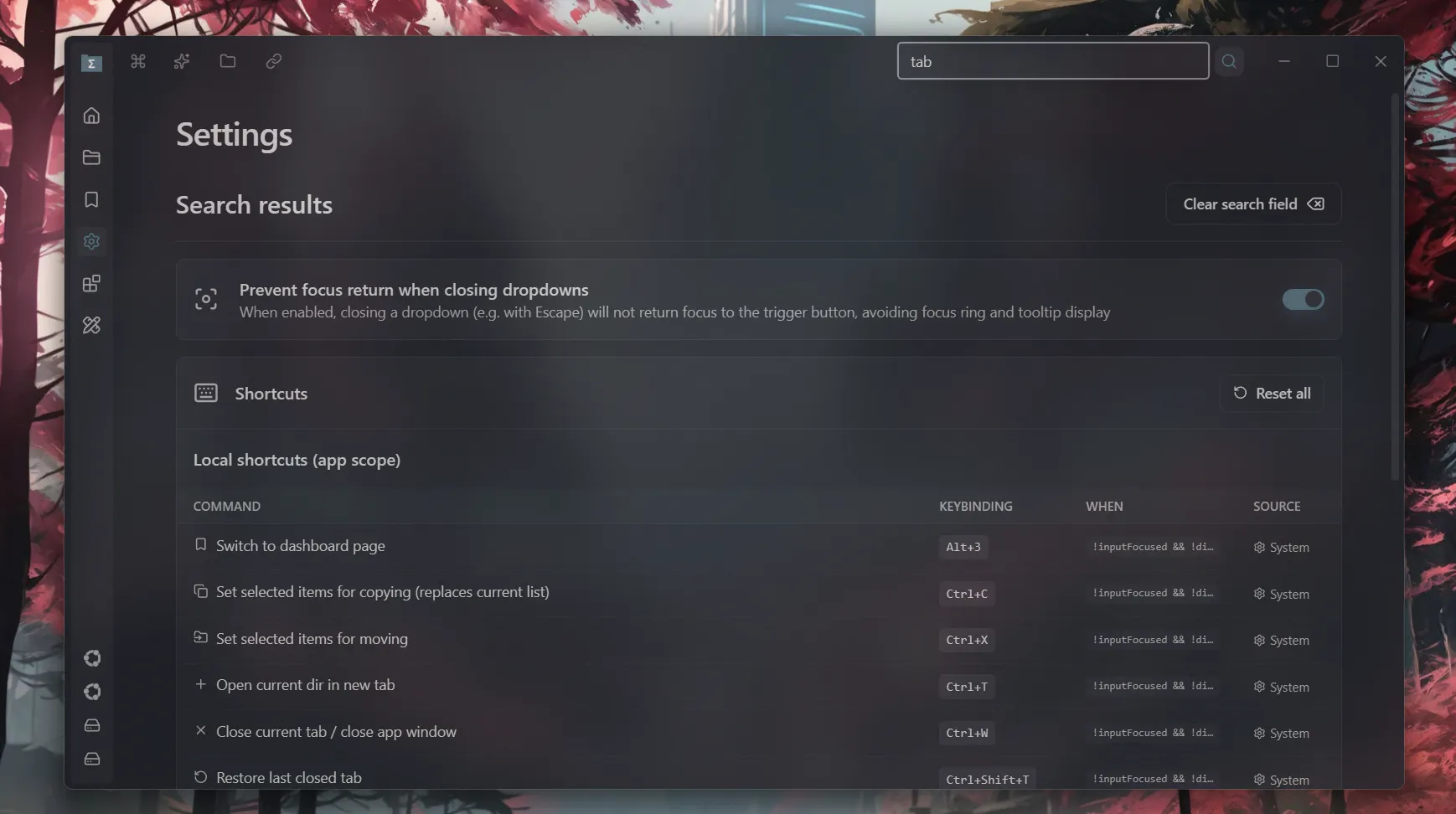
SFM progress (for v2.3.0): improved settings search

Changes

- Marching shortcuts now appear in the search results

1mo ago

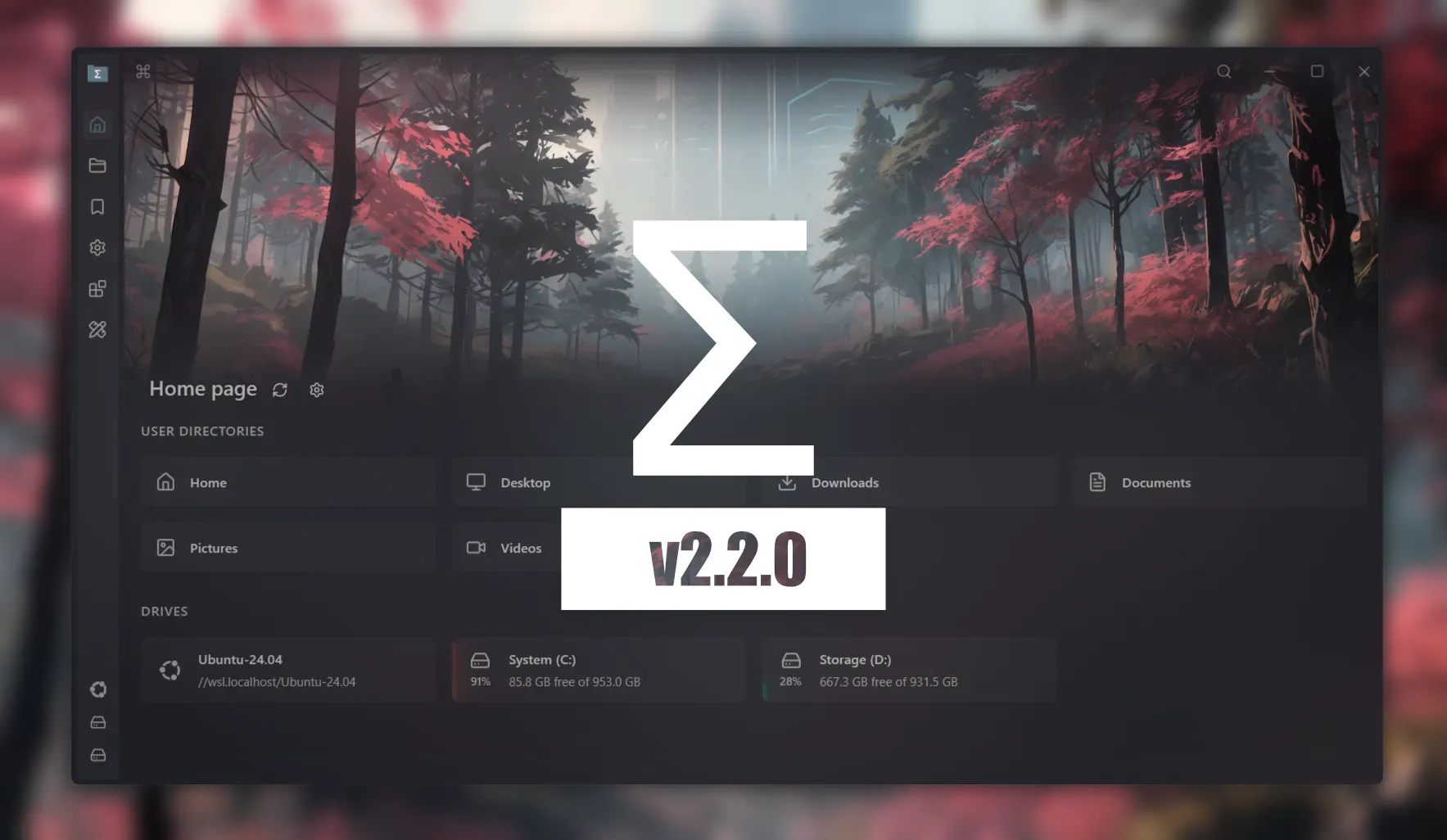
Sigma File Manager v2.2 Is Now Available!

A major update is now available on MS store, Winget, and Github

https://github.com/aleksey-hoffm...
Full changelog (with image previews):

https://github.com/aleksey-hoffm...

3mo ago

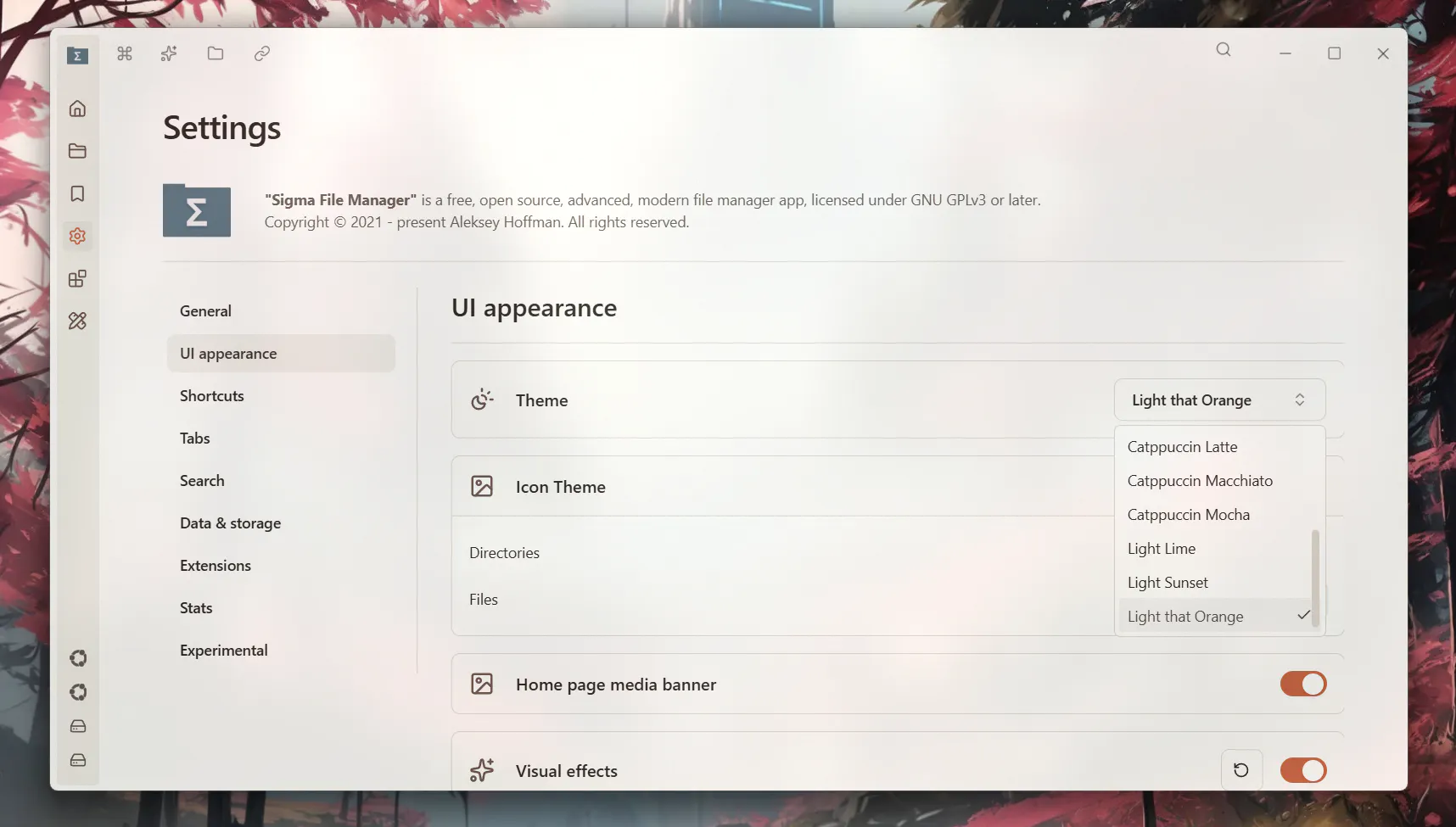
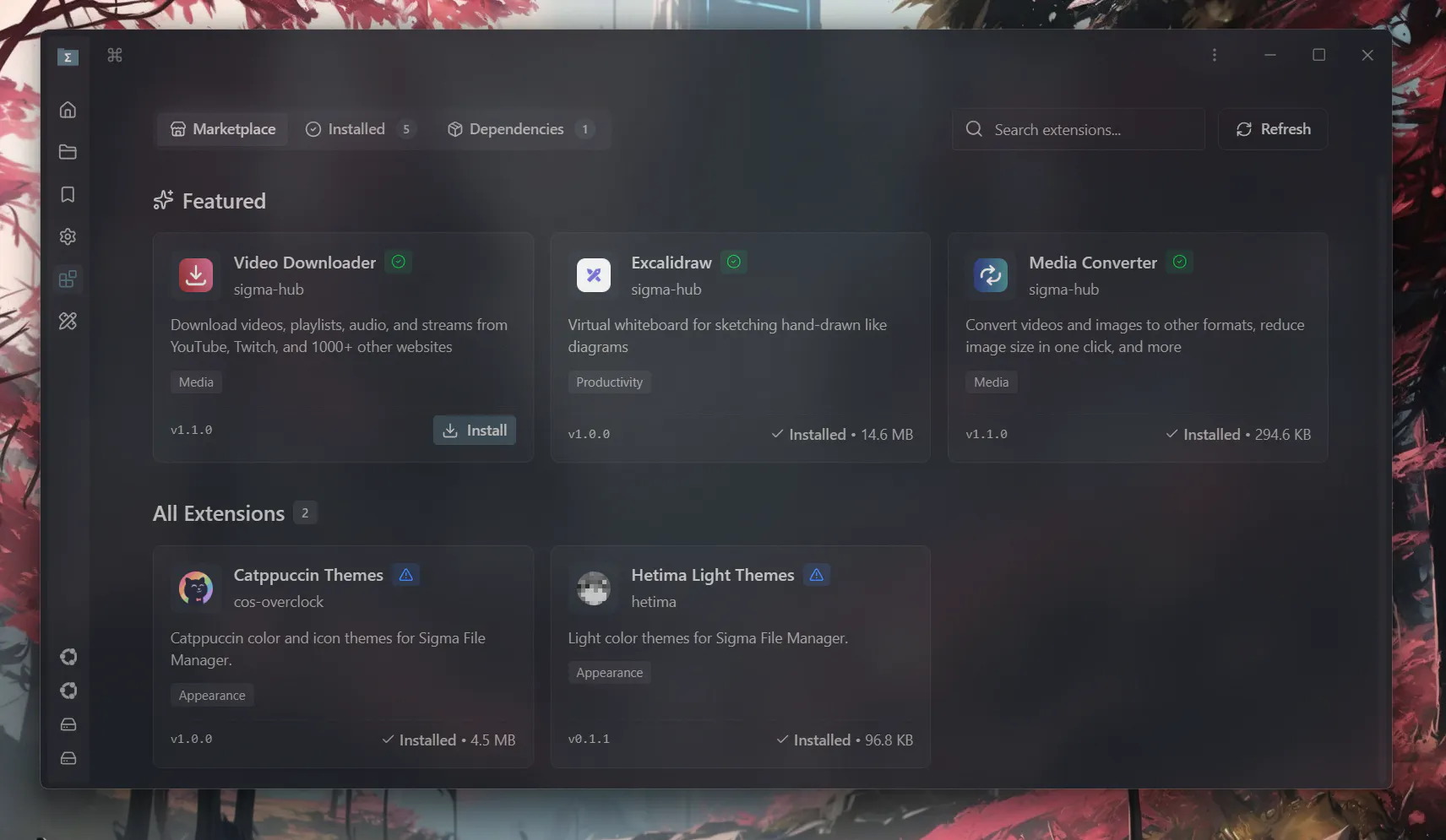
New theme extension was just added to the marketplace by Hetima

https://github.com/hetima/sigma-...
It should already be available in the app

2mo ago

SFM progress (v2.2.0): New feature: Box selection

Changes:

- Added ability to select files with box selection

- New setting "Enable box selection" which enables/disables this feature

- New setting "Increase file view gaps" which increase the empty space between file cards so it becomes easier to start box selection

3mo ago

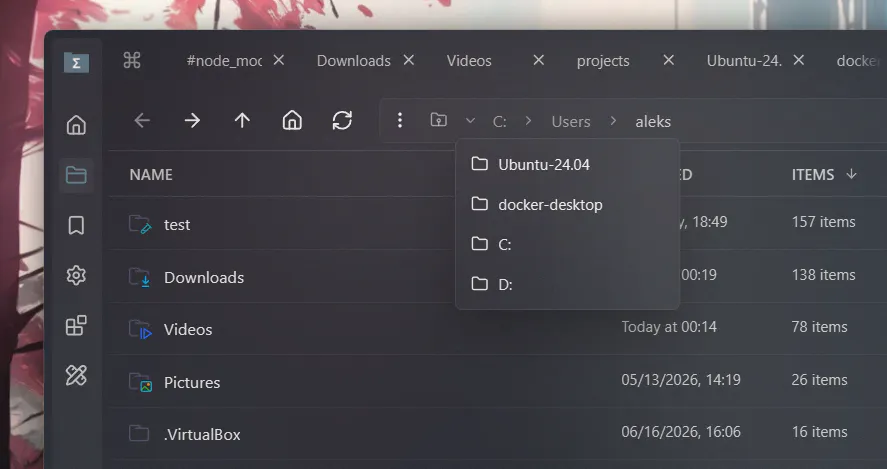
SFM progress (v2.2.0): Added root "Locations" address

Changes:

- Added root locations path to address bar for easy drive / location switching, especially useful in split-view mode

- Locations path can be added to favorites and tagged

2mo ago

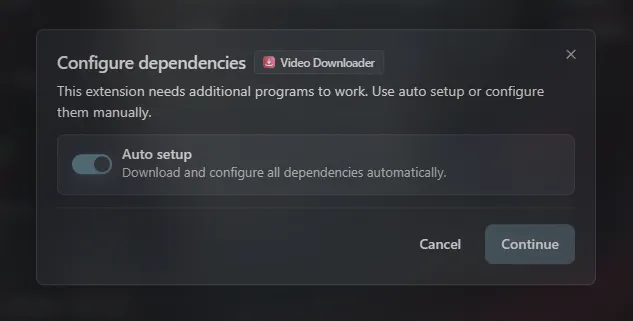
SFM progress (v2.2.0): allow extensions use local binaries

Changes:

- During installation the extensions that require external programs (binaries) to work, will ask if you want to specify the paths to local binaries manually or continue with auto setup

This allows to reuse existing binaries, instead of automatically downloading them

3mo ago

Sigma File Manager - Free, open-source, cross-platform, modern file manager app

"Sigma File Manager" is a free, open-source, quickly evolving, modern file manager (explorer / browser) app for Windows and Linux (Mac is supported but the build is not provided yet, can be built from source). - aleksey-hoffman/sigma-file-manager

2mo ago

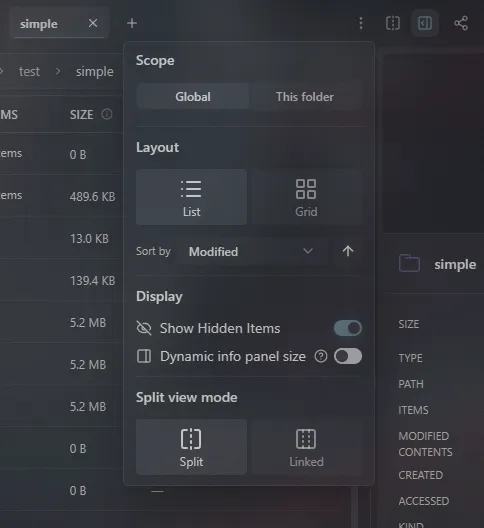
SFM progress (v2.2.0): Add active pane indicator

Changes:
- Now when split view is enabled, the active pane indicator will appear in the status bar, so it's easier to tell where the actions will apply (shortcuts like quick search, open in terminal, etc.)

12
Next