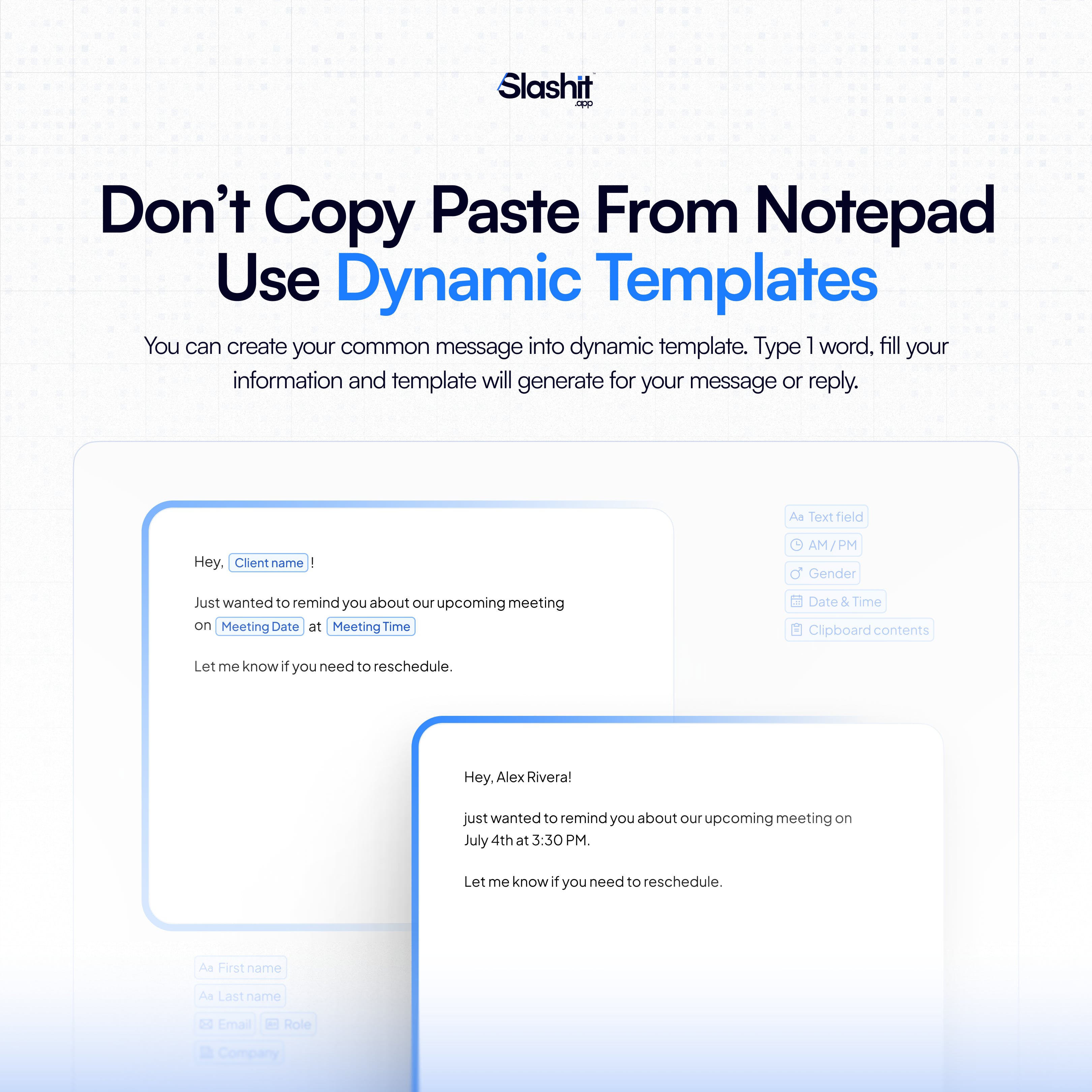
That s where template bookmarks in Slashit App come in.
We noticed a common pattern: users would save templates but still spend time searching for them when needed. So we added a way to bookmark your go-to templates the ones you rely on daily.
Now, with just one click, you can access and insert your saved replies, intros, pitches, or reports. No copy-paste from Notion. No digging through folders. It s all right there, fast and clean.
We ve all been there scrolling through Slack, digging through Google Docs, or opening that dusty Notepad file for the 47th time to find the same line you always send: a pitch, an intro, a reply.
It s time to stop.
With Slashit App, you don t need to search anymore.