
Launched this week

Domscribe
Give your AI coding agent eyes on your running frontend
78 followers
Give your AI coding agent eyes on your running frontend
78 followers
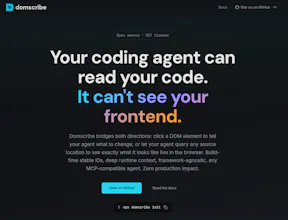
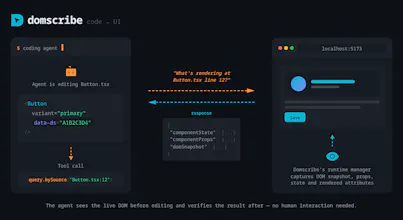
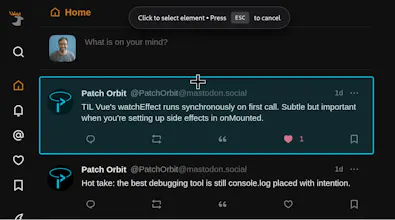
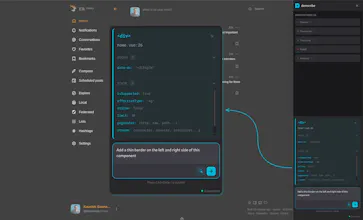
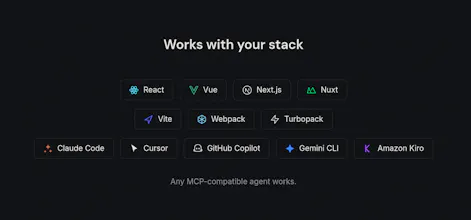
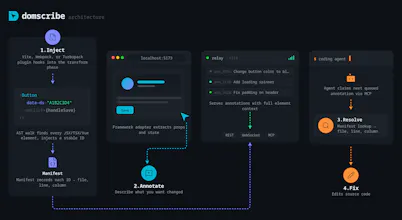
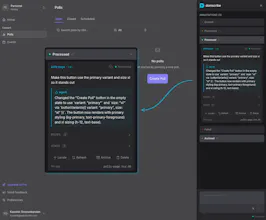
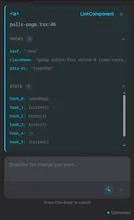
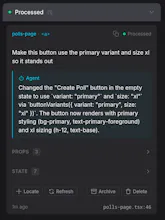
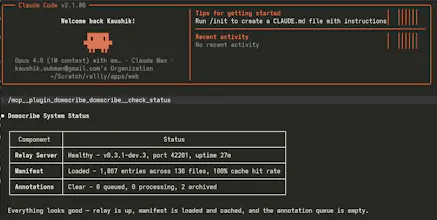
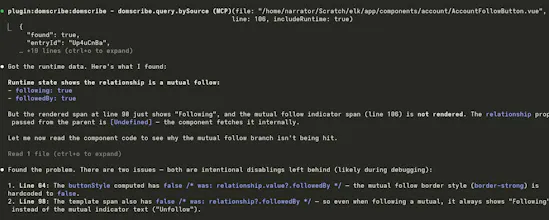
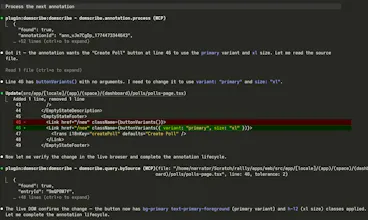
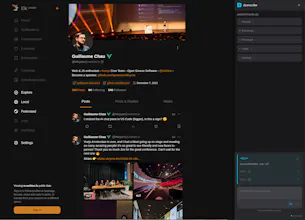
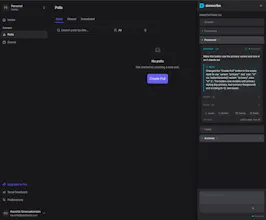
AI coding agents edit your files blind; they can't see your running frontend. Domscribe closes the gap. Code → UI: Query any source location via MCP, get back live DOM, props, and state. No screenshots, no guessing. UI → Code: Click any element, describe what you want in plain English. Domscribe resolves the exact file:line:col and your agent edits it. Build-time stable IDs. React, Vue, Next.js, Nuxt. Vite, Webpack, Turbopack. Any coding agent. MIT licensed. Zero production impact.



The no-screenshots approach is the right call. Giving agents access to actual runtime state instead of image interpretation is faster and actually accurate. Curious how it handles components that are conditionally rendered or lazy-loaded - those are the ones screenshot tools miss and where bugs hide. If you want real users finding those edge cases right now, we built a free community stress-testing tool called VibeFix Playground. Post your URL, people try to break it, reports come in with screenshots.
Domscribe
@onryo_builds Good question on conditional rendering and lazy loading. The manifest is built at transform time from the AST, so every element that exists in source gets an ID regardless of whether it's currently rendered. When the agent queries a source location via domscribe.query.bySource, the response includes a "rendered" boolean; if the element exists in the manifest but isn't in the DOM right now (behind a conditional, not yet lazy-loaded, on a different route), the agent gets the source mapping back but the runtime section tells it the element isn't currently visible. The hint system then suggests the user navigate to a page that renders that component and retry. So the mapping is always there. The runtime context is just conditional on the element actually being in the DOM.