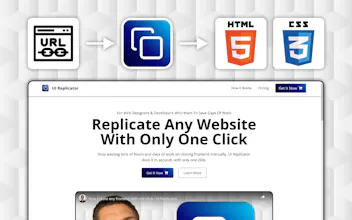
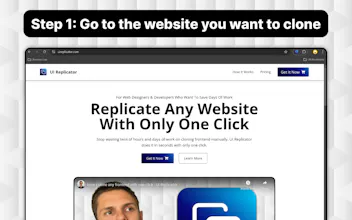
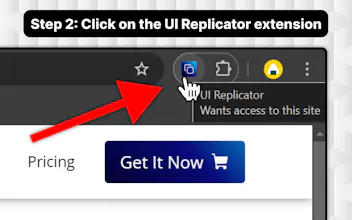
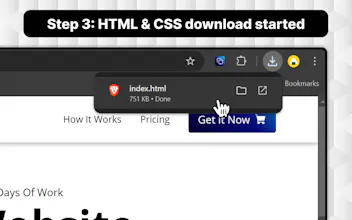
Just go to the website you want to clone, click on the browser extension, and the download will start. (you will get the HTML & CSS in only one index.html file)
Hey Andrei,
I'm curious about the legal implications though.
How does UI Replicator handle copyrighted content or designs? Is there any mechanism to respect intellectual property rights?
Congrats on the launch!
@abhaytalreja Happy to hear that! Yes, that's the next step!
Report
This is such a time-saver! Quick question though—does the extension also pull dynamic content like JavaScript interactions or just static HTML/CSS? It’d be super useful if you could preserve some of those interactive elements too for more complex builds! Also it’d be awesome if there was an option to export the cloned site directly to a platform like Webflow or Figma. This would take the tool from being a great cloning utility to a powerful prototyping tool!
@blak3 Hi! I'm glad you like it!
1. If the JS is served through a CDN it is preserved (I am working on the non-CDN scenario)
Right now it gets the rendered HTML and CSS + the CDNs that are added in the header
2. I just put it on my to-do list


UI Replicator
Flex-Worthy Templates
UI Replicator
UI Replicator
Telebugs
UI Replicator
UI Replicator
UI Replicator