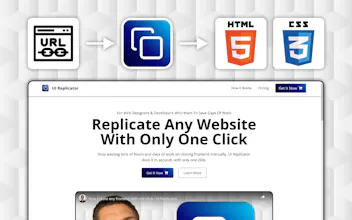
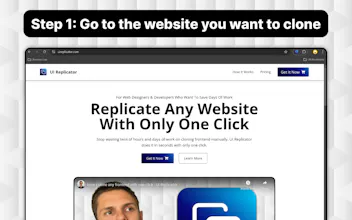
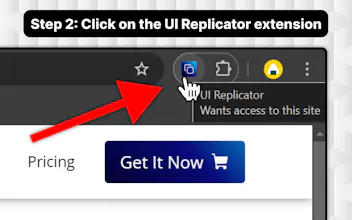
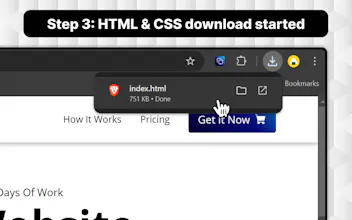
Just go to the website you want to clone, click on the browser extension, and the download will start. (you will get the HTML & CSS in only one index.html file)
No reviews yetBe the first to leave a review for UI Replicator
Interesting concept! I have a couple of questions though - does the tool only capture the static HTML and CSS, or is there support for handling JavaScript and dynamic elements as well? Thanks!
@ruthtennil75299 Hey! By dynamic elements, you mean dynamic data loaded from backends, right?
If so, it cannot do that because it doesn't have access to the backend.
But you can easily build that logic yourself on your own backend and when you inject your own data dynamically, with the right classes — it should look like the original.
Wow, the ability to clone any website or front-end with just one click is a huge time saver for developers and designers looking to quickly remix and iterate their websites. @andrei_bogdan4
Hey Andrei! 👋 This is a fascinating tool you've created! Cloning websites is often a cumbersome task, and your extension seems to simplify the process significantly. Thanks for sharing the discount code too—very generous! Looking forward to trying it out!


UI Replicator
ConfettiSAAS
UI Replicator
UI Replicator
UI Replicator
UI Replicator
UI Replicator