

We redesigned Atlaso from the ground up. Tell us what we got wrong.

Hi everyone, Ashish here, founder of Atlaso.
Quick context if you haven't seen us before: Atlaso is one shared memory for your AI tools. Tell Claude Code something once, and Cursor, Codex and the other tools you connect already know it next time. It saves your decisions, preferences and lessons as you work, so you never have to type "remember this."
Our old dashboard and website were busy and cramped, and a lot of you told us so. Over the last few weeks we redesigned the whole experience. Here's what changed:
Setup is one prompt. Pick your tool, paste the prompt, approve in your browser, and you're connected.
A calmer Overview. Ambient Memory shows what's still in play before you sit back down to work.
A Memory page you can actually browse. Filter by project, jump to any date, or press ⌘K to search your memory (Pro can also ask it questions).
A clearer Connections page. It tells you when a tool stops saving, and gives you the fix.
A new website that explains all of it in plain words.
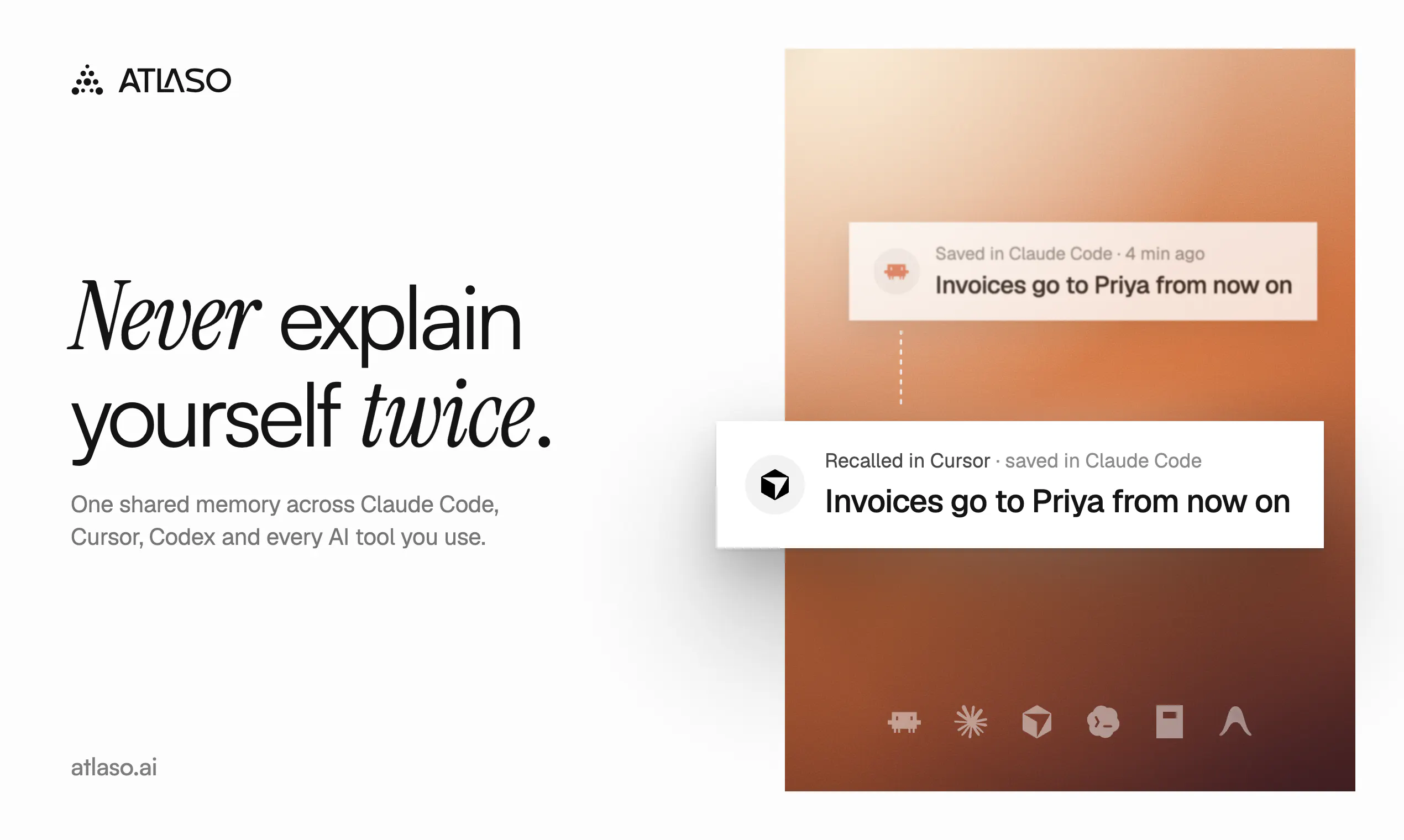
It's free for one tool, no credit card needed. Pro is $10/month if you want your memory to follow you across every tool and device.
Try it here: atlaso.ai
What would help us most:
Use it for a day in the AI tool you use most, then tell us the first thing that confused you.
What should it have remembered that it didn't? Or what did it remember that it shouldn't have?
Which tool should we support next?
If Atlaso earns it, a review on our Product Hunt page helps a small team more than you'd think.
I read and reply to every comment here. Honest feedback is welcome, even the harsh kind. It's the reason this redesign happened.
Thanks for reading,
Ashish
Replies
The clearer Connections page sounds especially helpful. Knowing when something stops working can save a lot of frustration.
@marissa__bronfman
Thanks Marissa! That one came from our own frustration. A tool could look connected but have quietly stopped saving, and you'd only find out days later when it forgot something you'd told it. Now it tells you right away and hands you the fix.
Curious, which AI tools do you use day to day?
@ashish_khandelwal11 Mostly ChatGPT and Claude for my daily work. I also try different AI tools depending on the task. The connection alert sounds really useful when switching between tools.
@marissa__bronfman That's such a common combo, and good news: both work with Atlaso. It connects to Codex and to the Claude Desktop app, so what you tell one, the other already knows. Free covers one tool if you want to try it, and Pro links both.
If you give it a go, I'd love to hear what it remembers, and what it misses.
Haven’t seen the earlier version, but I’ll definitely check this one out.
One thing I’d like to see on the landing page is more real world case scenarios. The numbers are there to establish credibility and show the proof, but examples of how the product actually makes life easier or helps people work more efficiently would make the value much clearer.
@sanjeev617 Thanks Sanjeev, you're right. The numbers show it works, but not what your day looks like with it. Something like: explain your project to Claude Code once, open Cursor the next morning, and it already knows.
What do you mostly use AI tools for? I'd love to make one of our examples look like your day.
@ashish_khandelwal11 Claude and ChatGPT, but my team has their own preferences too, depending on their work style and the requirements of their role.
The one that bites me is memory that was right when it was saved. I keep plain notes files for Claude Code, and yesterday it started from a summary that was seventeen days old and treated it as current. Nothing in it was wrong on the day it was written.
Does Atlaso date what it remembers, or show when something was last confirmed?
@dalemooney Seventeen days is exactly the trap: right when it was saved, wrong now. Yes, every memory in Atlaso is dated when it's saved, and you can see the date in your dashboard. When you change a decision, the new version takes over instead of sitting next to the old one.
We don't show a separate "last confirmed" date yet, and that's a good idea. Would you rather old memories get flagged, or just clearly dated?
@ashish_khandelwal11 Flagged, I think. A date only helps if something reads it, and the agent pulling the memory in won't check it on its own. What I'd want is anything past a few weeks arriving marked as "check before relying on this", so the model says it's unsure rather than acting on it.
@dalemooney That's sharper than how our own notes had it. You're right: a date only helps if something reads it, and the model won't check it on its own. Recalling older memories marked "check before relying on this" is exactly the right shape, and it's going on our list.
Mind if I tag you here when it's in? You'd be the right person to try to break it.
@ashish_khandelwal11 Go for it, happy to have a go at breaking it.
Congrats on the redesign. One pattern that has helped me in a design tool is treating empty, loading, and error states as part of the core workflow—not polish: show what is remembered, when it was last confirmed, and how to correct it in place. That makes a cleaner dashboard feel trustworthy without adding more chrome. The browse-by-project/date plus ⌘K direction sounds like the right foundation.
@michaelh_rley Thanks Michael, that's a great way to put it: trust lives in those states, not in the polish. Each memory already has its own page showing which tool saved it and when, and you can change its category or forget it right there.
"Last confirmed" is the piece we don't have yet, and you're the second person today to raise it, so it's clearly the gap. How do you show it in your design tool? A date, or something softer, like a fading marker?
Adding to Dale's point about stale memory: some of it shouldn't be saved in the first place. A memory describing how a module is structured is just a copy of the code, and the copy goes stale the first time someone refactors.
I have a dependency pinned to an exact version only because the build breaks without it. In the code it looks like leftover mess, and an agent will happily clean it up. One line of memory with the reason stopped that.
So I would rather Atlaso turned down some saves than kept everything. Can it tell a decision apart from a description of the code, or is that left to the user?
@siarheihamanovich Thanks Siarhei, the pinned dependency is the perfect example. The code shows what's pinned, and only the memory knows why. That's what Atlaso is built to keep: decisions, preferences and lessons. A background pass also cleans up rough notes and drops the noise.
Honest answer to your question: there's no specific check yet for a note that just describes the code, so some can slip through, and you'd forget them from the dashboard. Would you rather it skip those quietly, or ask you first?
@ashish_khandelwal11 Ask, but rarely. Skipping quietly is the same trap as the connection that silently stopped saving: I'd never find out what it dropped.
The test I use on my own notes is whether the sentence would still be true after someone rewrote the file.
If every save comes with a prompt, people learn to click yes without reading. So I'd ask only when it's unsure, and say why: "this looks like it describes the code in X".