

From “Mac is full” to “what is actually filling it?”

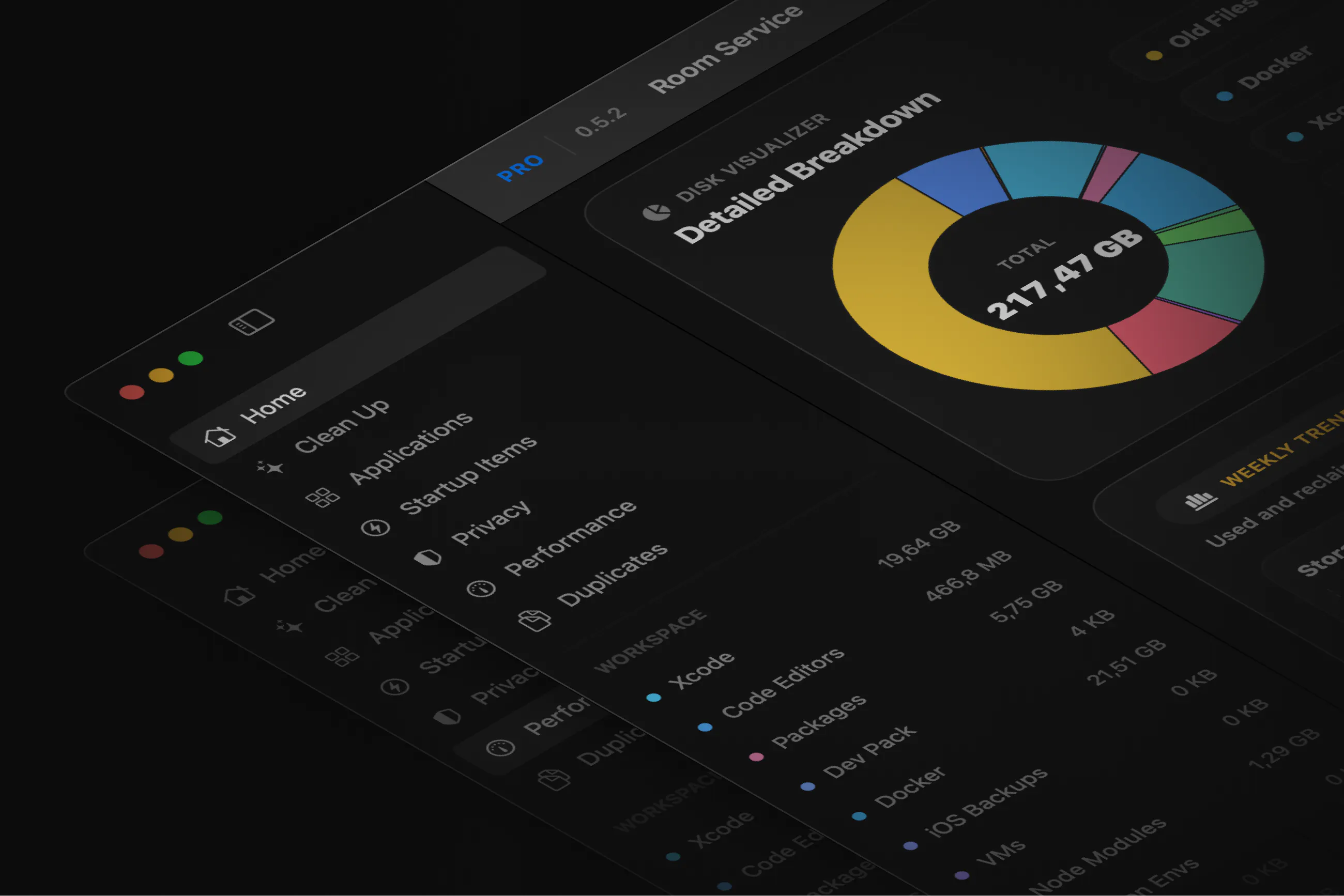
After launching Room Service, one thing became very clear:
This isn’t just a “developer problem” anymore.
AI tools, local models, game dev workflows, code editors…
they’re all silently filling up disk space in ways people don’t fully understand.
So instead of just improving cleanup, I started focusing on visibility first.
Here’s what I’ve been shipping recently:
Added an AI Storage category (shoutout to Takahito Yoneda for the idea 🙌)
(this one was long overdue tbh)
Detects local models and ML caches from tools like Ollama, Hugging Face, Whisper, PyTorch
Support for custom AI storage paths
so non-standard setups don’t get missed
30–40% faster scans
especially noticeable on heavier setups
A dedicated Code Editors category
VS Code, Cursor, JetBrains, Android Studio, etc.
Reworked the Duplicate Finder
safer review flow, better comparisons, more control
Orphaned startup item detection
finds background stuff from apps you’ve already deleted
General cleanup flow improvements
better grouping, clearer risk signals, more direct actions
The goal is still the same:
Not to build another cleaner,
but to help you understand your system before you clean it.
If you’re using AI tools or heavier dev setups,
curious if you’re running into the same thing.
Replies