
 •
•2mo ago
Launching FastFilers – looking for honest feedback
Hi everyone!
I'm Albert, co-founder of FastFilers.
We built FastFilers because we noticed many people either struggled with the Income Tax portal or paid high fees for relatively simple ITR filing.
Our approach is to combine automation with review from experienced tax professionals. The platform organizes tax information, while an expert reviews everything before the return is filed.
 •
•2mo ago
Bouncing Ball - A simple Android arcade leaderboard challenge

Hello!
I am working on Bouncing Ball, a simple pixel-art arcade game for Android.
Move the wooden plank, keep the ball bouncing, beat your high score, and compete on the global leaderboard.
 •
•2mo ago
I built an AI sales agent for Instagram DMs, looking for honest feedback
I m 15 and I ve spent the last two months building Ryply, an AI sales agent for businesses that sell through Instagram DMs.
While Meta reviews the live Instagram integration, I built a public simulator. You can teach the agent about your business, interact with it as a potential customer, and see how it handles the sales conversation.
I m trying to learn:
Would you trust it to speak with your leads?
At what point should it involve the business owner?
What would prevent you from using it?
 •
•2mo ago
Descript wanted $24/mo, I built an open-source alternative in a weekend
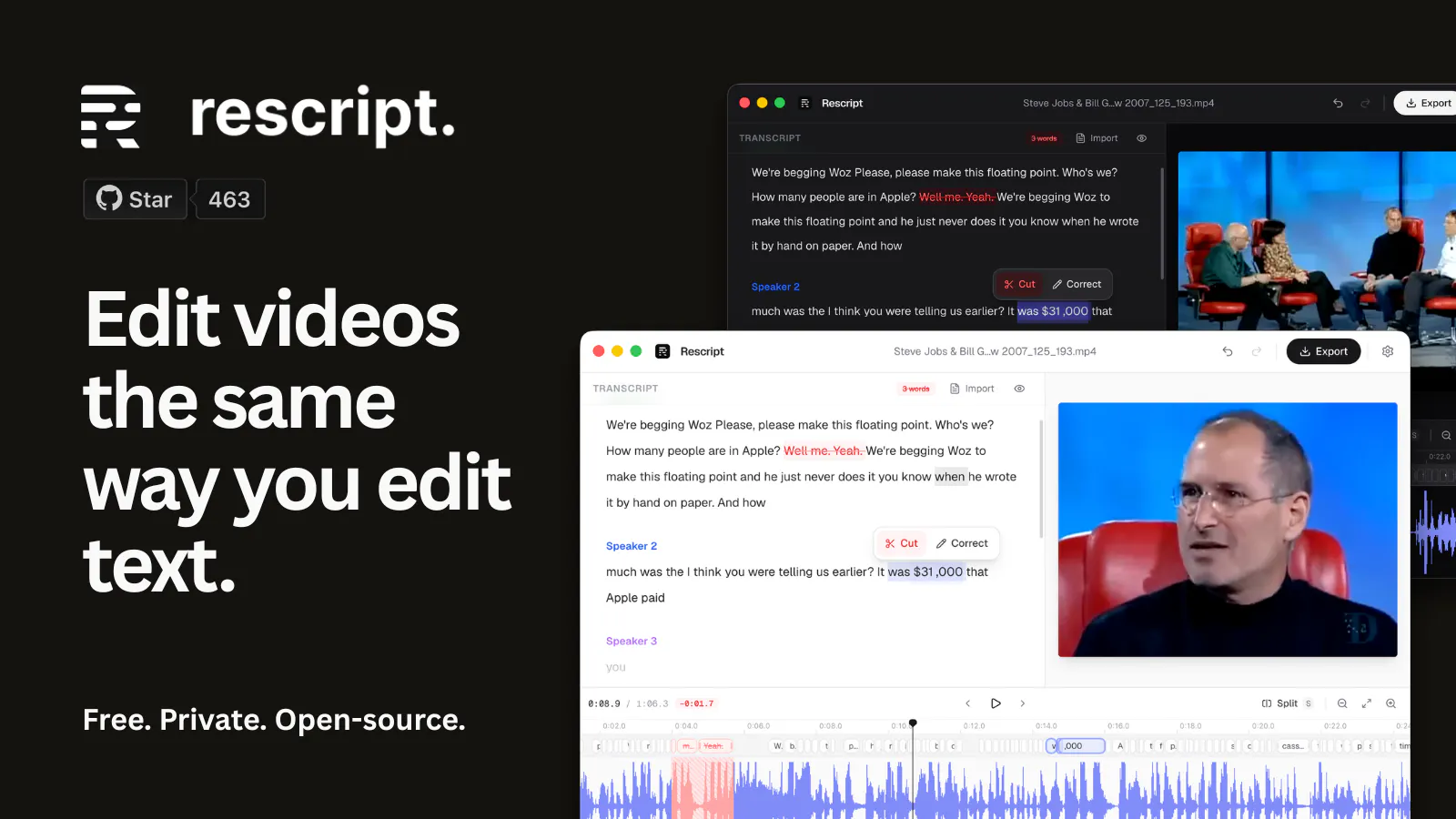
Introducing Rescript: an open-source text-based video editor.
Edit video and audio files by simply editing the transcript text.
Drop in a video and it is transcribed locally with per-word timestamps and speaker labels. Delete words in the transcript and the corresponding clip is cut from the video.
Runs fully in the browser: Local, free, offline and open source.
 •
•2mo ago
What if Google just... disappeared? (Like Yahoo did)
In 2000, Yahoo was the front door to the internet. Then Google's PageRank ate its lunch, and within a few years Yahoo went from "the internet" to "that thing your uncle still uses for email."
It didn't happen overnight. It happened because a better distribution layer showed up.
Now ask the uncomfortable question: what's Google's PageRank moment?
The signals are already here:
 •
•2mo ago
Built an AI VC coach after one too many silent rejections
You spend months building. You finally get a pitch in front of a VC. Then... nothing. No feedback, no reason, just silence.
And you're left wondering what you did wrong, with zero way to fix it for the next one.
That's why I built NEO KI, and specifically CARTER: an AI VC coach trained to scan your deck and give you the red flags straight, no sugarcoating, then train you to actually answer the questions VCs will throw at you.
 •
•2mo ago
We just opened contributions for ReadRiff. What makes you actually want to write for a publication?
One thing I realized while building ReadRiff is that most platforms compete for readers, but very few genuinely help thoughtful people share what they know.
So today I opened Write for ReadRiff.
The idea is simple: if you have something genuinely worth teaching, explaining, or sharing, you can become a contributor. You don't need to be a professional writer. You could be a student, founder, developer, researcher, designer, educator, or simply someone with an idea that's worth reading.
 •
•2mo ago
MagicGEO – the first GEO platform helping Shopify & WooCommerce stores get cited by AI Engines
Hey PH,
I'm a solo founder building MagicGEO a platform that helps Shopify and WooCommerce stores get cited by ChatGPT, Perplexity, Claude, and Google SGE.
Most merchants have great SEO but are completely invisible on AI search. Traditional SEO optimizes for Google rankings. AI doesn't rank pages the same way it cites entities, structured data, and trusted sources.
MagicGEO automates the entire GEO workflow:
 •
•2mo ago
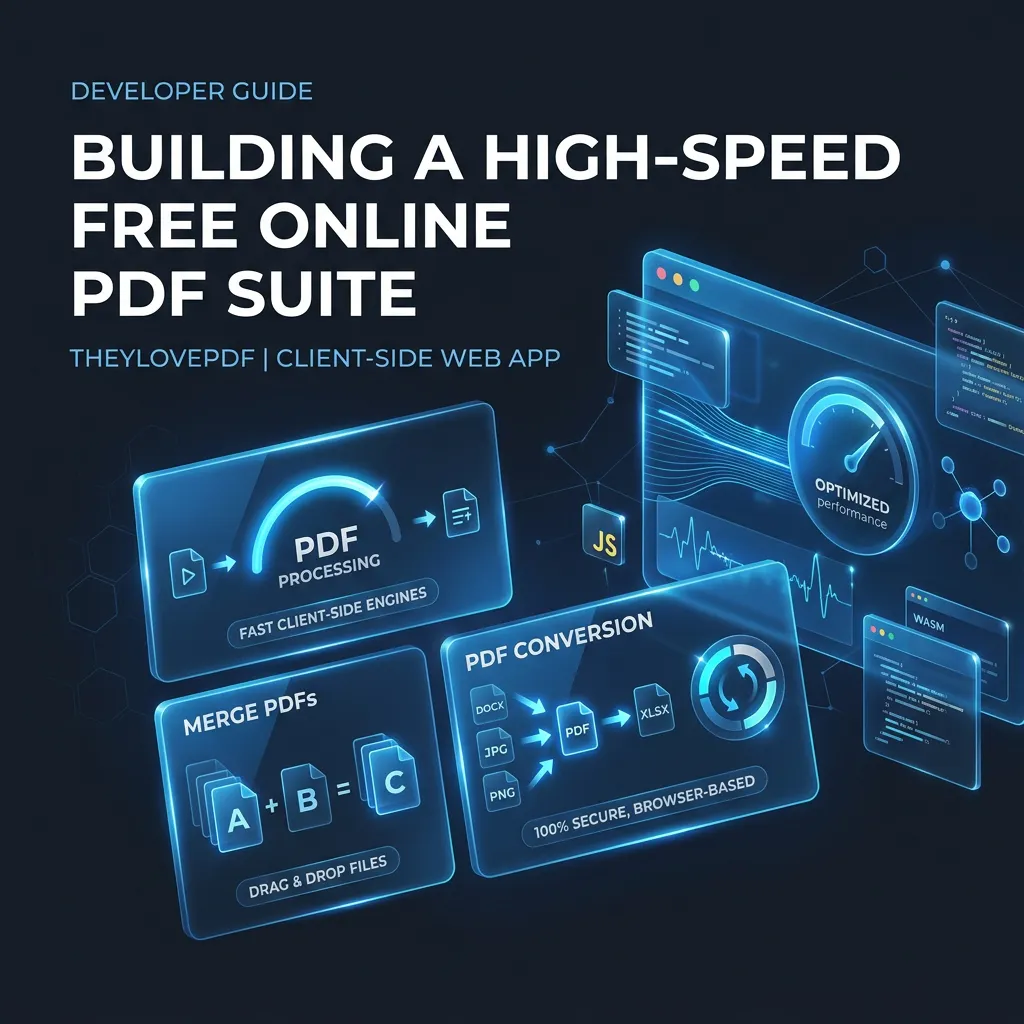
How We Built a Fast, Browser-Side PDF Suite with Zero Paywalls (TheyLovePDF)
Working with PDF documents online is often a frustrating experience. Popular online document utilities frequently force users through subscription paywalls, restrict free usage to 2 tasks per day, or slap intrusive watermarks across confidential files.
To solve this, we engineered TheyLovePDF https://www.theylovepdf.com a fast, 100% free online PDF suite built for high-speed processing directly in your browser.
Architectural Focus: Client-Side Speed & Privacy
Traditional PDF tools process every document on external backend servers, creating queue delays and privacy risks. TheyLovePDF utilizes modern browser technologies to execute heavy operations client-side whenever possible:
1. Unlimited Merge & Split PDF: Drag and drop multiple PDF files to combine them or extract specific page ranges instantly with zero watermarks.
2. Target Size Compression: Compress large PDF files precisely under 100KB, 200KB, and 1MB for portal uploads and email attachments.
3. Multi-Format Document Conversion: Convert between PDF and Word (DOCX), Excel (XLSX), PowerPoint (PPTX), and high-resolution JPG images.
4. Digital Signatures & Editing: Sign agreements online, fill out PDF forms, rotate pages, and apply password protection.
5. AI-Powered OCR & Chat: Extract text from scanned bank statements and interact with complex PDF documents using natural language AI.
Zero-Trust Privacy Model
Document security is our top priority. Transferred files use 256-bit SSL encryption, with automated server deletion within 2 hours. We do not store, track, or monetise user document data.
Try It Free
If you are tired of daily processing limits or watermarked exports, check out the web app:
https://www.theylovepdf.com
We would love to hear feedback and feature requests from the DEV community!
 •
•2mo ago
I built a tool that scores job ads A to F. The hard part isn't the score.
I spent months job hunting this year, and what wore me down wasn't rejection. It was not knowing which ads were real.
So I built WorkstationAI. Paste a job ad and get an A to F "should I apply?" score with a scam and ghost-job check, then CV tailoring, company research, and interview prep built from live research on that company. Free tier, pay per use, launching here on 4 August.
The hard part has turned out to be calibration, not the model. Telling someone "this is a D, don't apply" only works if they trust it. Right now it reads the ad text only, with no live check on whether the company is actually hiring. Flagging a genuine ghost job without crying wolf on every vaguely written ad is the thing I keep rebuilding.
Two questions for anyone who's been through it: